ripgrep (rg): faster code search than grep that respects .gitignore
TL;DR
ripgrep searches recursively and in parallel, skipping .gitignored, hidden and binary files by default. Filter with -t and -g, use -uu to include ignored files, and -r only previews replacements.
Searching for a string in a codebase is something developers do dozens of times a day. With grep -r you hit three annoyances: it's slow, it digs through node_modules and build folders, and you need to remember a pile of flags to filter. ripgrep (the rg command) fixes all three: by default it respects .gitignore, skips hidden and binary files, and searches in parallel across threads. It is also the engine behind VS Code's search.
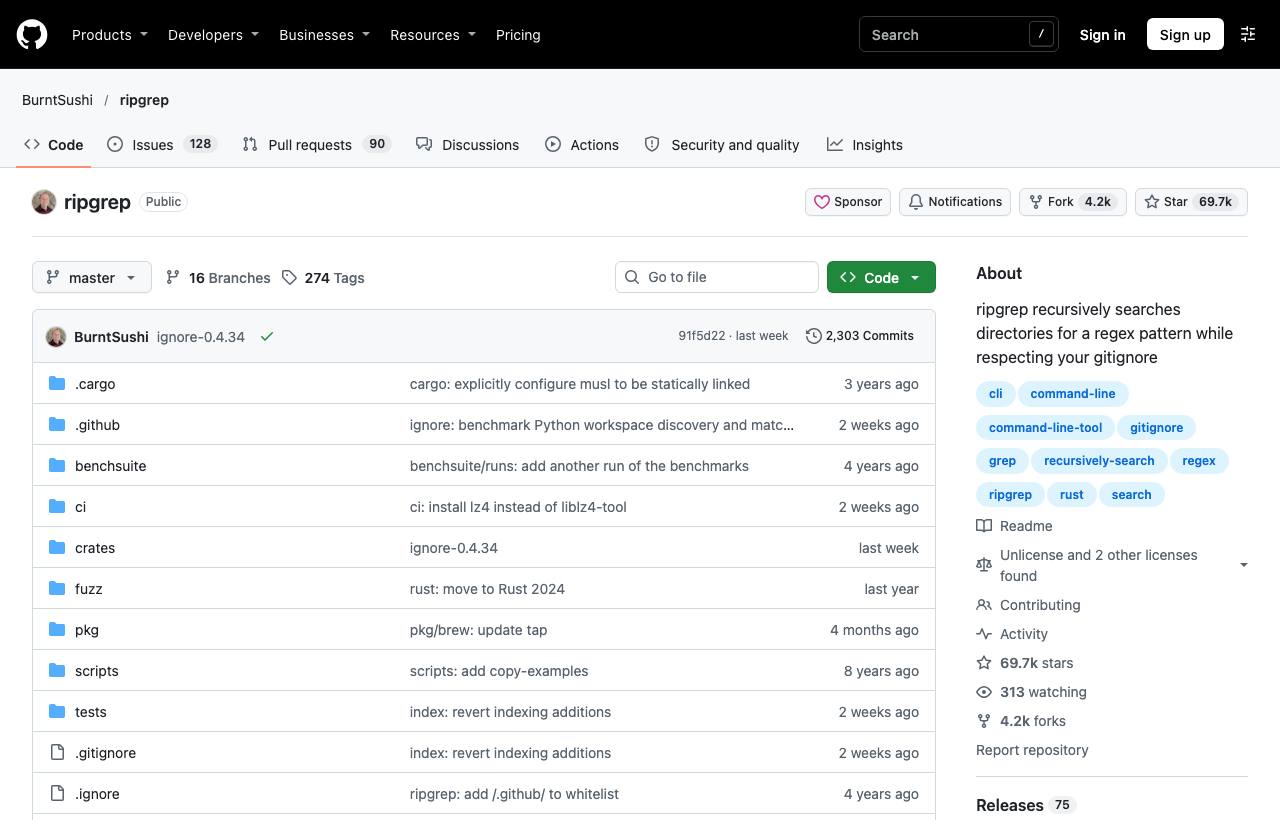
Installation
# macOS
brew install ripgrep
# Windows
winget install BurntSushi.ripgrep.MSVC
# Ubuntu/Debian
sudo apt install ripgrep
# With Rust
cargo install ripgrep
Basic usage
rg "TODO"                  # search the current directory recursively
rg -i "user not found"     # case-insensitive
rg -S "UserService"        # smart case: case-sensitive only if there are capitals
rg -w "id"                 # whole words only
rg -F "a.b(c)"             # fixed string, not a regex
rg -C 3 "panic"            # 3 lines of context before and after
Results are grouped by file, with line numbers and highlighted matches. When output is piped to another command, rg automatically switches to one line per match.
Filtering by file type and path
| Flag | Effect | Example |
|---|---|---|
-t / -T | Only search / exclude a file type | rg -t py "import os" |
-g | Filter by glob; prefix ! to exclude | rg -g '!*.min.js' "fetch(" |
-l | Print only names of files with matches | rg -l "deprecated" |
-c | Count matching lines per file | rg -c "console.log" |
-u, -uu, -uuu | Ignore .gitignore; also hidden files; also binary files | rg -uu "API_KEY" |
--type-list | Show the file types rg knows | rg --type-list | rg ts |
Advanced tips
- Preview a replacement:
rg "oldName" -r "newName"prints results with the replacement applied, but does not edit files. Use it to check before editing for real with another tool. - More powerful regex:
rg -P "(?<=price: )\d+"enables PCRE2 for lookarounds. - Combine with other commands:
rg -l "TODO" | xargs codeopens every file with a TODO in VS Code. - Default config: create a file such as
~/.ripgreprcwith one flag per line (e.g.--smart-case), then setexport RIPGREP_CONFIG_PATH=~/.ripgreprc. - Machine-readable output:
rg --json "pattern"returns JSON for scripts and other tools.
Caveats
- "No results" usually means the file is gitignored or hidden. Retry with
-uubefore concluding the string doesn't exist. - When searching for secrets such as API keys, use
-uu:.envfiles are typically both hidden and gitignored. - rg's default regex engine (Rust regex) doesn't support backreferences; use
-Pwhen you need them.
How to apply it
- Dev: Build muscle memory with
-tand-ginstead of filtering through pipes. Combine with fzf and bat to search and preview files right in the terminal. - Tech Lead: Use rg in simple CI checks, for example to block merges that still contain
debugger:! rg -q "debugger" src/. - PM: When estimating the blast radius of a change (say, renaming an API), ask a developer to run
rg -cfor an actual count instead of a guess.
Sources & references
- BurntSushi/ripgrep — BurntSushi (GitHub)