10 must-have skill repos for Claude Code: what they do, how to install and use them
TL;DR
The 10 most popular skill repos fall into five groups: process (Superpowers, Matt Pocock, Agent Skills), simplicity (Karpathy, Ponytail), tokens (Caveman, Graphify), UI (UI UX Pro Max, Taste) and foundation (Anthropic Skills). Each comes with install commands, usage and caveats; pick the 2–3 that fit your problem instead of installing all ten.
Once Claude Code is installed, most people run into the same handful of problems. The agent starts coding before it understands the request. It writes three times the code it needs and "refactors" things nobody asked it to touch. It rereads the whole codebase and burns tokens. And the UI it builds looks obviously AI-made. The good news: the community has packaged a fix for each of these as skills and plugins. Install once, and the agent applies them on its own.
This post walks through the 10 most-used skill repos right now. For each one: what problem it solves, how to install it, how to use it day to day, and what to watch out for. At the end you'll find which repos combine well and which ones fight each other. If you're not sure what a skill is, start with What are Agent Skills?.
The 10 repos at a glance
| Repo | Problem it solves | How you use it | License |
|---|---|---|---|
| obra/superpowers | Agent codes before there's a design or plan | Auto-triggers, mandatory workflow | MIT |
| mattpocock/skills | Misunderstood requirements, code that slowly turns to mud | Slash commands, mix and match | MIT |
| addyosmani/agent-skills | Agent takes shortcuts instead of following an engineering process | /spec → /plan → /build → /ship | MIT |
| andrej-karpathy-skills | Wrong assumptions, overcomplication, drive-by edits | One always-on CLAUDE.md | MIT (per README) |
| DietrichGebert/ponytail | Too much code, over-engineering | Always on + review commands | MIT |
| JuliusBrussee/caveman | Wordy answers that cost tokens | /caveman, proxy CLI | Apache-2.0 |
| Graphify-Labs/graphify | Agent keeps grepping and rereading files | /graphify builds a knowledge graph | Apache-2.0 |
| ui-ux-pro-max-skill | UI without a design system | Auto-triggers on UI work | MIT |
| Leonxlnx/taste-skill | Landing pages that look AI-made | Auto-triggers + real-browser check | MIT |
| anthropics/skills | Office/PDF files, writing your own skills | Call a skill by name | Per skill (Apache 2.0) |
Star counts and details below were taken from GitHub on 14 November 2026. Every effectiveness figure (X% fewer tokens, X% less code) is self-reported by the authors and has not been independently verified.
Group 1: A disciplined workflow
1. Superpowers: design → plan → TDD, then code
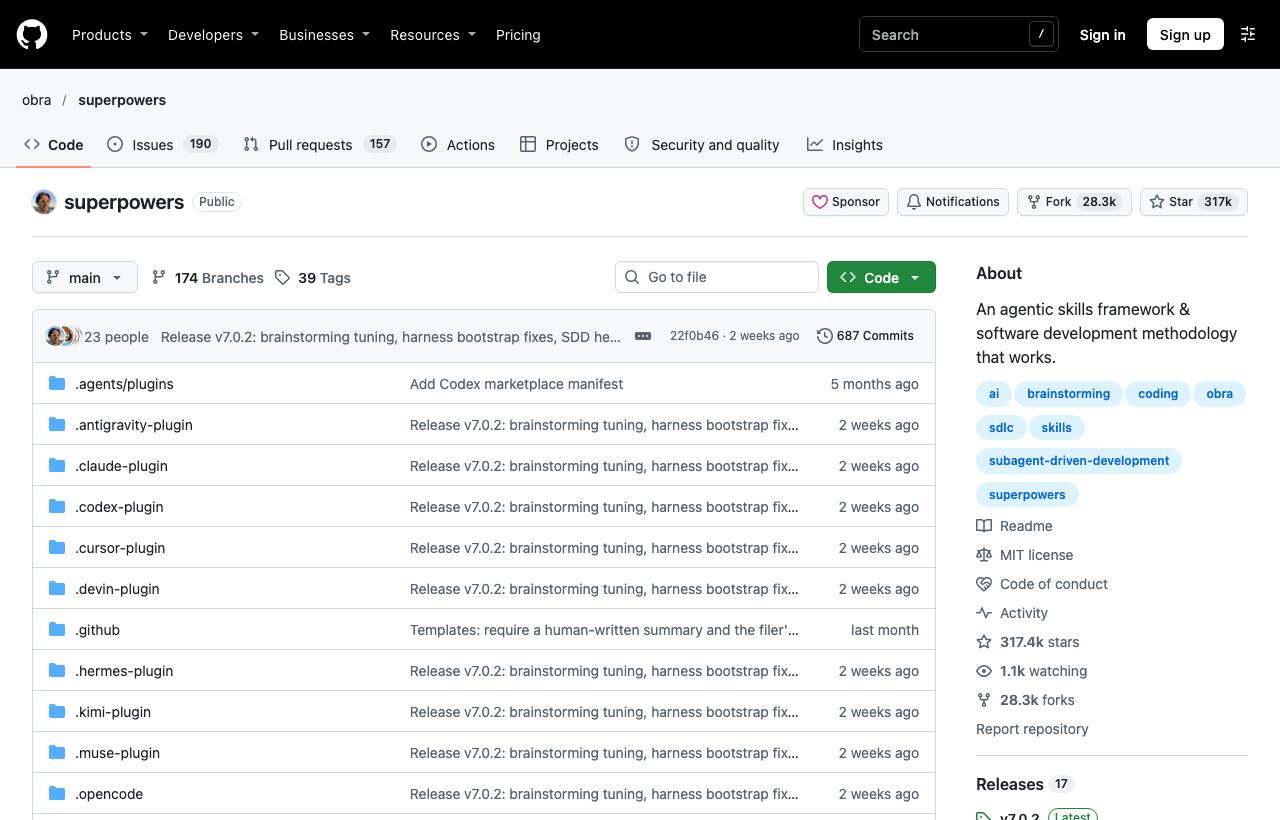
What it's for: it turns the agent into a disciplined engineer. Instead of jumping into code, the agent questions you to pin down intent and writes a design doc. Then it splits the work into 2–5 minute tasks, each with exact files, code and a check, and runs them with subagents using TDD. Core skills: brainstorming, writing-plans, using-git-worktrees, test-driven-development, systematic-debugging, requesting-code-review, finishing-a-development-branch.
/plugin install superpowers@claude-plugins-official
# or
/plugin marketplace add obra/superpowers-marketplace
/plugin install superpowers@superpowers-marketplace
How to use it: no command needed; the skills trigger themselves. To check the install, type "Let's make a react todo list": the agent should ask questions and brainstorm before writing any code. If a session goes off the rails, ask it to "figure out what went wrong with superpowers in this session".
Watch out: the README itself admits the process uses more tokens than you'd expect, so don't use it to fix a typo. The visual companion loads a logo from the author's site along with the version number; turn that off with SUPERPOWERS_DISABLE_TELEMETRY. More detail: our Superpowers post.
2. Matt Pocock Skills: small skills you combine as needed
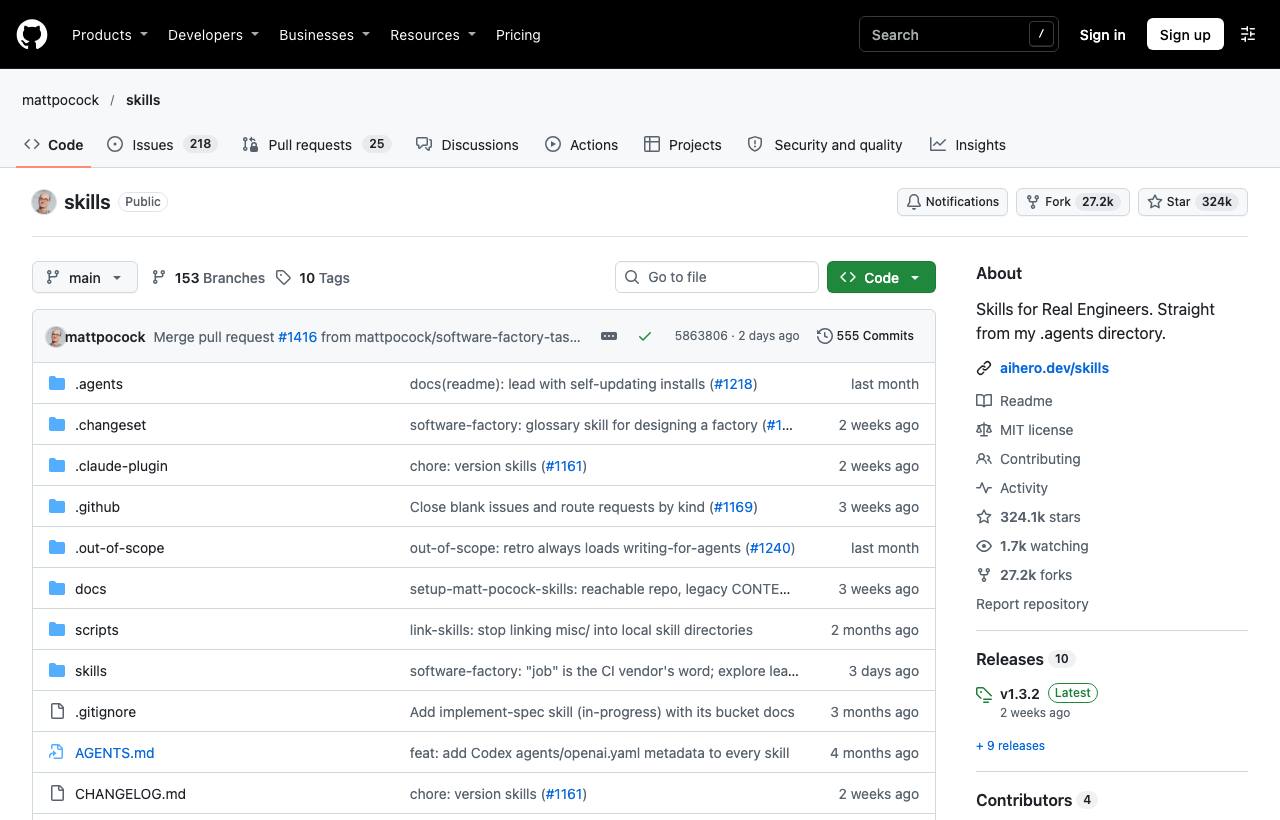
What it's for: unlike Superpowers, Matt Pocock doesn't impose a whole process. He ships small skills that you combine yourself. They target four failure modes: misalignment, verbosity, broken code, and a codebase that becomes a "ball of mud". Highlights:
/grill-me,/grill-with-docs: the agent interrogates you before making changes; the docs version also builds aGLOSSARY.mdand ADRs. The README says these are the most popular./tdd: red-green-refactor in vertical slices./diagnosing-bugs: reproduce → minimise → hypothesise → instrument → fix → regression test./to-spec,/to-tickets,/implement: from a conversation to a spec, tickets, then code./improve-codebase-architecture: finds modules worth deepening and writes an HTML report.
claude plugin install mattpocock-skills@claude-plugins-official
# then, once per repo:
/setup-matt-pocock-skills
How to use it: a typical flow is /grill-with-docs → /to-spec → /to-tickets → /implement. For hard bugs, call /diagnosing-bugs. Not sure which skill fits? Ask /ask-matt.
Watch out: pick one install method per agent. Installing both the plugin and npx skills gives you every skill twice. The set also assumes you work with an issue tracker.
3. Addy Osmani's Agent Skills: a senior engineer's process as commands
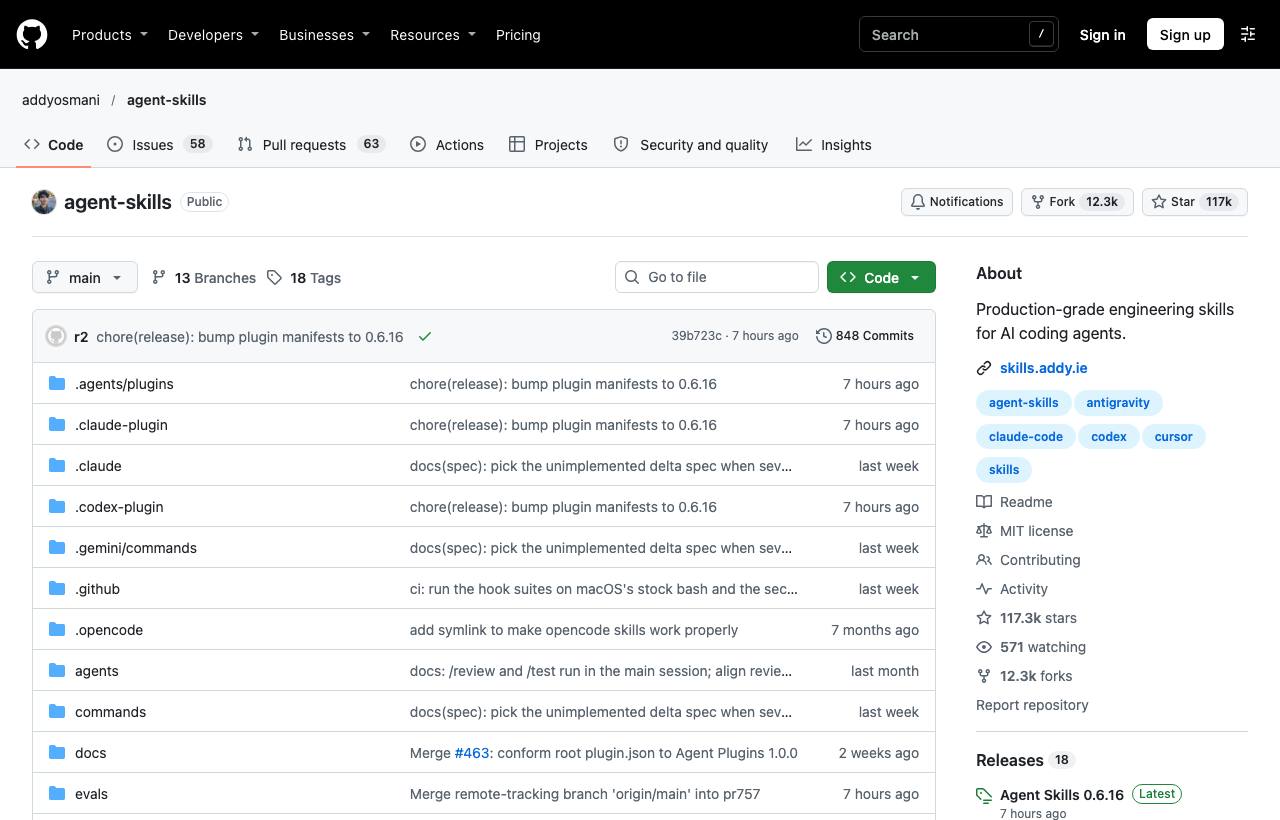
What it's for: 25 "production-grade" skills built around Define → Plan → Build → Verify → Review → Ship. Each skill comes with a table that blocks self-justification ("surely this doesn't need a test") and requires evidence before the agent reports done. The repo also ships 4 personas: code-reviewer, test-engineer, security-auditor and web-performance-auditor.
/plugin marketplace add addyosmani/agent-skills
/plugin install agent-skills@addy-agent-skills
# or, for other agents:
npx skills add addyosmani/agent-skills
How to use it: run /spec → /plan → /build → /test → /review → /ship in order. In Claude Code the review command is /agent-skills:review, because the name clashes with the built-in /review. There are also /webperf and /code-simplify.
Watch out: installing a single skill with --skill leaves out the shared references/ folder. The process is heavy for small changes.
Group 2: Discipline and simplicity
4. Karpathy Skills: four principles in one CLAUDE.md
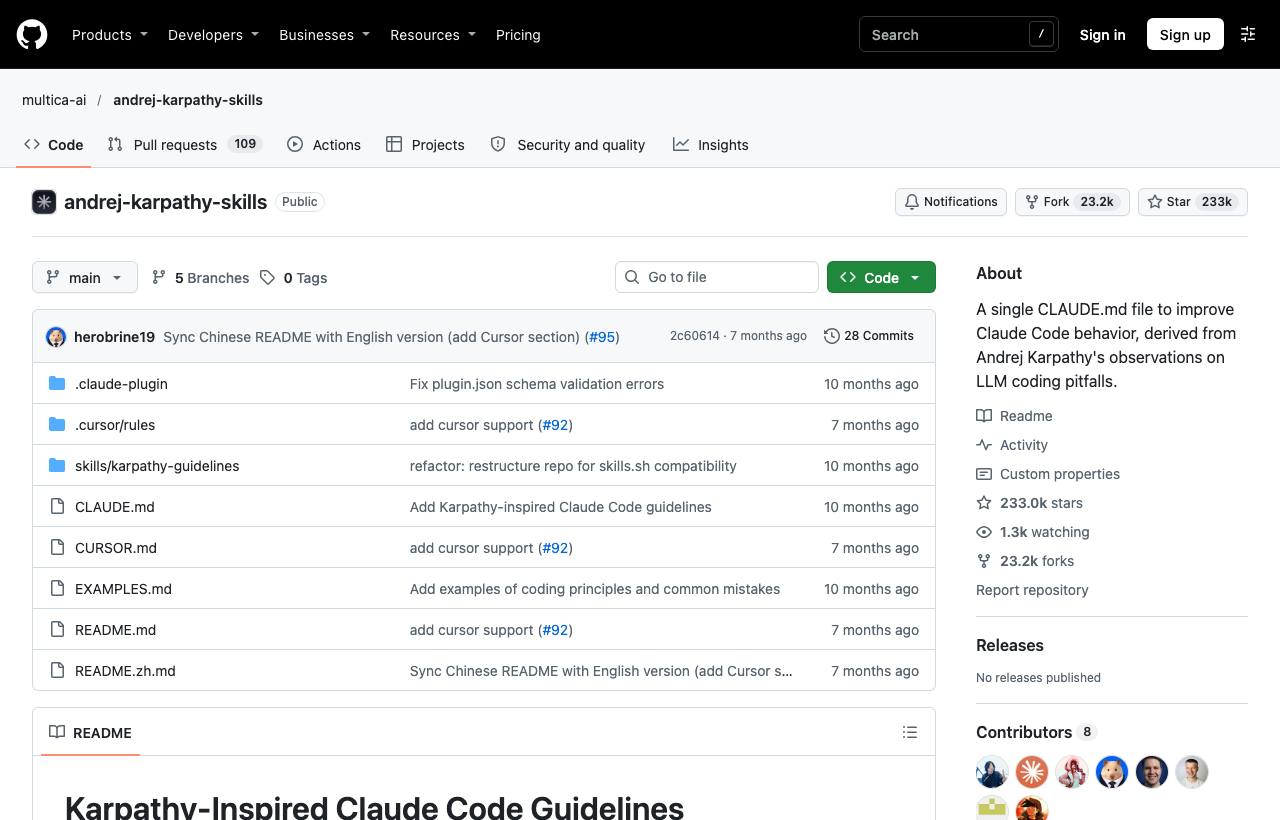
What it's for: a CLAUDE.md of about 360 words, distilled from Andrej Karpathy's observations on the mistakes LLMs make when coding. Four principles: think before coding (state assumptions, ask when unsure), simplicity first (no speculative features or abstractions), surgical changes (touch only what the task needs), goal-driven execution (turn tasks into verifiable goals, tests first).
/plugin marketplace add forrestchang/andrej-karpathy-skills
/plugin install andrej-karpathy-skills@karpathy-skills
# or just grab the file for one project (use >> if you already have a CLAUDE.md):
curl -o CLAUDE.md https://raw.githubusercontent.com/forrestchang/andrej-karpathy-skills/main/CLAUDE.md
How to use it: nothing to invoke; it is always in effect. Signs it's working: smaller diffs, the agent asks before acting, no more drive-by refactors. The repo also includes a Cursor rule.
Watch out: README links still use the old forrestchang name; GitHub redirects them to multica-ai. The repo hasn't changed since April 2026, so treat it as finished. The principles lean toward caution over speed, so be flexible on trivial tasks. Deep dive: Karpathy's four CLAUDE.md principles.
5. Ponytail: "the laziest senior dev in the room"
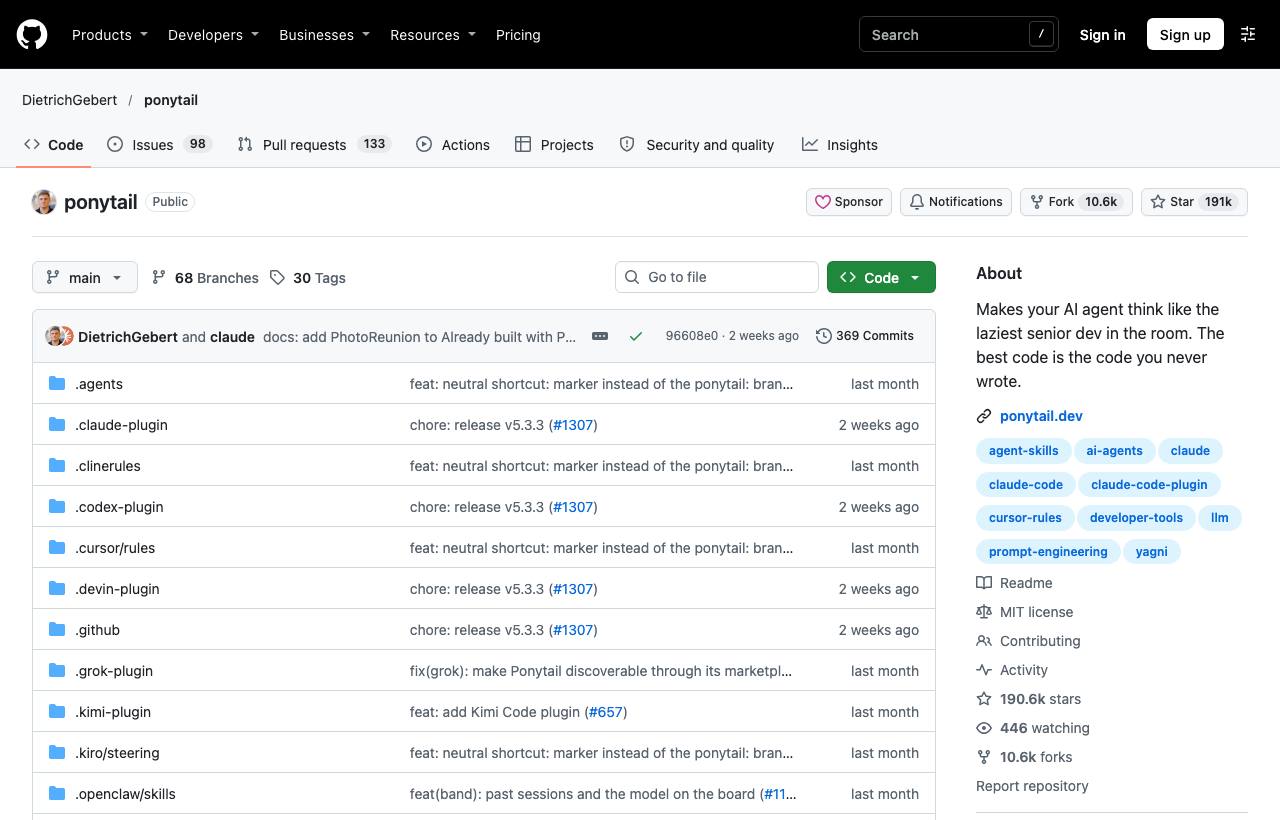
What it's for: before writing code, the agent climbs a "ladder" and stops at the first rung that solves the problem:
- Does this need to exist?
- Is it already in the codebase?
- Can the standard library do it?
- Is there a native platform feature?
- Can an installed dependency do it?
- Can it be one line?
- Only then write code, and write the minimum.
Ponytail never cuts validation, security, error handling or accessibility. Logic with branches, money or security always leaves a small test behind.
/plugin marketplace add DietrichGebert/ponytail
/plugin install ponytail@ponytail
How to use it: it's always on after install; set the level with /ponytail lite|full|ultra|off. Run /ponytail-review before committing. Use /ponytail-audit to review the whole repo and /ponytail-debt to collect tech debt. Turn it off with "stop ponytail".
Watch out: the −53% code and −45% tokens figures come from the author's own benchmark (39 tasks, Opus 5.5). The README warns that impostor copies exist: install only from DietrichGebert/ponytail.
Group 3: Saving tokens and context
6. Caveman: fewer words, fewer tokens
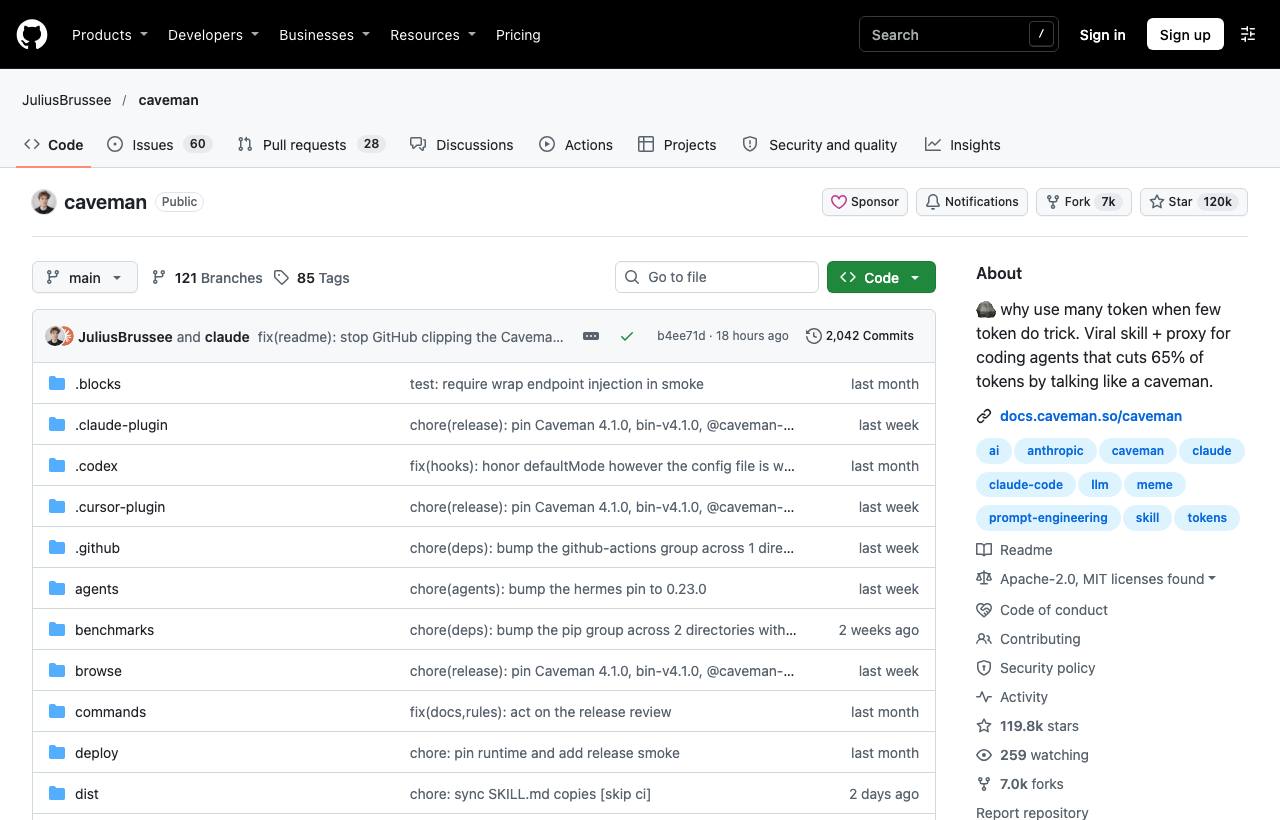
What it's for: it started as a skill that makes the agent answer in a clipped "caveman" style. Since v4, Caveman is also a proxy and CLI. The proxy compresses logs, JSON and test output before the model reads them, picks the model and effort level per request, and compresses web pages.
# skill only (runs locally, sends nothing):
/plugin marketplace add JuliusBrussee/caveman
/plugin install caveman@caveman
# full version with the proxy (needs Node 22.13+):
npx @caveman-ai/cli@latest
How to use it: /caveman, /ultracave, /megacave set how terse it gets; /caveman-commit writes a one-line commit; /caveman-review gives one finding per line; /caveman-compress CLAUDE.md shrinks a memory file (keeping a backup).
Watch out: the README is refreshingly honest. In the author's own test, /caveman saved only about 3% beyond simply asking for concise answers, while /ultracave saved about 35%. The rules themselves cost around 1,160 input tokens. The CLI sends telemetry by default (commands, token counts, OS, IP; not prompts or code), and you can turn it off. The Auto feature needs an account and sends requests to Caveman Cloud. More: our Caveman post.
7. Graphify: turn your codebase into a knowledge graph
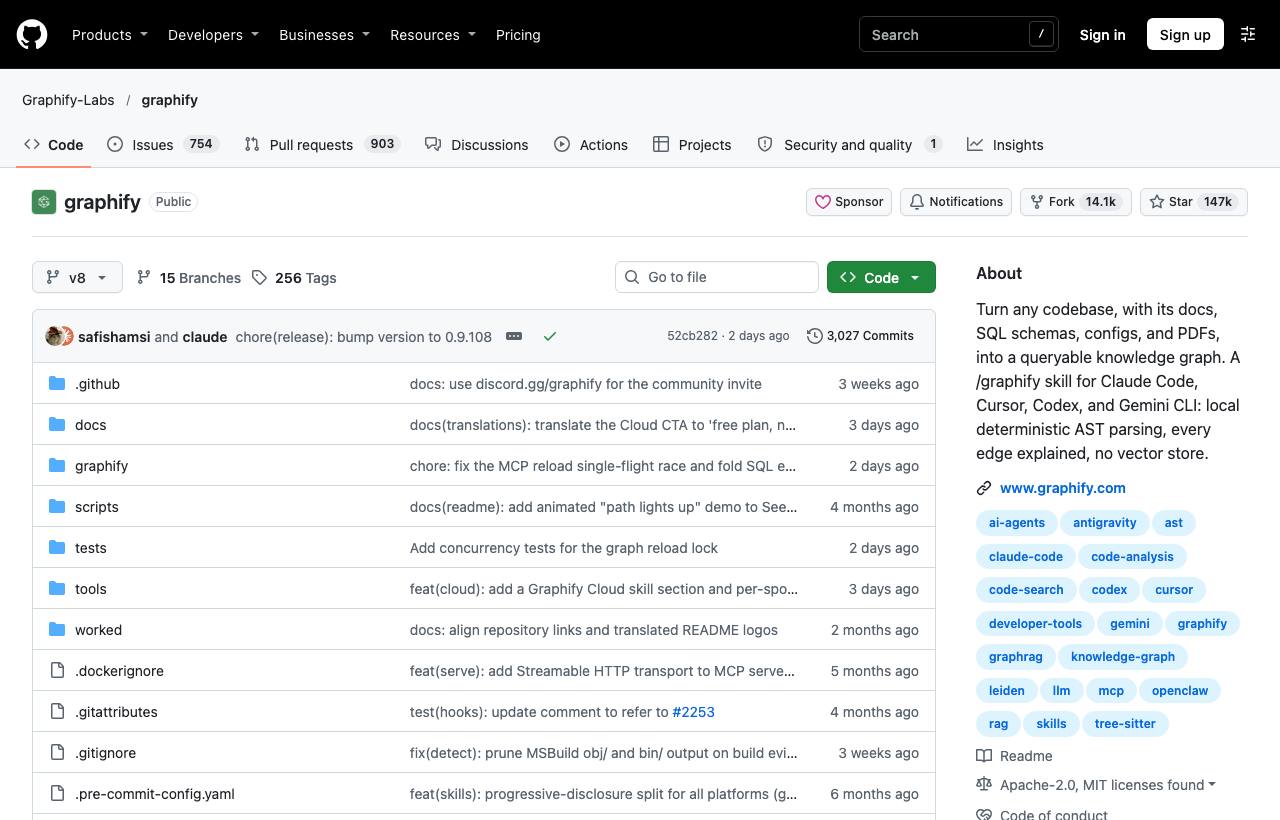
What it's for: it parses code (about 40 languages via tree-sitter), docs, SQL schemas and PDFs into a knowledge graph the agent can query, instead of grepping and reading file after file. Every edge is labelled EXTRACTED (taken directly from code) or INFERRED. Output: graph.html (interactive view), GRAPH_REPORT.md (central nodes, clusters, suggested questions) and graph.json.
uv tool install graphifyy     # note: two "y"s
graphify install
graphify claude install       # hook that nudges the agent to query the graph before grepping
How to use it: /graphify . builds the graph; /graphify . --update reprocesses only changed files. Ask questions with /graphify query "how does auth connect to the database?", /graphify path "UserService" "DatabasePool", /graphify explain "RateLimiter". Add graphify hook install to rebuild the graph on every commit.
Watch out: code is analysed entirely offline, but docs, PDFs and images are sent to the model for the semantic pass. PyPI has look-alike packages that aren't related, so install only graphifyy. The "80% fewer tokens" figure in the README refers to the paid Cloud product, not the open-source tool. Details: our Graphify post.
Group 4: UI design
8. UI UX Pro Max: a design system matched to your product
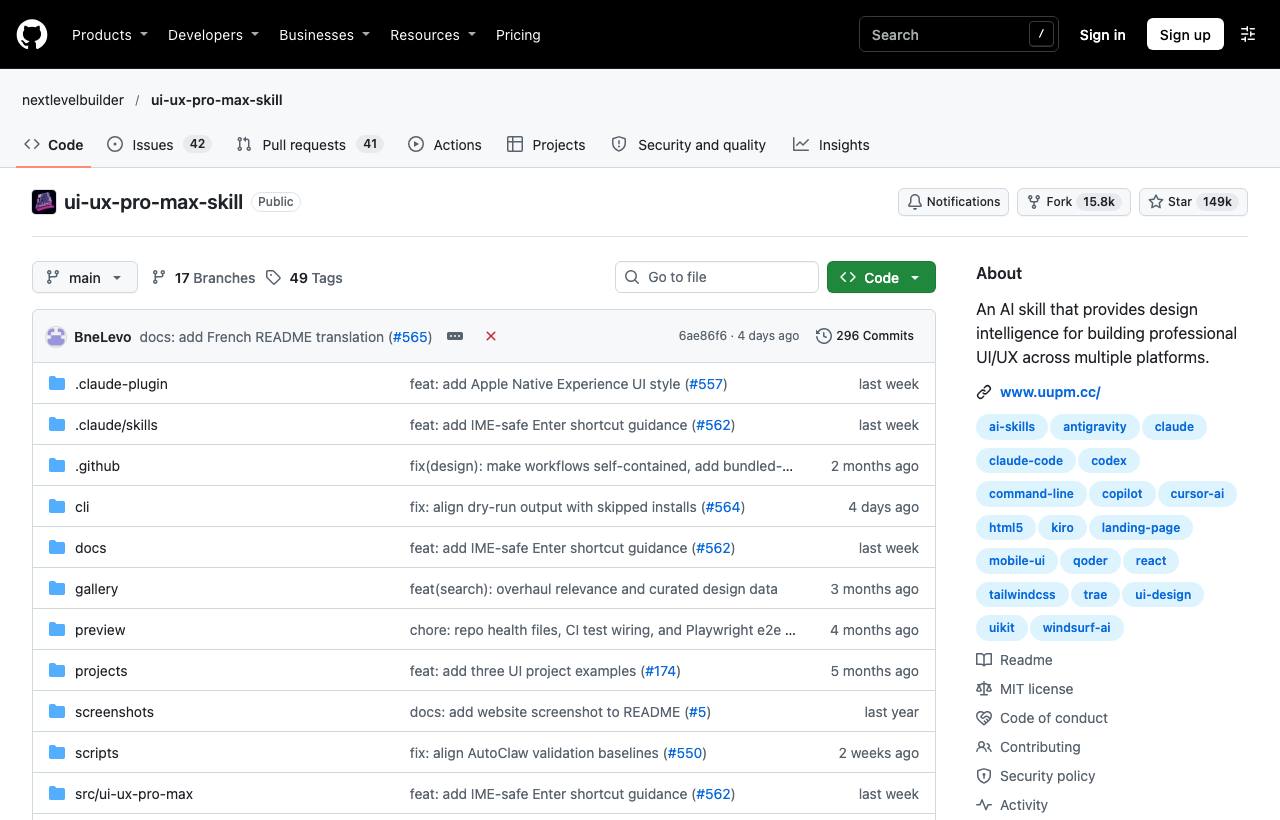
What it's for: a local "design knowledge" engine. You describe the product (say "relaxing spa" or "fintech SaaS"), and the skill searches its data and proposes a full package: layout, style, colour palette, font pairing, effects, things to avoid and a pre-delivery checklist. The README lists 192 palettes, 74 font pairings, 120 UX guidelines and support for 22 tech stacks. The --persist option saves the design system to design-system/<app>/MASTER.md so later pages stay consistent.
/plugin marketplace add nextlevelbuilder/ui-ux-pro-max-skill
/plugin install ui-ux-pro-max@ui-ux-pro-max-skill
# or the CLI, for many agents:
npm install -g ui-ux-pro-max-cli
uipro init --ai claude
How to use it: just ask as usual, for example "Build a landing page for my SaaS product", and the skill kicks in. To drive it yourself, run the search script with the --design-system flag.
Watch out: needs Python 3. The old uipro-cli package is no longer updated. There's a paid Premium tier for logos and brand assets; the free version is enough for UI work.
9. Taste Skill: websites with taste, checked in a real browser
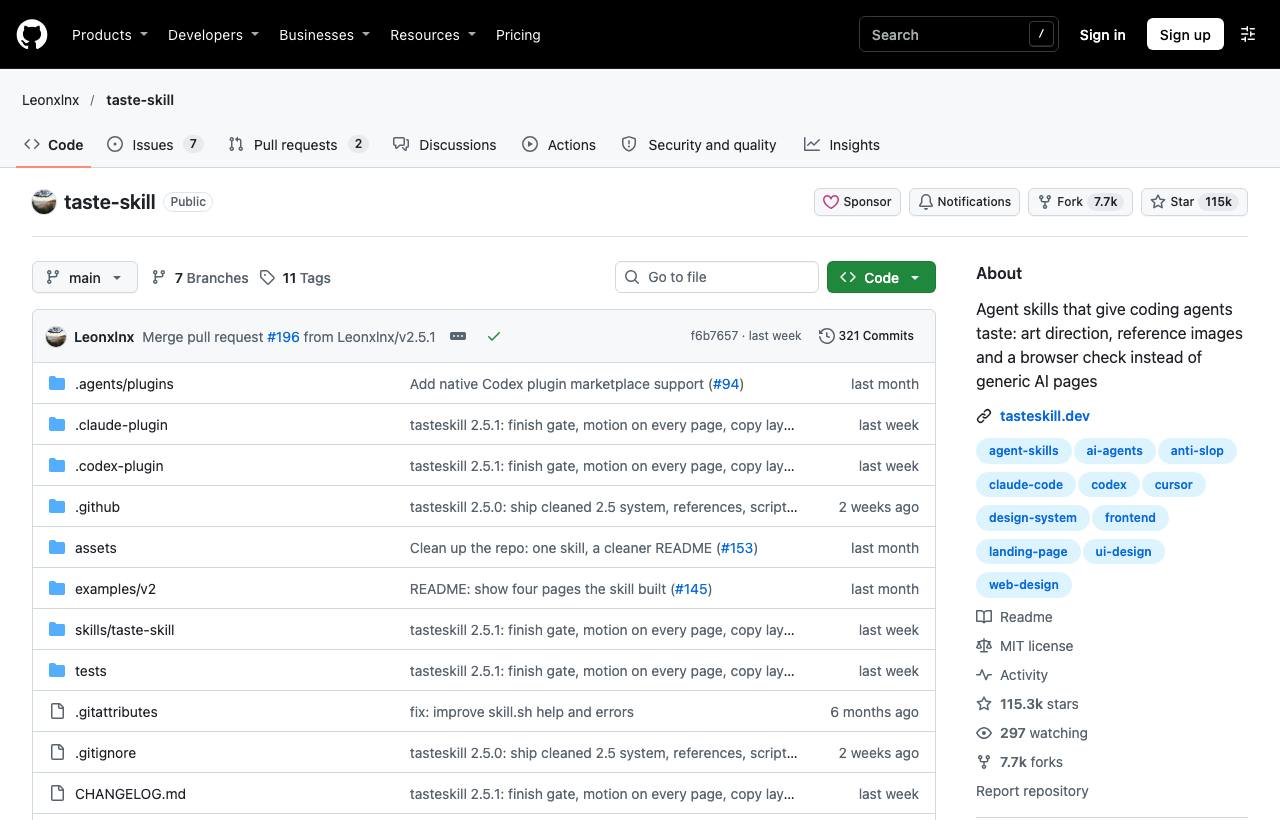
What it's for: the design-taste-frontend skill pulls the agent away from interchangeable AI landing pages. It enforces a single design system, one section per screen, real photos and icons, and shaders only for tech pages. Scripts pick a palette, fonts and one of 11 hero layouts. Most importantly, before handover the page is rendered in headless Chrome at four widths (1440, 1024, 768, 390) and reported as PASS, WARN or FAIL.
/plugin marketplace add Leonxlnx/taste-skill
/plugin install taste-skill@taste-skill
How to use it: ask the agent to "build/redesign the website for company…". It copies the asset kit into the project, starts from starter.html and runs the checks before returning. You can run them by hand: node scripts/consistency.mjs <url>. Works with plain HTML, React, Vue, Svelte, Astro and Tailwind.
Watch out: needs Node 22+ and Chrome/Edge/Chromium. It's focused on marketing and company websites, not complex app UIs. The older skills (minimalist-ui, gpt-taste…) have moved to the taste-skill-classics repo.
Group 5: The official foundation
10. Anthropic Skills: the official example skills
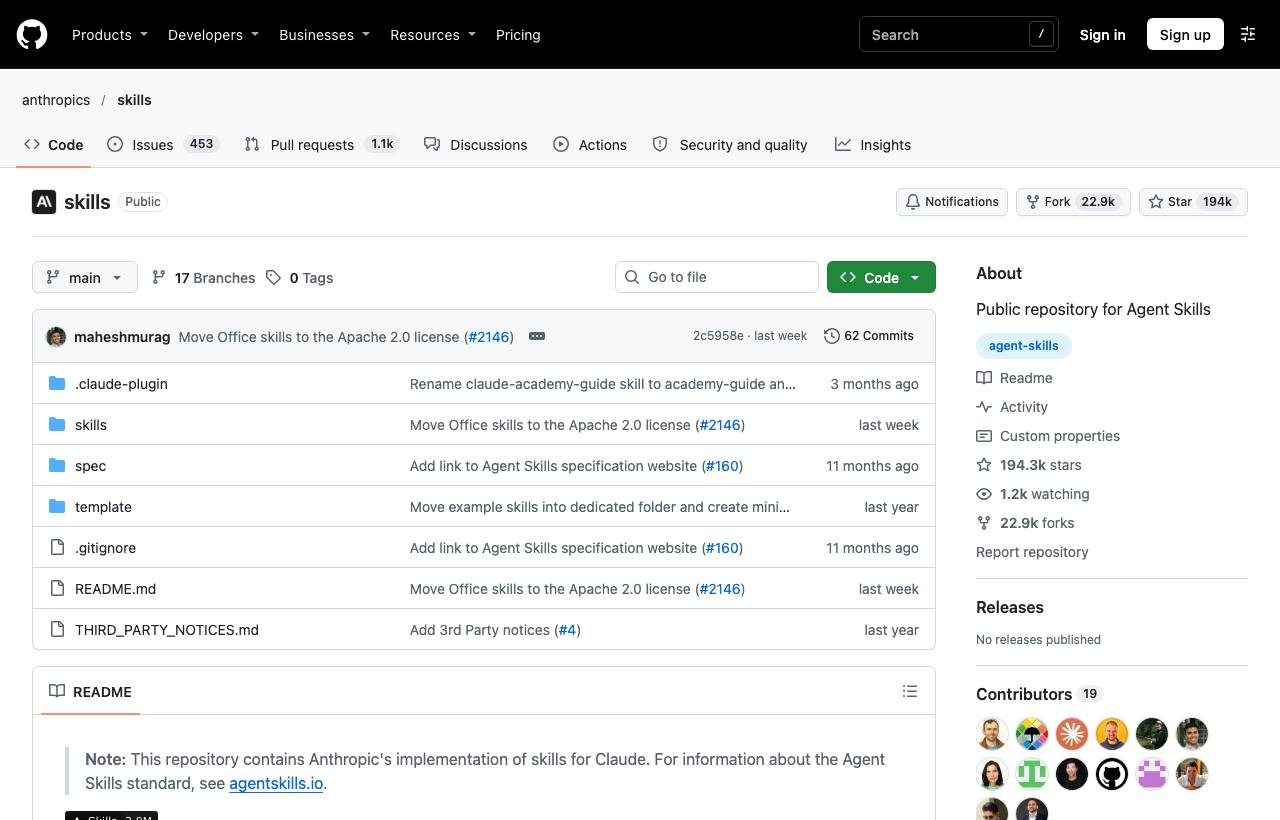
What it's for: where Anthropic publishes example skills, the Agent Skills spec (spec/) and a skill template. Most worth installing:
- docx, pdf, pptx, xlsx: the skills behind Claude's own file creation. Since 6 November 2026 they're Apache 2.0; older articles calling them "source-available" are out of date.
- skill-creator: build and evaluate your own skills.
- mcp-builder: build MCP servers.
- frontend-design, webapp-testing (Playwright), claude-api.
/plugin marketplace add anthropics/skills
/plugin install document-skills@anthropic-agent-skills
/plugin install example-skills@anthropic-agent-skills
How to use it: call a skill by name, for example "Use the PDF skill to extract the form fields from contract.pdf", or let it trigger from its description. On claude.ai, paid plans already have them.
Watch out: the README states these skills are for demonstration and education. Claude's actual behaviour may differ from these implementations.
How to combine them without conflicts
Installing all 10 at once is a common mistake. Every skill loads its description into context, and skills with the same role give conflicting instructions.
| If you are | Suggested set | Don't install together |
|---|---|---|
| A dev on a new project who needs discipline | Superpowers + Graphify + Ponytail | Superpowers with Agent Skills (two overlapping processes) |
| A dev who likes to drive each step | Matt Pocock Skills + Karpathy CLAUDE.md | Karpathy with Ponytail on ultra (same idea, too strict) |
| A team that needs one shared process | Agent Skills (Addy Osmani) + Anthropic document-skills | Adding Superpowers or the Matt Pocock set |
| Building a website or landing page | UI UX Pro Max (apps, dashboards) or Taste Skill (marketing sites) | Both at once (two design systems) |
| Running out of token quota | Graphify + Caveman (skill only) | Heavy processes like Superpowers for small jobs |
Shared risks of installing skills
- Skills run with your permissions: many plugins ship hooks and scripts. Read the
SKILL.mdand hooks before installing, and install only from the original repo (Ponytail and Graphify both warn about impostors). Further reading: prompt injection risks from MCP and skills. - Telemetry and data: the Caveman CLI and the Superpowers visual companion send usage data (both can be turned off). Graphify sends docs and PDFs to the model for semantic analysis.
- Self-reported numbers: every "X% fewer tokens/less code" claim was measured by the author. Measure on your own project with
/costor your dashboard, before and after installing. - Duplicates: installing the same set two ways (plugin and
npx skills) gives you duplicate skills.
How to apply this
- Dev: start with the Karpathy CLAUDE.md (almost free in tokens), and add Graphify if your codebase is large. After a week, consider one process set (Superpowers or Matt Pocock), not both.
- Tech Lead: pick one shared process set for the team, install it at project level and commit the config to the repo so everyone works the same way. Add
/ponytail-reviewor/agent-skills:reviewto the pre-PR checklist. - PM: Matt Pocock's
/grill-meand/to-spec, and Addy Osmani's/spec, turn an idea into a clear spec and tickets. For UI prototypes, use UI UX Pro Max or Taste Skill so the demo looks professional on the first try.
Sources & references
- superpowers — GitHub — Jesse Vincent (obra)
- skills — GitHub — Matt Pocock
- andrej-karpathy-skills — GitHub — multica-ai / forrestchang
- skills — GitHub — Anthropic
- ponytail — GitHub — Dietrich Gebert
- ui-ux-pro-max-skill — GitHub — nextlevelbuilder
- graphify — GitHub — Graphify Labs
- caveman — GitHub — Julius Brussee
- agent-skills — GitHub — Addy Osmani
- taste-skill — GitHub — Leonxlnx