eza: a modern ls with git status, icons and tree view
TL;DR
eza is a community-maintained modern ls (a fork of exa): colours by file type, a git status column, tree view with -T and icons with a Nerd Font. Use it via aliases for interactive shells, not in scripts.
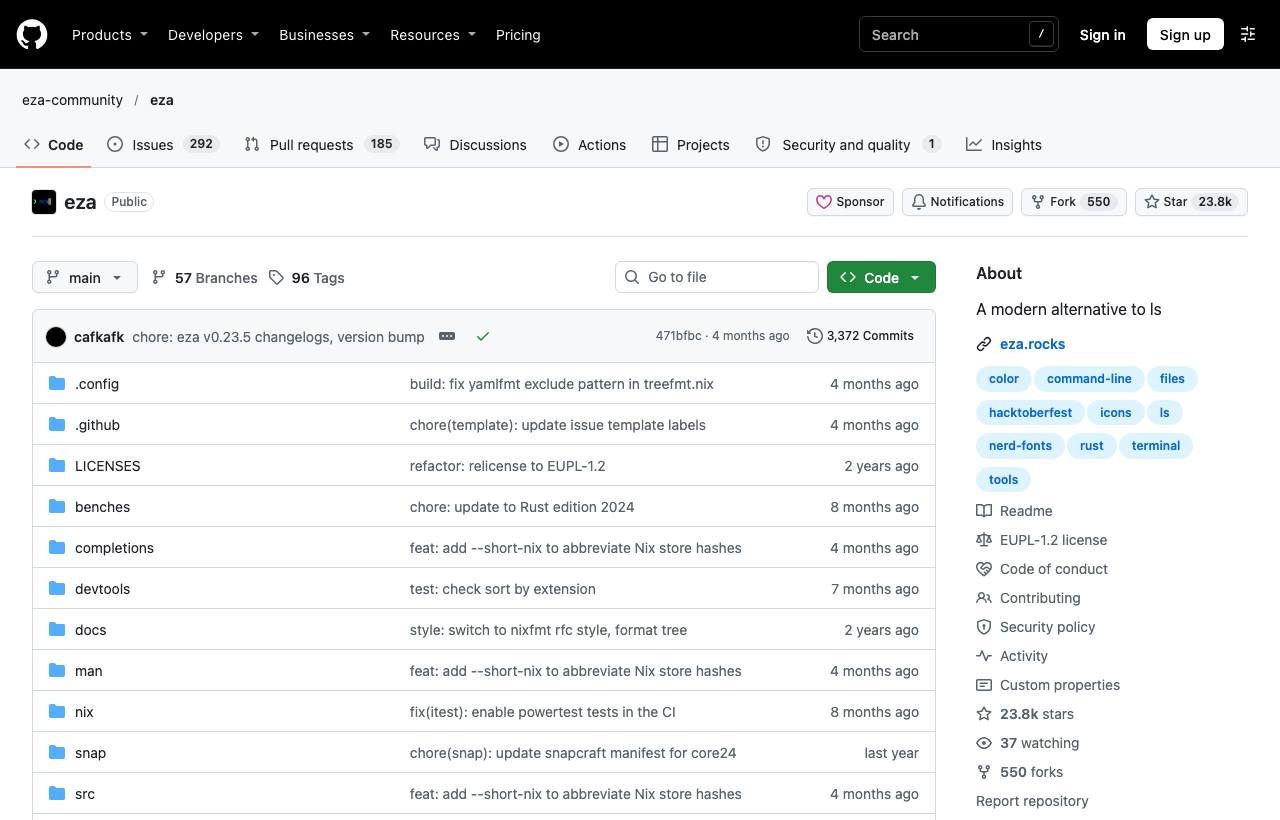
ls dates from the black-and-white terminal era: limited colours, hard-to-read sizes if you forget -h, no idea which files changed in git, and you need a separate tree to see a directory tree. eza is a modern replacement for ls: colours by file type, icons, a git status column, tree view, and readable defaults. eza is the community-maintained fork of exa, whose original project is no longer developed.
Installation
brew install eza           # macOS
cargo install eza          # with Rust
# Ubuntu/Debian: add eza's apt repository as described in INSTALL.md, then
sudo apt install -y eza
# Windows: a winget package exists, see INSTALL.md
Icons need a Nerd Font in your terminal.
Common commands
eza                                  # list with colours
eza -la                              # long view, including hidden files
eza -l --git                         # add a git status column
eza -l --icons --group-directories-first
eza -T -L 2                          # tree, 2 levels deep
eza -T -L 3 --git-ignore             # tree, skipping .gitignored files
eza -l -s modified -r                # sort by modification time, newest first
eza -l --header --total-size         # column headers, total directory sizes
Key options
| Option | Effect |
|---|---|
-l, -a | Long table view; include hidden files |
-T, -L N | Tree view; limit depth |
--git | Git status column per file (new, modified, staged…) |
--git-ignore | Hide files excluded by .gitignore |
--icons | File-type icons (needs a Nerd Font) |
-s + name/size/modified/extension | Sort by field; add -r to reverse |
-D / -f | Directories only / files only |
Replacing ls with aliases
# ~/.zshrc
alias ls='eza --group-directories-first'
alias ll='eza -l --git --icons --group-directories-first'
alias la='eza -la --git --icons'
alias lt='eza -T -L 2 --git-ignore --icons'
You keep typing ls but get nicer output. Scripts still call the real ls because aliases only apply in interactive shells.
Caveats
- eza isn't 100% flag-compatible with
ls(some sorting flags differ); don't use eza in scripts written forls. - The git column can be slow in very large repos; only enable
--gitin the detailed alias. - The EUPL-1.2 licence differs from MIT; it doesn't matter for personal use, but check it if you repackage and redistribute.
How to apply it
- Dev: Use
ltto grasp an unfamiliar project's structure quickly, andllto see which files changed but aren't committed. - Tech Lead: When writing architecture docs,
eza -T -L 2 --git-ignoreproduces a clean tree to paste into the README. - PM: One of many small tools that make the terminal friendlier for newcomers and shorten ramp-up time.
Sources & references
- eza-community/eza — eza-community (GitHub)