hyperfine: benchmark command-line tools properly instead of a single time
TL;DR
A single time run is not a benchmark. hyperfine runs many times with warmup, reports mean ± standard deviation, flags outliers, compares commands and exports markdown tables for PRs.
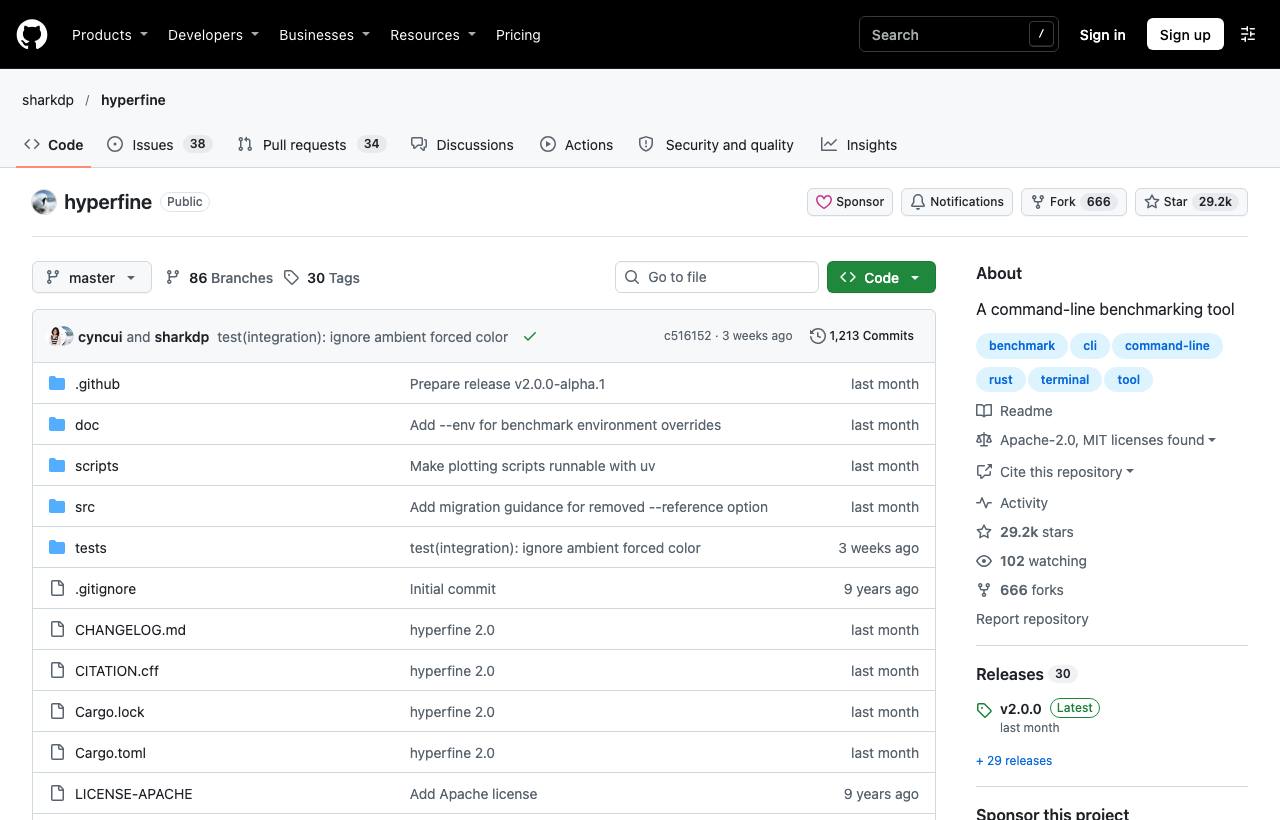
"The new way is faster" is often concluded from a single time run. But one measurement says little: disk caches, a busy CPU and a cold JIT all make results fluctuate. hyperfine is a benchmarking tool for command-line programs: it runs each command many times, supports warmup rounds, computes mean and standard deviation, detects outliers, and compares several commands with clear numbers.
Installation
brew install hyperfine             # macOS
winget install hyperfine           # Windows
sudo apt install hyperfine         # Ubuntu/Debian
cargo install --locked hyperfine   # with Rust
Basic usage
# Measure one command
hyperfine 'npm run build'

# Compare two approaches
hyperfine 'grep -r TODO src' 'rg TODO src'

# Three warmup runs to warm caches
hyperfine --warmup 3 'python script.py' 'pypy script.py'
For each command you get mean ± standard deviation, min/max and the number of runs, followed by a summary like "command A ran x times faster than command B". hyperfine picks the run count automatically (at least 10 runs, targeting roughly 3 seconds in total) and warns when it detects outliers.
Key options
| Option | Use when | Example |
|---|---|---|
--warmup N | You want "warm" cache measurements | --warmup 3 |
--prepare CMD | Something must run before EACH measurement (clear caches, reset data) | --prepare 'rm -rf dist' |
--runs N | You want a fixed run count | --runs 20 |
-L name a,b | Comparing a list of parameter values | -L c gcc,clang '{c} -O2 main.c' |
--parameter-scan | Scanning a numeric parameter | --parameter-scan t 1 8 'make -j {t}' |
-N | Very fast commands; skip shell startup overhead | hyperfine -N 'echo hi' |
--export-markdown | Pasting results into PRs and docs | --export-markdown bench.md |
--export-json | Keeping data for charts or later comparison | --export-json bench.json |
Real-world examples
# Cold build (no cache) vs cached build
hyperfine --prepare 'rm -rf node_modules/.cache dist' 'npm run build'

# Find the best thread count for a build
hyperfine --parameter-scan threads 1 8 'make -j {threads}' --export-markdown jobs.md

# Compare two branches: build a binary from each, then measure
hyperfine './bin-main --input data.csv' './bin-feature --input data.csv'
Caveats
- Close heavy applications while measuring; on laptops, plug in power so the CPU doesn't throttle.
- Commands with side effects (writing files, calling APIs) need
--prepareso each run starts from the same state. - It benchmarks whole commands and doesn't replace a profiler. Once you know something is slow, profile to find where.
- For sub-millisecond commands use
-N, because shell startup dominates the result.
How to apply it
- Dev: Before claiming "faster", run hyperfine and paste the markdown table into the PR. Numbers with standard deviation beat any explanation.
- Tech Lead: Keep hyperfine benchmarks for key commands (build, test, main CLI) and compare when upgrading tools, switching bundlers or changing runtime versions.
- PM: When the team proposes switching tools because it's "faster", ask for hyperfine numbers: how many times faster, on what data.
Sources & references
- sharkdp/hyperfine — sharkdp (GitHub)