lazygit: a terminal UI for Git with one-key staging and rebasing
TL;DR
lazygit shows files, branches, commits and stash in one screen. space stages, c commits, i starts an interactive rebase with s/f/d, shift+c and shift+v cherry-pick, and z undoes.
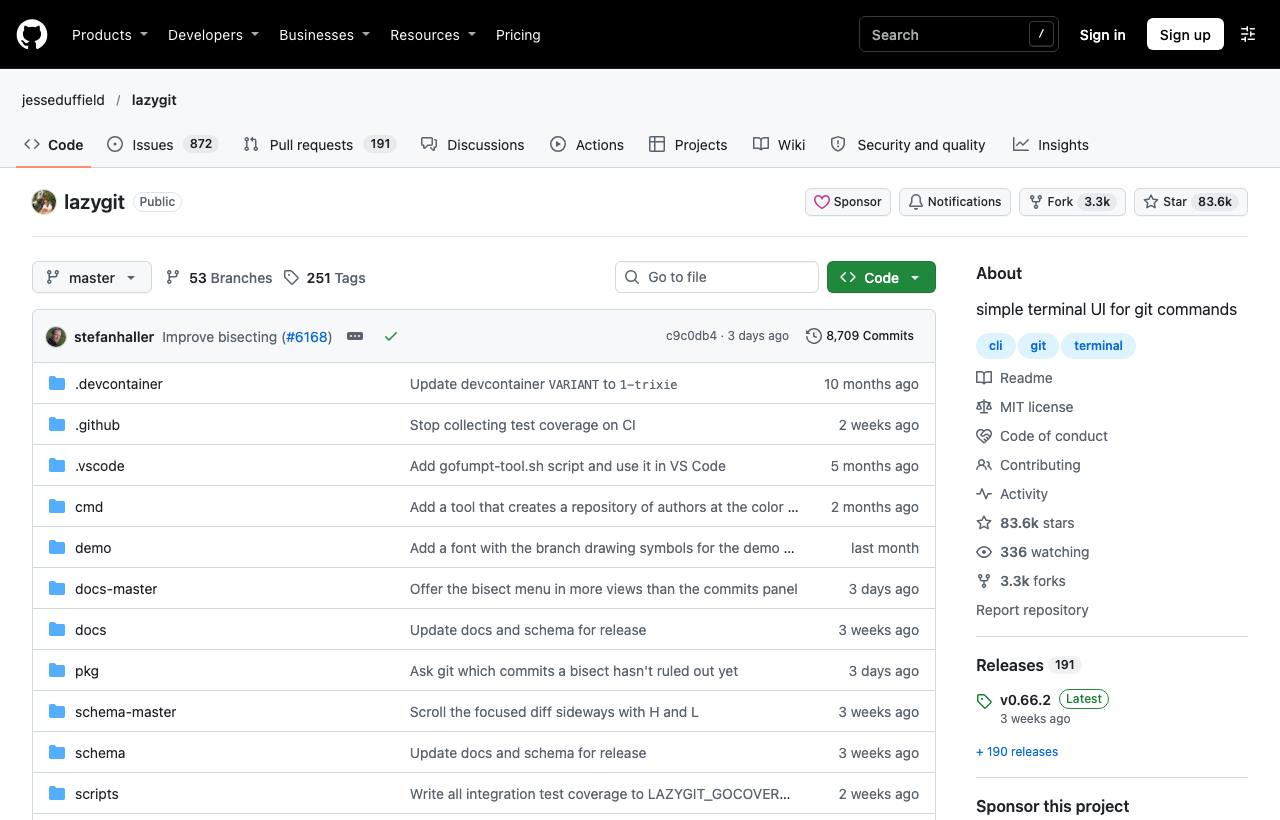
Git is powerful, but its command-line interface makes everyday tasks heavy: staging individual lines, editing an old commit, squashing a few commits before opening a PR, cherry-picking onto another branch. Each is a chain of commands and flags to remember, and one wrong step sends you to git reflog. lazygit is a panel-based UI right in the terminal: see changed files, branches, commits and stash at once, and do any of those operations with a single key.
Installation
brew install lazygit                                  # macOS
winget install -e --id=JesseDuffield.lazygit          # Windows
go install github.com/jesseduffield/lazygit@latest    # with Go

cd my-repo && lazygit
The screen is split into panels: Status, Files, Branches, Commits, Stash, plus a main panel on the right showing the diff for the selected item. Use number keys 1–5 or left/right arrows to switch panels. Press ? anywhere to see that panel's shortcuts.
Everyday operations
| Key | Panel | Effect |
|---|---|---|
space | Files | Stage/unstage a file |
a | Files | Stage/unstage everything |
enter | Files | Open a file to stage individual lines or hunks with space |
c | Files | Commit |
P / p | Any | Push / pull |
n | Branches | New branch |
z / shift+z | Any | Undo / redo the last action |
Where lazygit beats the command line
Interactive rebase
In the Commits panel, press i to start an interactive rebase, then mark commits: s squash, f fixup, d drop, e edit, ctrl+k/ctrl+j to move up/down. You can also press s directly on a commit to squash it without explicitly starting a rebase.
Cherry-pick
Press shift+c on a commit to copy it, switch to the target branch, and press shift+v to paste (cherry-pick) it.
Bisect
In the Commits panel, press b to mark commits good/bad and start a git bisect to find the commit that introduced a bug.
Safe undo
z undoes using the reflog. Note: it only covers commits and branches, not changes to the working tree or stash.
Customisation
- Configuration lives in a
config.ymlfile (location depends on your OS; seedocs/Config.mdin the repo): change themes, keybindings, add custom commands. - Use delta for prettier diffs by setting a pager under
git.pagingin the config. - Add
alias lg=lazygitfor speed.
Caveats
- lazygit runs real git commands; force-pushing or dropping commits has the same consequences as on the command line. Read confirmation dialogs carefully.
- You still need basic Git knowledge: the tool makes things faster, but doesn't replace understanding when complex conflicts arise.
How to apply it
- Dev: Use lazygit to tidy commit history before opening a PR (squash the "fix typo" commits), and to stage partial changes into meaningful commits.
- Tech Lead: If the team expects a clean history, lazygit lowers the barrier to interactive rebase for less experienced members; use it in Git workshops for newcomers.
- PM: A tidy commit history makes changelogs easier to read and bugs easier to trace; this free tool helps with exactly that.
Sources & references
- jesseduffield/lazygit — jesseduffield (GitHub)