delta: readable git diffs with syntax highlighting and side-by-side view
TL;DR
delta adds syntax highlighting to git diff, show, log -p and blame and highlights exactly which words changed. Four gitconfig lines, plus navigate, line-numbers and merge.conflictStyle = zdiff3.
Default git diff output uses just red and green for whole lines. When a single character changes in a long line, you squint to compare two nearly identical lines. In long multi-file diffs it's hard to tell which file you're in. delta is a pager for Git: syntax highlighting per language, highlighting of exactly which words changed within a line, line numbers, side-by-side mode, and shortcuts to jump between files.
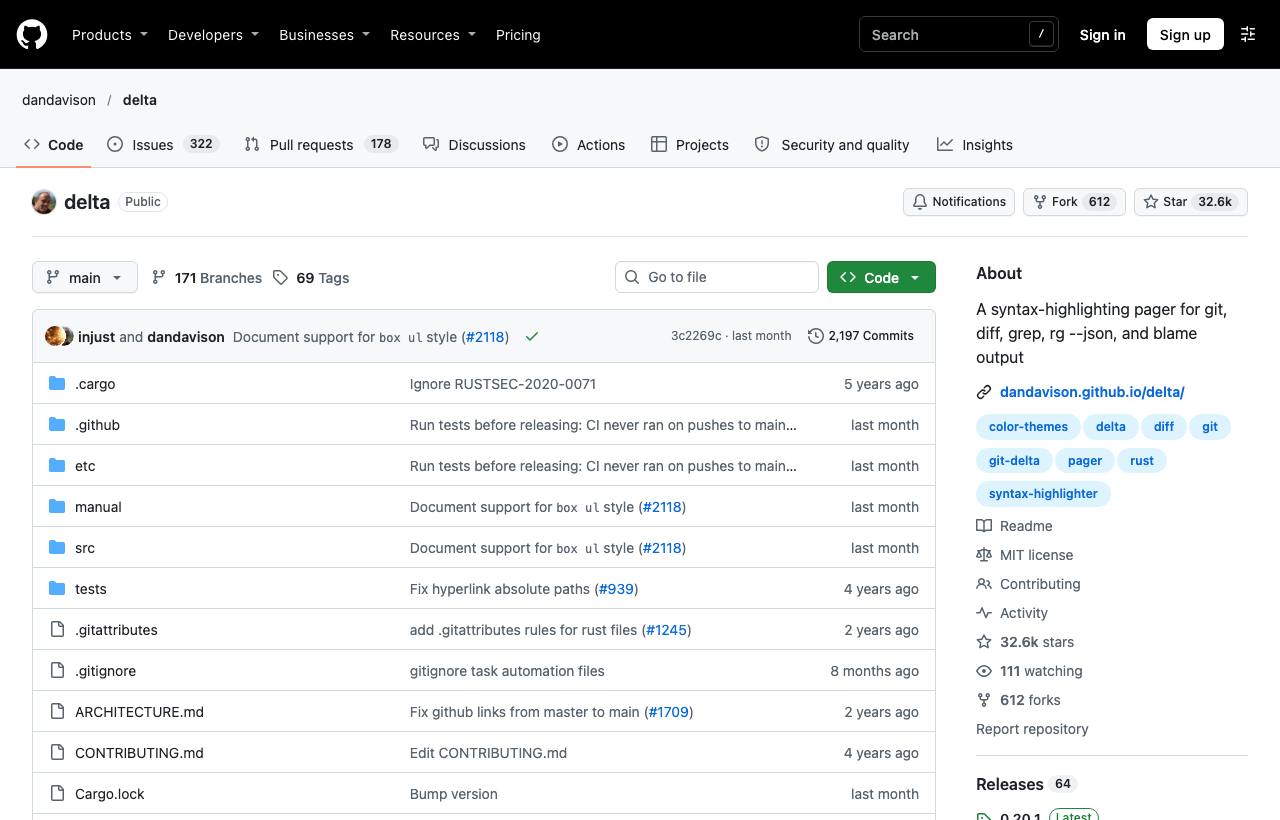
Installation
brew install git-delta           # macOS (package git-delta, command delta)
sudo apt install git-delta       # recent Ubuntu/Debian
cargo install git-delta          # with Rust
Configure Git to use delta
Run these four commands (from the README) so Git uses delta for all diff output:
git config --global core.pager delta
git config --global interactive.diffFilter 'delta --color-only'
git config --global delta.navigate true
git config --global merge.conflictStyle zdiff3
Or write it straight into ~/.gitconfig:
[core]
    pager = delta
[interactive]
    diffFilter = delta --color-only
[delta]
    navigate = true      # n / N to jump between diff sections
    line-numbers = true
    side-by-side = true  # two columns: old on the left, new on the right
[merge]
    conflictStyle = zdiff3
What changes once it's enabled
| Command | Difference with delta |
|---|---|
git diff, git show | Syntax highlighting, word-level change highlighting, clear per-file headers |
git log -p | Press n/N to jump between commits and files |
git add -p | Coloured hunks thanks to interactive.diffFilter |
git blame | Compact display, coloured by commit |
| Merge conflicts | With zdiff3 you also see the common ancestor, so you understand what each side changed |
More tips
- Compare any two files:
delta old.json new.json. - Change themes: list them with
delta --list-syntax-themes, then setsyntax-themeunder[delta]. - Side-by-side on demand: leave
side-by-sideoff by default and rungit -c delta.side-by-side=true diffwhen needed, since two columns are cramped on narrow screens. - With ripgrep:
rg --json "pattern" | deltagives syntax-highlighted search results. - In lazygit: set delta as the pager in lazygit's config for a nicer diff panel.
Caveats
- If scripts parse
git diffoutput, usegit --no-pager difforgit diff | cat; Git usually skips the pager when piping, but check. - Side-by-side mode needs a wide terminal; long lines wrap.
- The Homebrew and apt package is
git-delta, notdelta(a different package).
How to apply it
- Dev: Configure once and every Git command looks better. Enable
zdiff3even without delta: it makes conflict resolution more accurate. - Tech Lead: When reviewing locally before pushing a PR,
git diff main...with delta exposes small changes (punctuation, whitespace) that plain diffs blur. - PM: Faster, more accurate reviews directly reduce escaped bugs; it's a two-minute configuration change.
Sources & references
- dandavison/delta — dandavison (GitHub)