pre-commit: catch formatting issues and leaked secrets before you commit
TL;DR
pre-commit manages git hooks from one YAML file, installs each hook's tooling and runs only on changed files. Run pre-commit install once, autoupdate regularly, and always re-run run --all-files in CI.
Small mistakes like trailing whitespace, broken YAML, unsorted imports, or worse, an API key slipping into a commit, are usually caught only in CI or code review, after someone else's time has been spent. Git has a hook mechanism to run checks before each commit, but writing and sharing hooks across a team by hand is tedious. pre-commit is a framework for managing hooks: declare them in one YAML file, and it installs the right tool versions for each language and runs only on changed files.
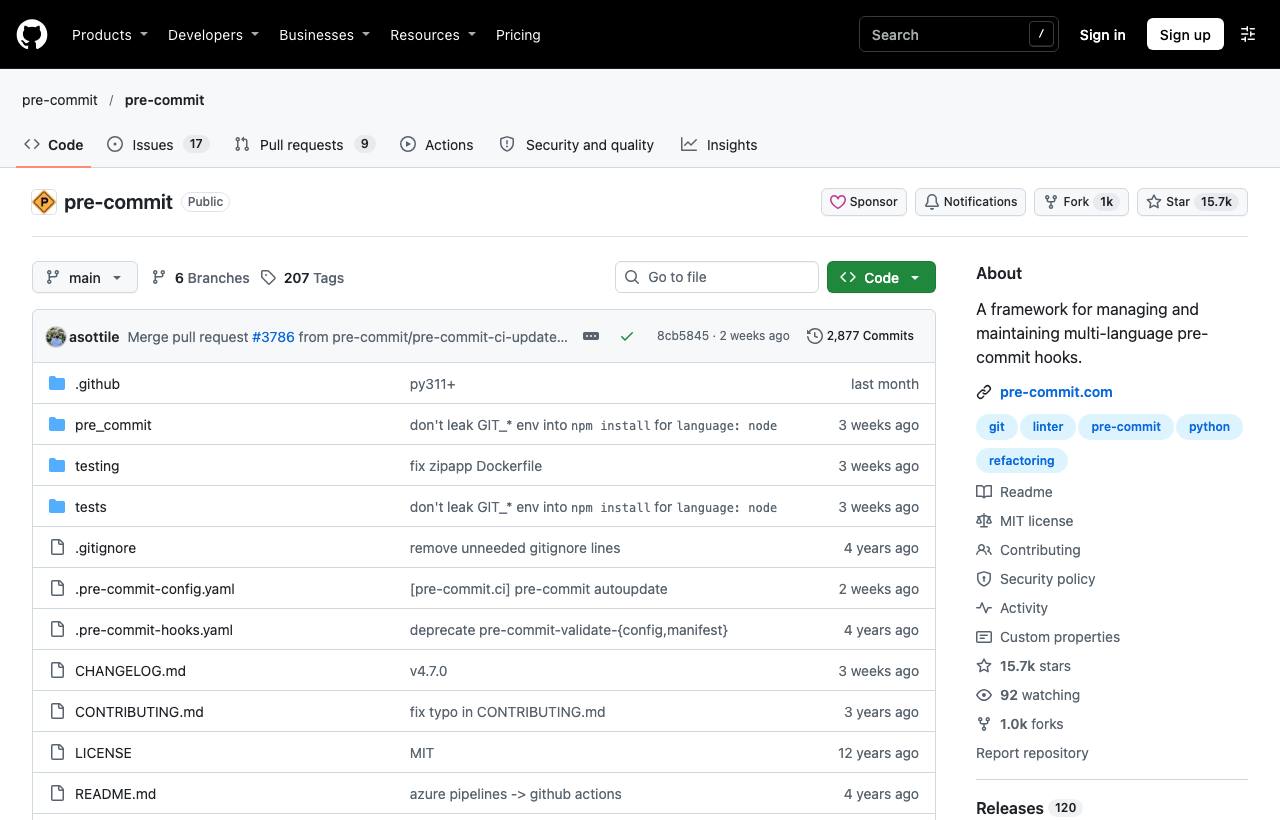
Installation
pipx install pre-commit        # or: pip install pre-commit
uv tool install pre-commit     # if you use uv
brew install pre-commit        # macOS
Configuration
Create .pre-commit-config.yaml at the repo root. This example combines basic hooks, Ruff for Python and Gitleaks to block leaked secrets (versions as of writing; run pre-commit autoupdate for the latest):
repos:
  - repo: https://github.com/pre-commit/pre-commit-hooks
    rev: v6.0.0
    hooks:
      - id: trailing-whitespace
      - id: end-of-file-fixer
      - id: check-yaml
      - id: check-json
      - id: check-added-large-files
        args: ["--maxkb=500"]
      - id: check-merge-conflict

  - repo: https://github.com/astral-sh/ruff-pre-commit
    rev: v0.17.3
    hooks:
      - id: ruff-check
        args: [--fix]
      - id: ruff-format

  - repo: https://github.com/gitleaks/gitleaks
    rev: v8.30.1
    hooks:
      - id: gitleaks
Then install the hooks into the repo:
pre-commit install                 # hooks into .git/hooks/pre-commit
pre-commit run --all-files         # first run across the whole repo
From now on, every git commit runs the hooks on staged files. Hooks that modify files (like ruff --fix or end-of-file-fixer) stop the commit; review the changes, git add again and commit.
Common commands
| Command | Effect |
|---|---|
pre-commit run | Run hooks on staged files |
pre-commit run ruff-check --all-files | Run one hook on the whole repo |
pre-commit autoupdate | Bump every hook repo's rev to the latest |
SKIP=gitleaks git commit ... | Skip one specific hook for this commit |
git commit --no-verify | Skip all hooks (only when truly needed) |
pre-commit install --hook-type pre-push | Run hooks on push instead of commit |
Adding it to CI
Local hooks can be bypassed (--no-verify, or someone never installed them). So run them again in CI:
# A GitHub Actions step
- uses: actions/setup-python@v5
- run: pipx run pre-commit run --all-files --show-diff-on-failure
Another option is the pre-commit.ci service, which runs hooks automatically and can push fix-up commits to PRs.
Caveats
- Slow hooks annoy developers into skipping them; keep heavy checks (full tests, deep scans) in CI and only fast ones in pre-commit.
- Pin
revto tags, not branches, so everyone runs the same versions. - The first run downloads and builds an environment per hook, so it's slow; later runs use a cache.
How to apply it
- Dev: Run
pre-commit installright after cloning; formatting issues and secrets are caught before reaching reviewers. - Tech Lead: Start with a minimal set (whitespace, YAML, large files, gitleaks), add your main language's formatter/linter, and rerun in CI so nobody can bypass it.
- PM: Code review focuses on logic rather than formatting, and the risk of leaked secrets, an incident that can be very costly, goes down.
Sources & references
- pre-commit/pre-commit — pre-commit (GitHub)
- pre-commit documentation — pre-commit