Gitleaks: scan code and git history for API keys and secrets
TL;DR
Gitleaks finds API keys, tokens and passwords in git history, directories and piped data. Block leaks in pre-commit and re-check in CI. If a real key leaks, rotate it first and clean history later.
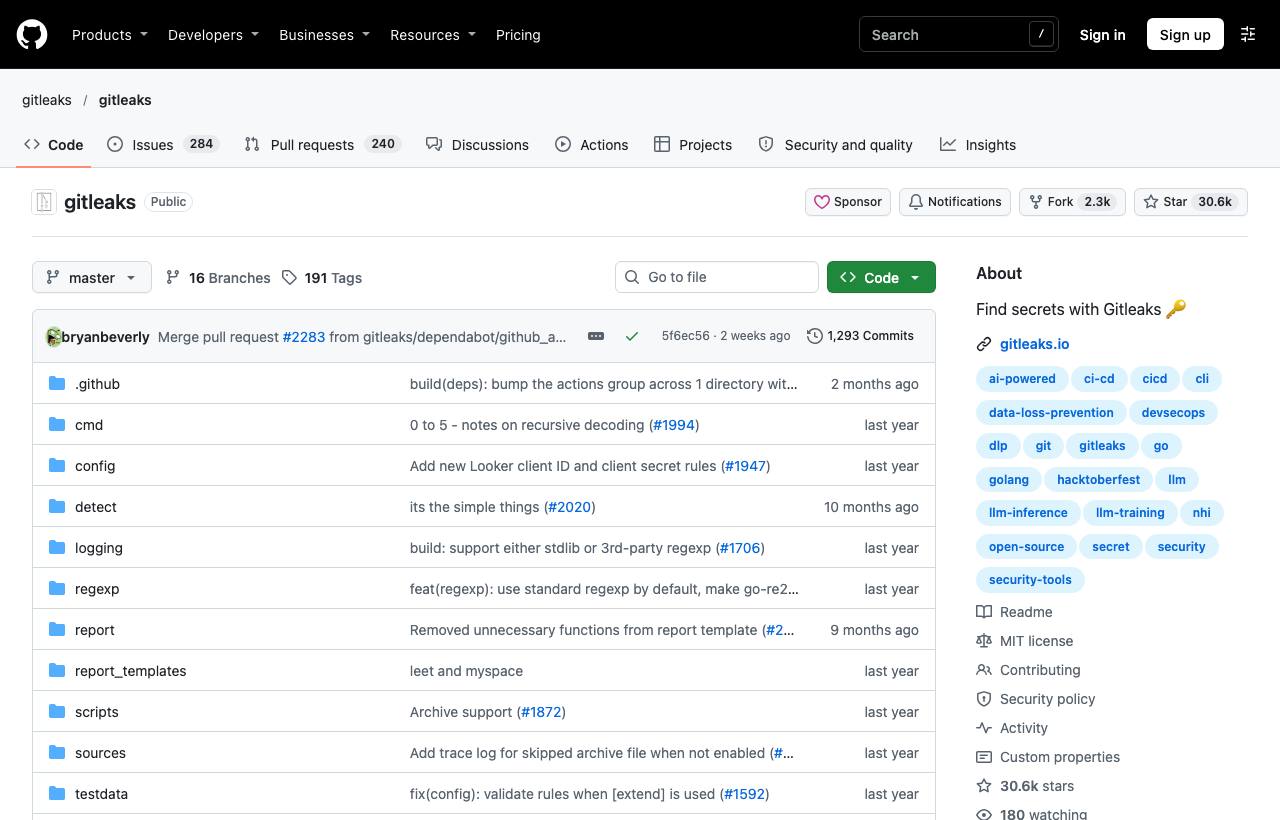
An API key accidentally committed to GitHub can be picked up and abused by bots very quickly, and deleting the file in a later commit fixes nothing because the key stays in git history. Gitleaks is an open-source secret scanner: it finds API keys, tokens, passwords and private keys in code, across the entire git history, or in any directory, using regex rules and entropy. It fits in three places: developer machines before committing, CI, and audits of existing repos.
Installation
brew install gitleaks
# Docker
docker run -v "$PWD":/path ghcr.io/gitleaks/gitleaks:latest git /path
# Or download a binary from the Releases page
Three scan modes
| Command | Scans | Use when |
|---|---|---|
gitleaks git | The repo's entire commit history | Auditing a repo, before making a private repo public |
gitleaks dir | Files in a directory, no git needed | Scanning config folders, build artifacts |
gitleaks stdin | Data piped in | Scanning logs, other commands' output |
gitleaks git -v                                   # scan history, print each finding
gitleaks git --report-path gitleaks-report.json   # save a JSON report
gitleaks dir ./config -v
cat app.log | gitleaks stdin
Each finding names the matching rule, file, line, commit, author and a unique fingerprint. The command exits non-zero when secrets are found, so it can block CI directly.
Block secrets before they're committed
The most effective approach is to keep secrets out of history entirely. Use pre-commit:
# .pre-commit-config.yaml
repos:
  - repo: https://github.com/gitleaks/gitleaks
    rev: v8.30.1
    hooks:
      - id: gitleaks
pre-commit install
# When you need to skip it (e.g. fake secrets in tests):
SKIP=gitleaks git commit -m "..."Handling false positives
- Skip one line: add a
gitleaks:allowcomment at the end of the line with the fake value. - Skip a specific finding: copy its fingerprint into a
.gitleaksignorefile. - Custom rules: create
.gitleaks.tomlto add rules for internal token formats or exclude paths (test fixture directories). - Old repos with many findings: generate a report as a baseline and run with
--baseline-pathso only new findings are reported.
When a real secret has leaked
- Revoke and rotate the key immediately. This is the most important step; assume the key has been taken.
- Check the service's usage logs for abuse.
- Only then consider removing it from git history; rewriting history doesn't help if the key wasn't revoked, because clones and forks still have it.
Caveats
- Regex and entropy scanning produces both false positives and misses; gitleaks is one layer of defence, not a guarantee.
- According to the gitleaks-action README, repos owned by organisation accounts need a
GITLEAKS_LICENSEsecret, obtained from gitleaks.io; personal accounts don't. Alternatively, call the CLI directly in your workflow.
How to apply it
- Dev: Install the gitleaks pre-commit hook and keep secrets in
.env(ignored) or a secret manager, never in code. - Tech Lead: Run
gitleaks gitonce on every existing repo to know where you stand, then enable scanning in CI for every PR. - PM: Put "leaked secret: rotate immediately" in the incident runbook; one leaked cloud key can be very expensive.
Sources & references
- gitleaks/gitleaks — gitleaks (GitHub)