RE Toolkit (3/5): reversing Android apps with jadx, Apktool, objection and MobSF
TL;DR
MobSF gives a quick picture, jadx decompiles DEX to Java, Apktool decodes and rebuilds the APK, objection uses Frida to disable SSL pinning and hook. Run this kit on your own app before attackers do.
Mobile security testing, checking what a third-party SDK collects, or understanding the API a partner app calls: all of it starts with opening an APK. Android has a very mature open-source toolchain, and four repos are practically the standard: jadx, Apktool, objection and MobSF. Part 3 of the RE Toolkit series explains which piece each one solves and chains them into a workflow.
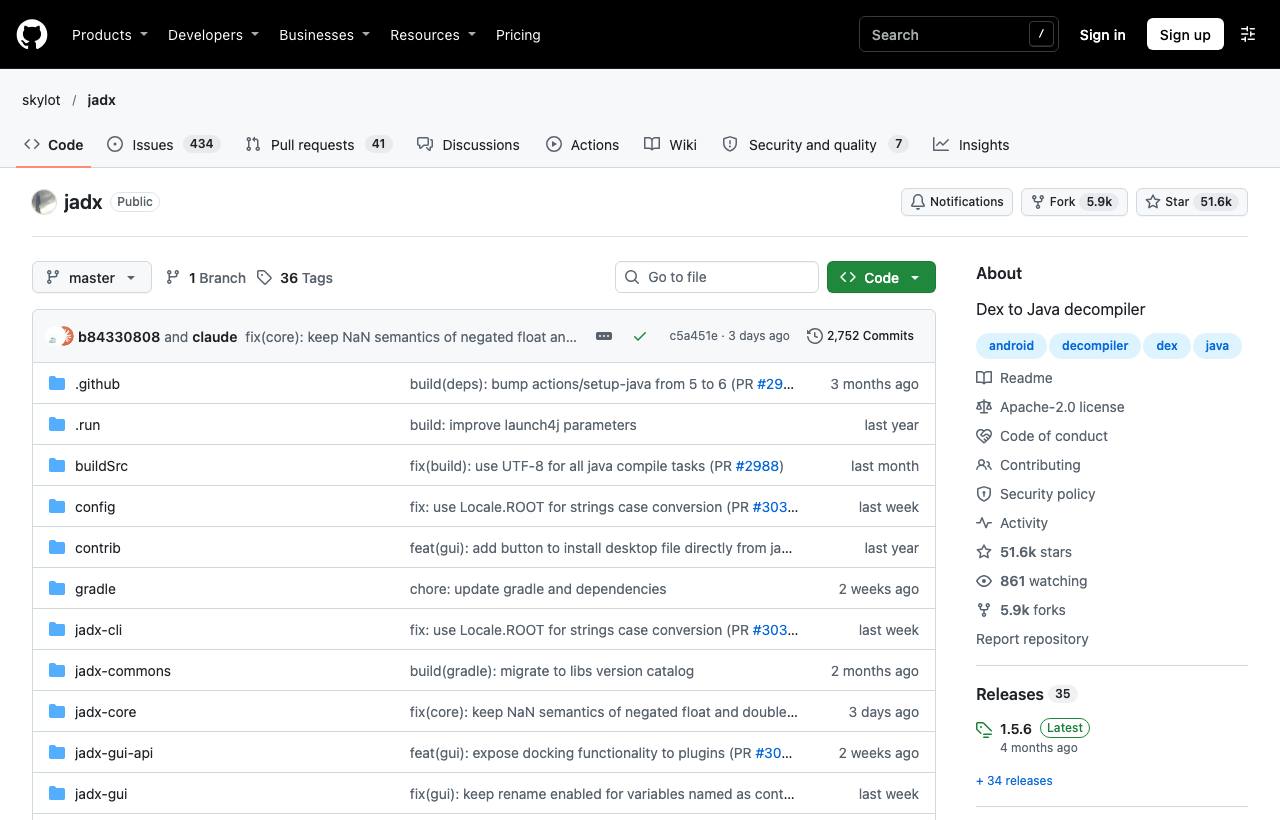
Four tools, four roles
| Repo | Role | Analysis type | Stars · License |
|---|---|---|---|
| skylot/jadx | Decompile DEX to readable Java/Kotlin, GUI with search and xrefs | Static | ~51.6k · Apache-2.0 |
| iBotPeaches/Apktool | Decode resources, manifest, smali; edit and rebuild the APK | Static + modification | ~27k · Apache-2.0 |
| sensepost/objection | Ready-made commands on Frida: disable SSL pinning, browse files, hook | Dynamic (runtime) | ~9.5k · GPL-3.0 |
| MobSF | Automated Android/iOS scanning with security reports | Static + dynamic, automated | ~22.2k · GPL-3.0 |
Suggested workflow
1. Overview scan with MobSF
MobSF gives the fastest big picture: requested permissions, exported components, network config, secrets in code, bundled libraries. Run it with Docker and drag the APK into the web UI:
docker run -it --rm -p 8000:8000 \
  opensecurity/mobile-security-framework-mobsf:latest
# open http://localhost:8000
Treat the report as a list of leads to verify by hand, not as conclusions: automated tools have both false positives and misses.
2. Read the logic with jadx
brew install jadx            # or grab a release from GitHub
jadx -d out/ app.apk         # export Java sources
jadx-gui app.apk             # UI: string search, xrefs, renaming
Tip: search for API URLs, header names (Authorization) or error strings to jump straight to the important code. For apps obfuscated by ProGuard/R8, --deobf assigns short, consistent names that are easier to follow.
3. Modify and rebuild with Apktool
When you need to change behaviour (set debuggable, trust user CA certificates to intercept HTTPS, patch a smali branch), Apktool decodes and rebuilds the APK:
apktool d app.apk -o app_src
# edit AndroidManifest.xml, res/xml/network_security_config.xml, smali...
apktool b app_src -o app-mod.apk
zipalign -p 4 app-mod.apk app-aligned.apk
apksigner sign --ks debug.keystore app-aligned.apk
4. Observe at runtime with objection
objection wraps popular Frida scripts as interactive commands. On a non-rooted device you can embed the Frida gadget into the APK with objection patchapk -s app.apk. Note the new syntax: -n/--name replaces -g, and start replaces explore (the old forms still work but are deprecated).
pip3 install objection
objection -n com.example.app start
# inside the interactive session:
android sslpinning disable
android hooking list activities
env
When you need deeper hooks than objection provides, write Frida scripts directly (see the dynamic analysis post) and pair them with a proxy as described in the network protocols and mobile apps post.
Risks and caveats
- Legal: many apps' terms forbid reverse engineering; only test your organisation's apps or within an authorised bug bounty scope. Never attack someone else's production backend.
- Dedicated devices: use test devices or emulators, not a rooted personal phone holding real data.
- Kotlin, Flutter, React Native: jadx handles Kotlin well, but Flutter logic lives in a native library and React Native in a JavaScript/Hermes bundle, which need other tools.
- Rebuilt apps change signature: some apps check their signature or Play Integrity and refuse to run.
How to apply it
- Mobile dev: Open your own release APK in jadx: leftover secrets, internal URLs and debug logs show up immediately. That is the first thing an attacker sees.
- Tech Lead: Run MobSF in CI for every release (it has a REST API) and block the build on new high-severity findings.
- PM: Put "inspect the APK after build" on the release checklist; the cost is near zero compared with a leaked API key.
Sources & references
- skylot/jadx (GitHub) — skylot
- iBotPeaches/Apktool (GitHub) — iBotPeaches
- sensepost/objection (GitHub) — sensepost
- MobSF/Mobile-Security-Framework-MobSF (GitHub) — MobSF