Bruno: offline API testing with collections stored in Git instead of Postman
TL;DR
Bruno stores API collections as plain-text files in your repo, collaborates through Git and runs offline with no cloud sync. Write tests in JavaScript, run them in CI with bru run --env, and keep secrets out of request files.
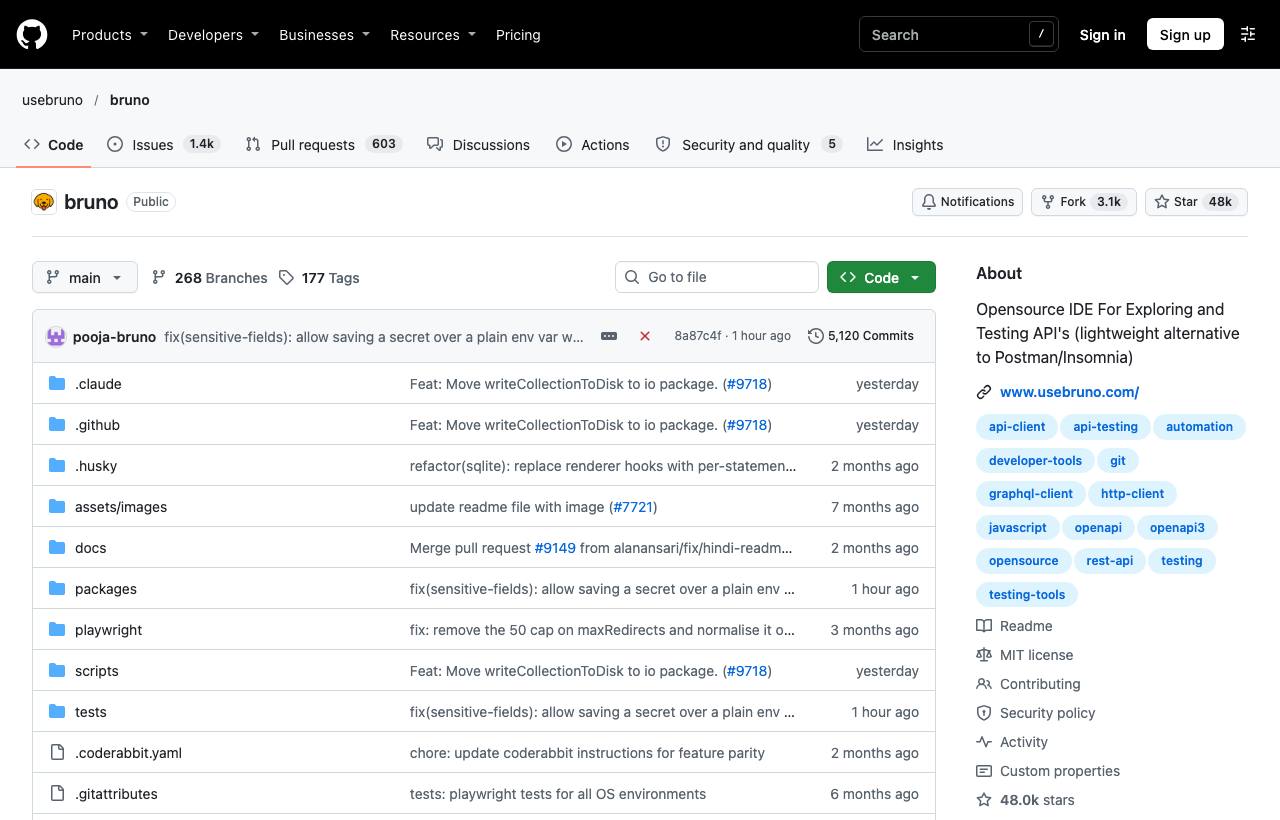
Postman is the familiar API testing tool, but many teams hit the same problems: collections live in the vendor's cloud, syncing requires accounts, collaboration is limited by seats, and collections don't sit next to the code, so they drift from the real API. Bruno is an open-source IDE for exploring and testing APIs that takes the opposite approach: collections are stored as plain-text files in a folder on your machine, so you commit them to Git with your code. Bruno is offline-only, and according to its README there are no plans to add cloud sync.
Installation
brew install bruno            # macOS
winget install Bruno.Bruno    # Windows
# Linux: download .deb/.AppImage/Snap from usebruno.com

npm install -g @usebruno/cli  # CLI for the terminal and CI
Getting started with a collection
- Open Bruno, choose Create Collection, and pick a folder, ideally inside your repo, e.g.
api-tests/. - Add a request: method, URL, headers, body. Each request is saved as a
.brufile. - Create Environments (Local, Staging…) holding variables like
baseUrlandtoken; use them in requests as{{baseUrl}}. - Commit the collection folder; teammates pull and get the same set of requests.
Because they're text files, when the API changes you update the requests in the same PR as the code, and reviewers see a clear diff.
Scripts and tests
Each request has a Script tab (runs before and after the request) and a Tests tab, written in JavaScript:
// Tests tab
test("returns 200", function () {
  expect(res.getStatus()).to.equal(200);
});

test("has a list of users", function () {
  expect(res.getBody().data).to.be.an("array");
});

// Script tab (post-response): store a token for later requests
bru.setVar("token", res.getBody().accessToken);
Running from the CLI and CI
| Command | Effect |
|---|---|
bru run | Run every request in the collection (from the collection folder) |
bru run users/get-user.bru | Run one request |
bru run users | Run a whole folder |
bru run --env Staging | Select an environment |
bru run --output results.json | Export results to keep as a CI artifact |
bru import openapi --source api.yml ... | Create a collection from an OpenAPI file |
Bruno can also import collections from Postman and Insomnia for a quick migration.
Caveats
- Don't commit secrets: keep tokens and passwords in environment variables marked secret or a
.envfile (added to.gitignore), never directly in request files. - The open-source edition covers most needs; some advanced features are in paid editions. Check the pricing page if your team needs them.
- No cloud sync means collaboration happens entirely through Git; teams new to Git need some guidance.
How to apply it
- Dev: Keep the Bruno collection in the backend repo and update requests in the same PR as API changes.
- Tech Lead/QA: Run
bru run --env Stagingafter each staging deploy as an API smoke test, failing the pipeline when tests break. - PM: API data (including sample requests with customer information) never leaves company machines and repos, which makes security requirements easier to meet than with a third-party cloud.
Sources & references
- usebruno/bruno — usebruno (GitHub)
- Bruno documentation — usebruno