uv: one tool to replace pip, venv, pyenv and pipx for Python, many times faster
TL;DR
Astral's uv replaces pyenv, venv, pip, pip-tools and pipx with one command, 10–100x faster than pip per its README. Use uv init, uv add, uv run and uvx; commit uv.lock and run uv sync --locked in CI.
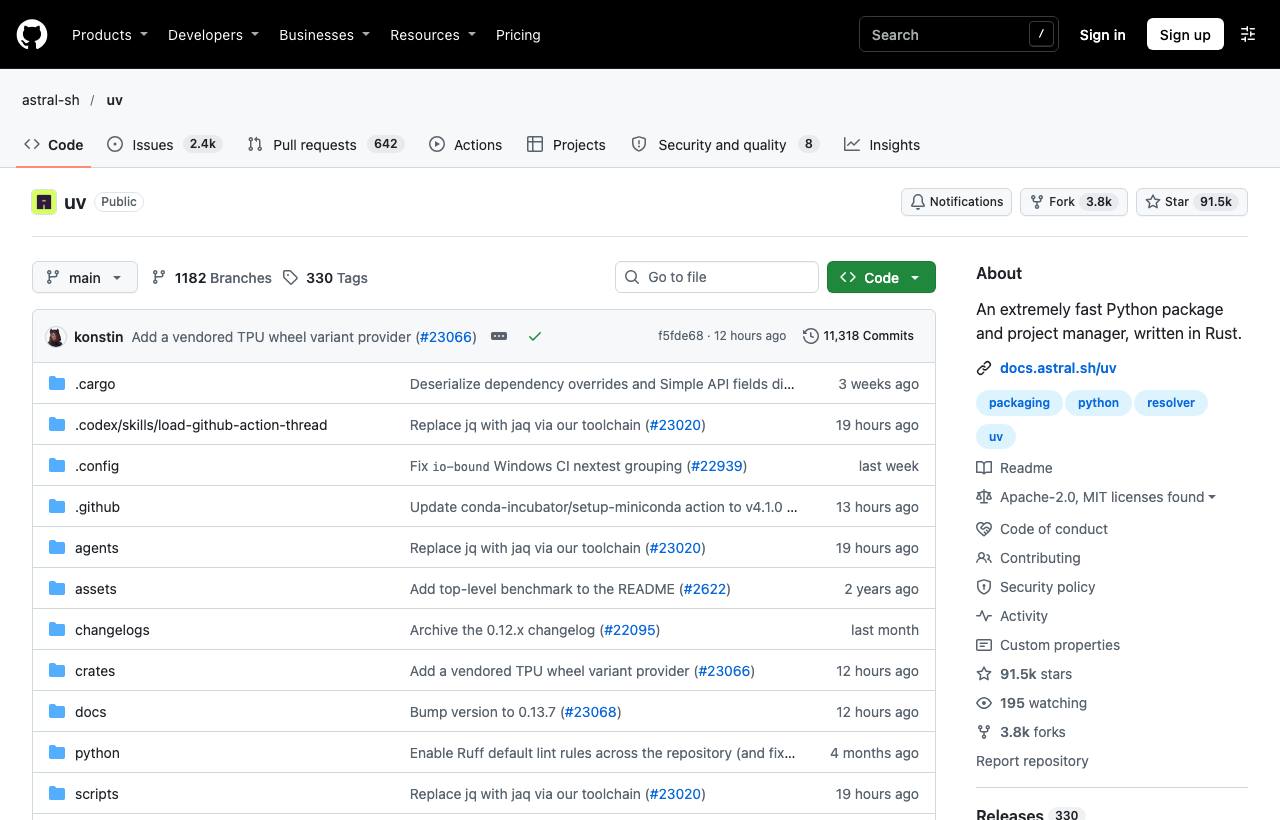
Starting a Python project used to take a whole toolbox: pyenv to install Python versions, virtualenv for environments, pip to install packages, pip-tools or Poetry to lock versions, pipx for command-line tools. Each has its own conventions, and installing dependencies for a large project can take minutes. uv from Astral, written in Rust, replaces that entire set with one command, and according to its README is 10 to 100 times faster than pip.
Installation
# macOS/Linux
curl -LsSf https://astral.sh/uv/install.sh | sh
# Windows (PowerShell)
powershell -ExecutionPolicy ByPass -c "irm https://astral.sh/uv/install.ps1 | iex"
# Or
pipx install uv     # pip install uv
brew install uv
Managing a project
uv init my-api          # create a project: pyproject.toml, .python-version, main.py
cd my-api
uv add fastapi uvicorn  # add dependencies, update pyproject.toml and uv.lock
uv add --dev pytest     # development dependency
uv run main.py          # run inside the project environment (creates .venv if needed)
uv run pytest
uv sync                 # install exactly what uv.lock says, e.g. after cloning
uv lock --upgrade       # upgrade versions in the lock file
uv remove uvicorn
No need to "activate" a virtualenv: uv run always runs in the project's environment and syncs dependencies before running.
What does uv replace?
| Before | With uv |
|---|---|
pyenv install 3.12 | uv python install 3.12 |
python -m venv .venv | uv venv |
pip install -r requirements.txt | uv pip install -r requirements.txt |
pip-compile, poetry lock | uv lock |
pipx install ruff | uv tool install ruff |
pipx run black . | uvx black . |
The uv pip interface is compatible with familiar pip commands, so you can migrate older projects gradually without restructuring them right away.
Single-file scripts with dependencies
uv supports declaring dependencies at the top of a script file (inline metadata):
uv init --script fetch.py
uv add --script fetch.py requests rich
uv run fetch.py        # uv creates a temporary environment with requests and rich
Great for utility scripts shared across a team: send one file and it runs, no setup instructions needed.
Caveats
- Commit both
pyproject.tomlanduv.lock; in CI useuv sync --lockedto fail if the lock file is out of date. - Python versions installed by uv live in uv's own directory and don't touch the system Python.
- For Poetry or pip-tools projects that already work, migrate step by step and double-check dependency versions after locking.
How to apply it
- Dev: Use
uv initfor new projects,uvxfor one-off tools, anduv runinstead of activating venvs. - Tech Lead: Standardise on uv for the team and CI: one tool, one lock file, and much faster installs mean shorter pipelines.
- PM: Python environment setup for new developers drops from "half a day" to a few commands; faster CI also saves money.
Sources & references
- astral-sh/uv — astral-sh (GitHub)
- uv documentation — astral-sh