k6: JavaScript load testing with SLO thresholds that runs in CI
TL;DR
k6 lets you write load tests in JavaScript, ramp load with stages and turn SLOs into thresholds so k6 fails when they are missed. Watch p95 rather than averages, and only test systems you own.
"How many concurrent users can the system handle?" often gets answered only after production falls over during a sale. Load testing gets skipped because older tools are heavy, configured through GUIs or XML that's hard to keep in Git. k6 from Grafana Labs is a modern load-testing tool: scripts are written in JavaScript, run by a single Go binary, quality thresholds live in the code, and it exits with an error when they're missed, so it drops straight into CI.
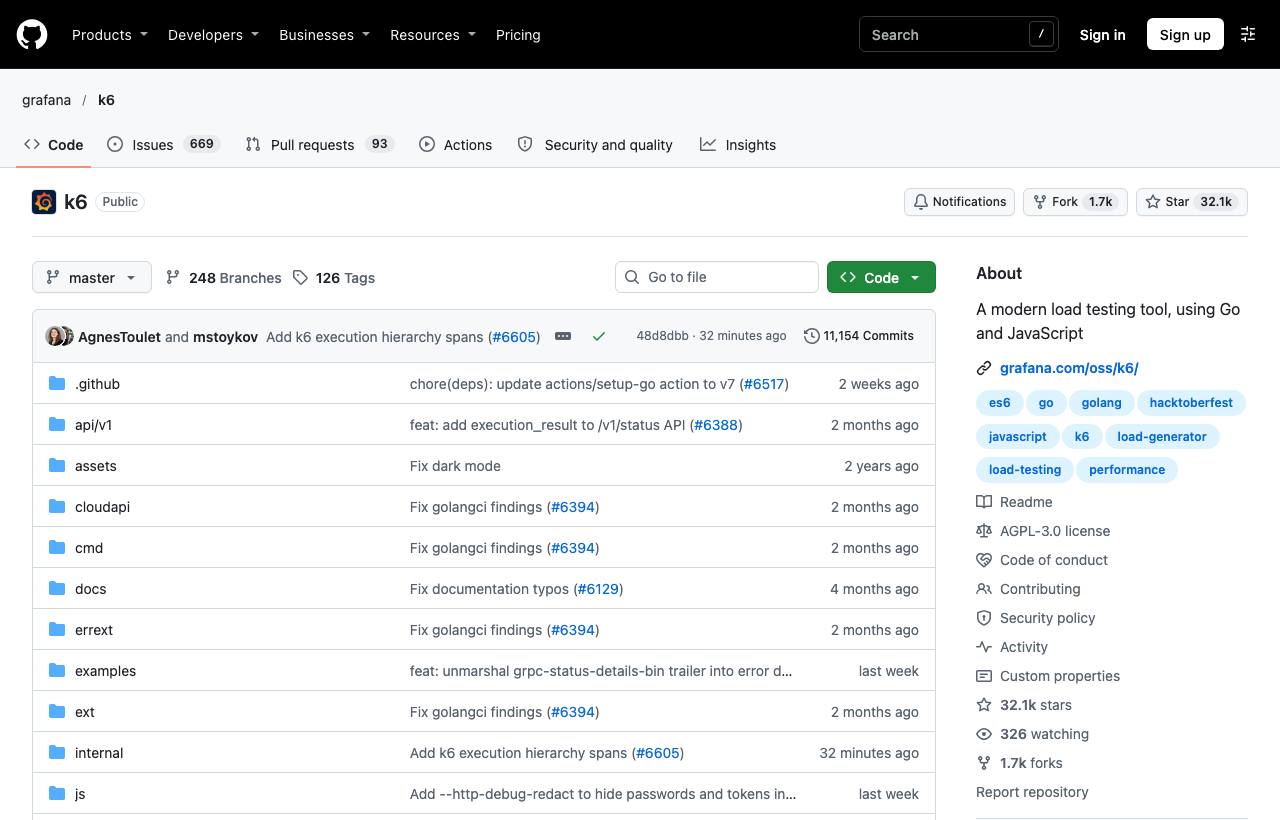
Installation
brew install k6                      # macOS
winget install k6 --source winget    # Windows
# Docker: read the script from stdin
docker run --rm -i grafana/k6 run - <script.js
Linux distributions have apt/rpm packages; see the installation page in the Grafana k6 docs.
Your first script
// script.js
import http from "k6/http";
import { check, sleep } from "k6";

export const options = {
  stages: [
    { duration: "30s", target: 20 },  // ramp up to 20 virtual users
    { duration: "1m",  target: 20 },  // hold 20 users for 1 minute
    { duration: "15s", target: 0 },   // ramp down to 0
  ],
  thresholds: {
    http_req_duration: ["p(95)<500"],  // 95% of requests under 500ms
    http_req_failed: ["rate<0.01"],    // error rate under 1%
  },
};

export default function () {
  const res = http.get("https://staging.example.com/api/products");
  check(res, {
    "status 200": (r) => r.status === 200,
    "has items": (r) => r.json("items").length > 0,
  });
  sleep(1); // simulate user think time
}
k6 run script.js
k6 run --vus 50 --duration 2m script.js # quick overrides from the command line
k6 run -e BASE_URL=https://staging.example.com script.jsVariables passed with -e are read in the script via __ENV.BASE_URL.
Reading the results
| Metric | Meaning |
|---|---|
http_req_duration | Response time: avg, p(90), p(95), max. Watch p95, not the average |
http_req_failed | Share of failed requests |
http_reqs | Total requests and requests per second |
checks | Share of passing checks |
vus | Active virtual users |
If a threshold is missed, k6 marks the run as failed and exits non-zero, so CI turns red automatically when performance regresses.
Test types you should have
- Smoke test: 1–2 virtual users for a few dozen seconds; checks the script works.
- Load test: expected normal load over a longer period.
- Stress test: ramp beyond normal to find the breaking point.
- Spike test: a sudden surge, simulating a sale or breaking news.
Caveats
- Never load-test systems you don't own, and warn the operations team before testing shared environments; heavy load can look like an attack.
- k6 scripts are JavaScript but don't run on Node.js; npm libraries that depend on Node can't be used directly.
- The machine running k6 has CPU and network limits; very large loads need distributed runs or a cloud service.
- AGPL-3.0 licence: internal testing use is fine, but review it carefully if you modify k6 and offer it as a service.
How to apply it
- Dev: Write k6 smoke tests for key endpoints and keep them next to the code in a
load-tests/folder. - Tech Lead: Turn SLOs into thresholds (p95, error rate) and run load tests on staging regularly; compare results across releases to catch performance regressions early.
- PM: Before big events, ask for stress-test results with concrete numbers: how many concurrent users at what p95.
Sources & references
- grafana/k6 — grafana (GitHub)
- Grafana k6 documentation — grafana