mise: manage Node, Python and Go versions, env vars and tasks in one file
TL;DR
mise combines tool version management, per-directory environment variables and tasks in one mise.toml. Run mise use node@24, mise install, mise run dev. Commit the config and keep secrets in an ignored .env.
Project A needs Node 18, project B needs Node 22 and Python 3.12, project C uses pinned Go and Terraform versions. So your machine ends up with nvm, pyenv, goenv and tfenv, each configured differently, plus direnv for environment variables and a Makefile for commands. mise (pronounced "meez") combines three jobs in one tool and one mise.toml file: dev tool version management, per-directory environment variables, and a task runner. Enter the project directory and you get the right versions and variables.
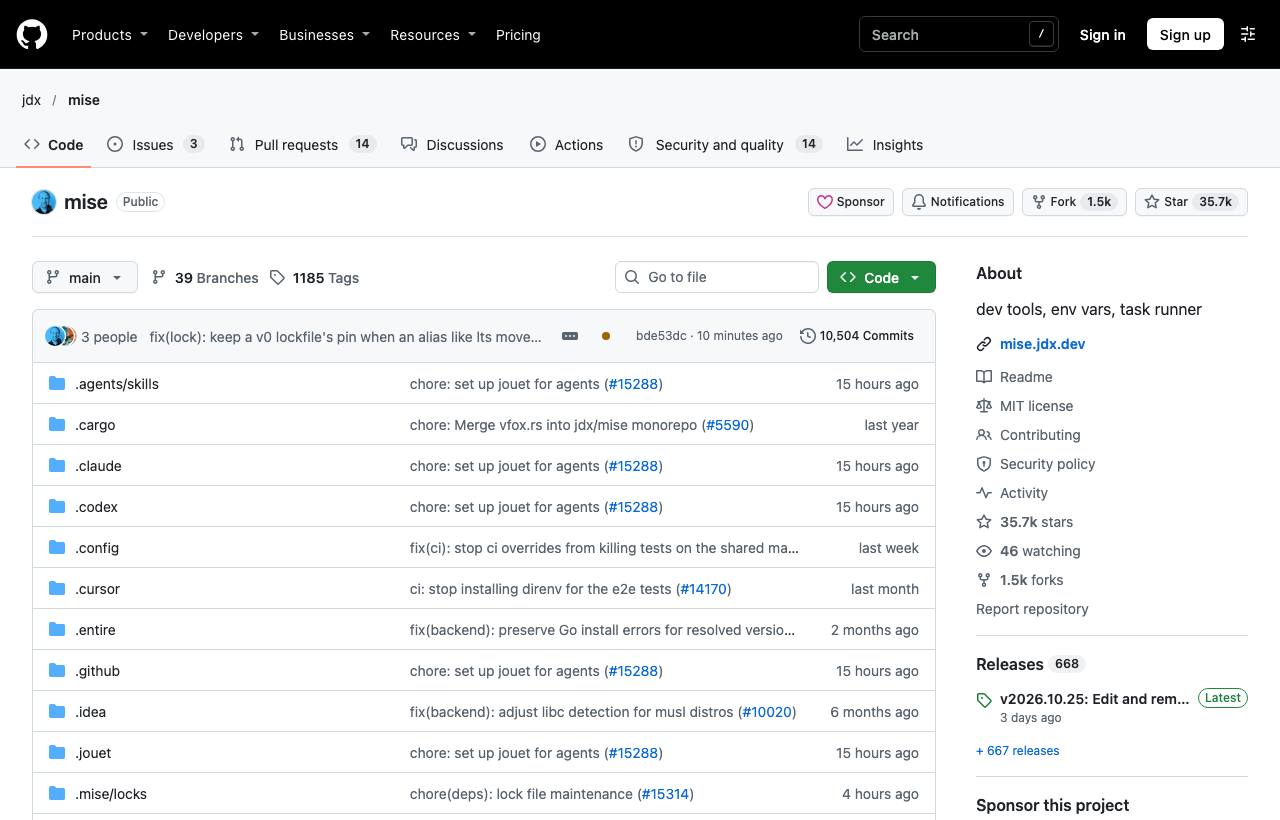
Installation
curl -fsSL https://mise.run | sh     # macOS/Linux
brew install mise
winget install jdx.mise              # Windows

# Activate in your shell (add to ~/.zshrc)
eval "$(mise activate zsh)"
Managing tool versions
cd my-project
mise use node@24            # install Node 24 and write it to the project's mise.toml
mise use [email protected]
mise use -g go@latest       # set a global default
mise install                # install everything declared in mise.toml (after cloning)
mise ls                     # list active tools and where they're declared
mise exec node@20 -- node --version   # run once with another version
mise also reads other tools' config files such as .tool-versions (asdf), .nvmrc and .python-version, so you can switch gradually without breaking existing setups.
One file for the whole project
# mise.toml
[tools]
node = "24"
python = "3.12"
terraform = "1.9"

[env]
NODE_ENV = "development"
DATABASE_URL = "postgres://localhost:5432/app_dev"
_.file = ".env"              # also load variables from .env (don't commit it)

[tasks.dev]
description = "Run the dev server"
run = "npm run dev"

[tasks.test]
run = ["npm test", "pytest"]

[tasks.ci]
depends = ["test"]
run = "npm run build"
mise run dev # run a task
mise run ci # test first, then build
mise tasks # list tasksWhat mise replaces
| Need | Old tools | With mise |
|---|---|---|
| Runtime versions | nvm, pyenv, asdf, rbenv… | [tools] |
| Per-directory env vars | direnv | [env] |
| Project commands | Makefile, npm scripts | [tasks] |
Caveats
- Commit
mise.tomlso the team and CI use the same versions; don't put secrets in it, use an ignored.envor a secret manager. - mise asks you to "trust" unfamiliar config files before applying them, because config can run commands; only trust repos you trust.
- You don't have to use all three parts: you can use only
[tools]and keep Makefile or just for tasks. - In CI, use an action or
mise installto set up the right versions before building.
How to apply it
- Dev: Phase out nvm/pyenv and use
mise useper project; no more forgetting to switch versions when changing projects. - Tech Lead: Add
mise.tomlto every repo; onboarding shrinks to "install mise, runmise install, runmise run dev". - PM: "Works on my machine" bugs from version mismatches drop sharply, and new developers get productive faster.
Sources & references
- jdx/mise — jdx (GitHub)
- mise documentation — jdx