ast-grep: search and refactor code by syntax structure instead of regex
TL;DR
ast-grep searches and rewrites code using tree-sitter ASTs, so it doesn't break on line breaks or nested brackets. -p for patterns, -r to rewrite, -i to confirm each change; ast-grep scan runs your project's lint rules.
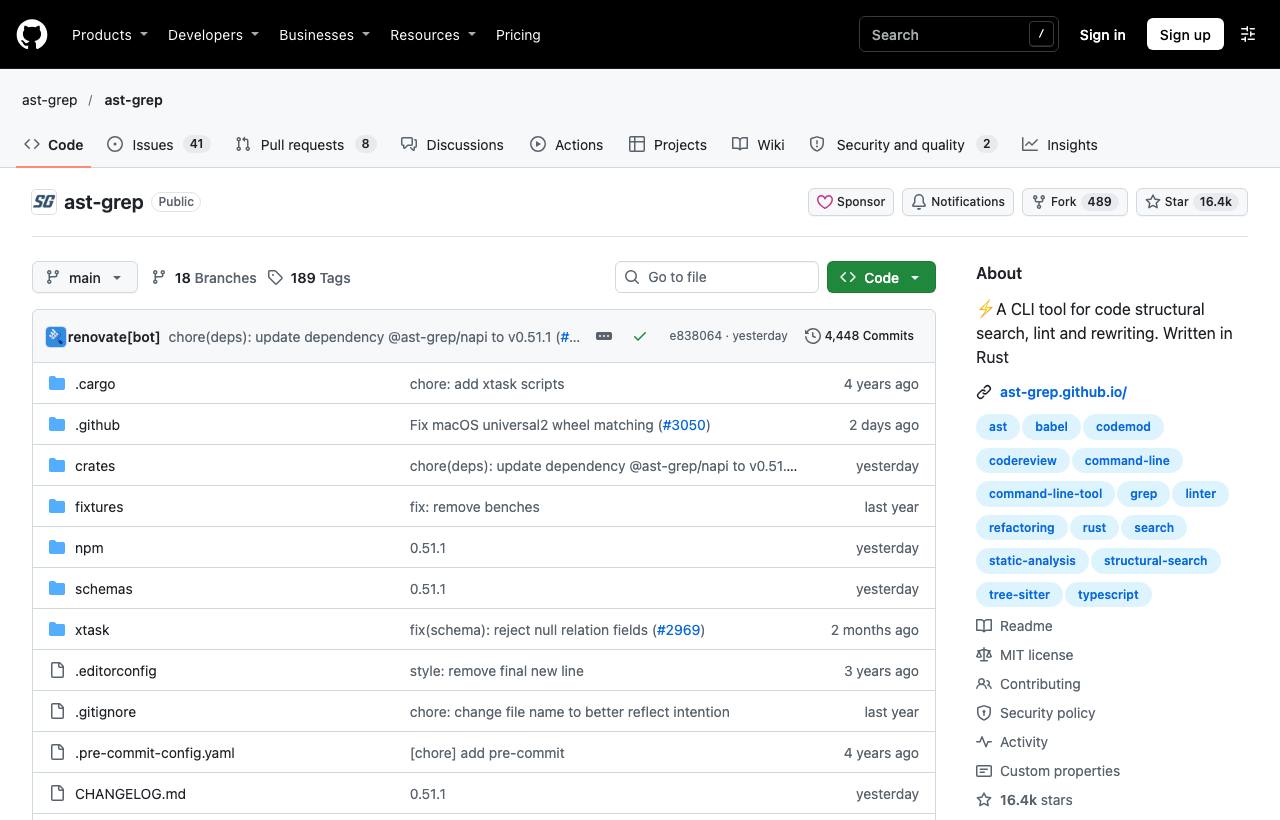
You need to change every call oldApi(a, b) into newApi({ a, b }) across the codebase. Regex find-and-replace breaks when arguments span lines, contain comments or nest brackets. Doing it by hand takes all day. ast-grep searches and rewrites code by syntax structure (the AST produced by tree-sitter) rather than by characters. You write patterns that look like real code, and ast-grep understands what's an expression, an argument or a block, and rewrites precisely.
Installation
brew install ast-grep
cargo install ast-grep --locked
pip install ast-grep-cli
npm install --global @ast-grep/cli
It also installs a short alias sg, but on Linux sg clashes with an existing system command; use the full name ast-grep to be safe.
Structural search
# Find every console.log, whatever the arguments
ast-grep -p 'console.log($$$ARGS)' -l ts

# Find useEffect calls without a dependency array
ast-grep -p 'useEffect($FN)' -l tsx

# Find self-comparisons (usually bugs)
ast-grep -p '$A == $A' -l py| Pattern syntax | Matches |
|---|---|
$A | Exactly one AST node (an expression, a name), reusable |
$$$ARGS | Zero or more nodes (argument lists, statements) |
$_ | Any single node, not captured |
$A used twice | Both positions must be identical |
Rewriting
# README example: use optional chaining
ast-grep -p '$A && $A()' -l ts -r '$A?.()'

# Change an API signature
ast-grep -p 'oldApi($A, $B)' -r 'newApi({ a: $A, b: $B })' -l ts

# Review and confirm each change
ast-grep -p 'oldApi($A, $B)' -r 'newApi({ a: $A, b: $B })' -l ts -i

# Apply all without asking (after checking)
ast-grep -p 'oldApi($A, $B)' -r 'newApi({ a: $A, b: $B })' -l ts -U
Turning patterns into lint rules
ast-grep new # scaffold a rule project: sgconfig.yml, rules/ folder# rules/no-console-log.yml
id: no-console-log
language: TypeScript
severity: warning
message: Remove console.log before merging
rule:
pattern: console.log($$$ARGS)
fix: ''ast-grep scan # run all rules in the project
ast-grep scan --update-all # apply all fixesCaveats
- Patterns must be valid code in the target language; always specify
-lso ast-grep parses correctly. - Run rewrites on a separate branch and check
git diffbefore committing; use-ithe first time. - ast-grep doesn't understand types; two functions with the same name in different modules both match. Narrow by path or with rule conditions.
How to apply it
- Dev: Use ast-grep for bulk refactors: API changes, library upgrades with changed signatures, removing dead code by pattern.
- Tech Lead: Write ast-grep rules for project-specific banned patterns and run
ast-grep scanin CI; rules are shorter and easier to read than custom linter plugins. - PM: Big library upgrades that used to take days of manual edits can shrink considerably, with fewer missed spots.
Sources & references
- ast-grep/ast-grep — ast-grep (GitHub)
- ast-grep documentation — ast-grep