mkcert: warning-free HTTPS on your dev machine in three commands
TL;DR
mkcert creates a local CA, installs it in your trust stores and issues certificates for any names you need. Run mkcert -install once, then mkcert your-domain localhost; Node needs NODE_EXTRA_CA_CERTS. Never share rootCA-key.pem.
Many web features only work over HTTPS: Secure cookies, Service Workers on hosts other than localhost, OAuth callbacks, some browser APIs. In local development, self-signed certificates trigger "Not secure" warnings, so you click through every time or disable certificate checks, a dangerous habit. mkcert solves this neatly: it creates your own local CA (certificate authority), installs it in the system trust store, then issues certificates for any names you need. Browsers trust them immediately, with no warnings and no configuration.
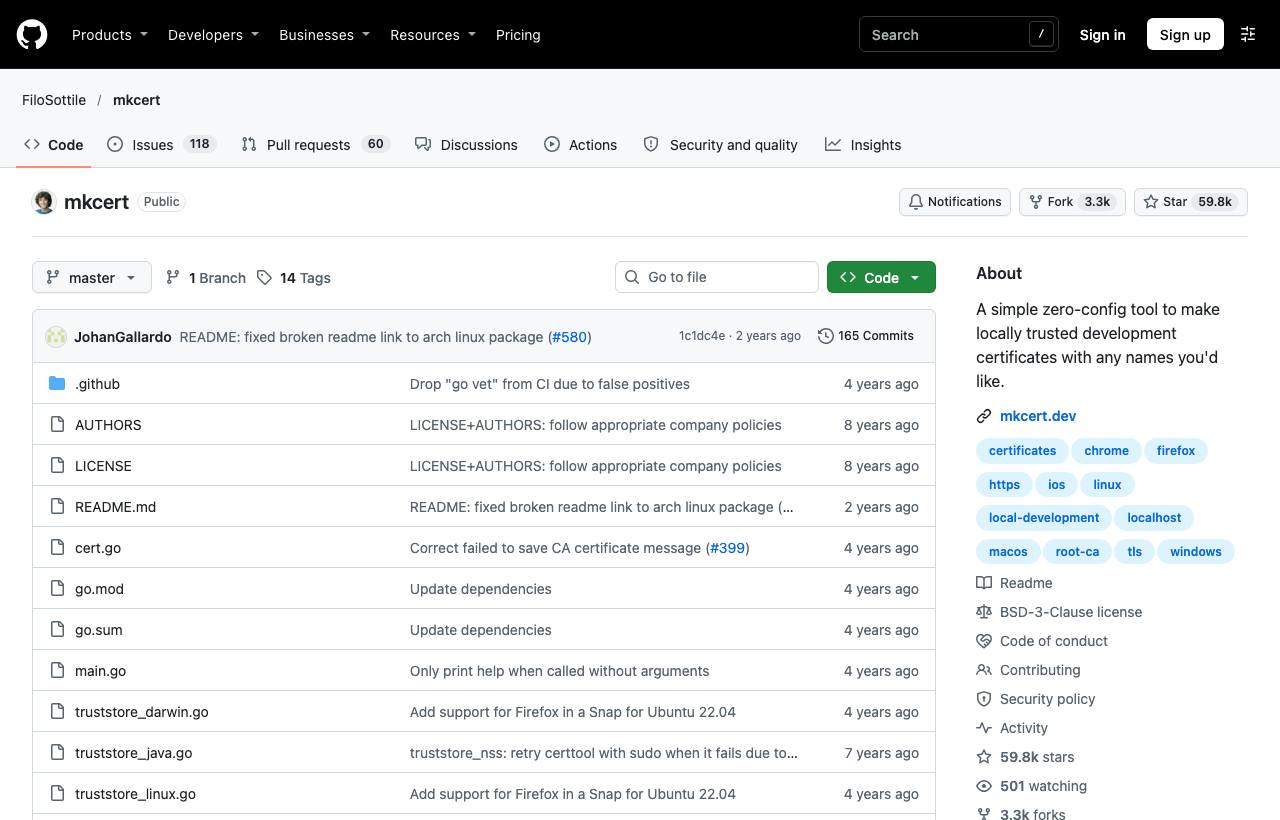
Installation
brew install mkcert
brew install nss          # if you use Firefox
# Linux: install libnss3-tools, then download a binary from Releases
# Windows: choco install mkcert or scoop install mkcert
Three steps to HTTPS on your dev machine
# 1. Create a local CA and install it in trust stores (once)
mkcert -install

# 2. Create a certificate for the names you use
mkcert myapp.test localhost 127.0.0.1 ::1
#   → ./myapp.test+3.pem      (certificate)
#   → ./myapp.test+3-key.pem  (private key)

# 3. Use fixed file names for easier configuration
mkcert -key-file key.pem -cert-file cert.pem "myapp.test" "*.myapp.test" localhost
For custom names like myapp.test, add 127.0.0.1 myapp.test to /etc/hosts.
Using it with common tools
| Tool | How to configure |
|---|---|
| Vite | In vite.config: server.https = { key: fs.readFileSync('key.pem'), cert: fs.readFileSync('cert.pem') } |
| Node.js (calling local HTTPS APIs) | Node doesn't use the system trust store; set NODE_EXTRA_CA_CERTS="$(mkcert -CAROOT)/rootCA.pem" |
| Local Nginx/Caddy | Point ssl_certificate and ssl_certificate_key at the two files |
| Real phones | Install rootCA.pem (in the mkcert -CAROOT folder) on the device and enable trust |
Other commands
mkcert -CAROOT: print the folder holding the local CA.mkcert -uninstall: remove the CA from trust stores.mkcert -client ...: create client certificates for testing mutual TLS (mTLS).
Important security notes
- The
rootCA-key.pemfile can be used to impersonate any HTTPS site on your machine. The README is explicit: don't share it. Don't commit it, don't send it over chat. - Each developer runs
mkcert -installon their own machine; never share one CA across a team. - Development only. In production, use certificates from a public CA such as Let's Encrypt.
- Add
*.pemto the project's.gitignore.
How to apply it
- Dev: Run your app locally over HTTPS with production-like hostnames (
app.myapp.test) to catch cookie, CORS and mixed-content bugs early. - Tech Lead: Write a setup script (or a just/mise task) that calls mkcert so every developer has the same HTTPS environment, with a clear warning about the CA key file.
- PM: HTTPS-only bugs (login, payments) surface during development instead of waiting for staging.
Sources & references
- FiloSottile/mkcert — FiloSottile (GitHub)