tldr: cheat sheets for thousands of commands, shorter than man pages
TL;DR
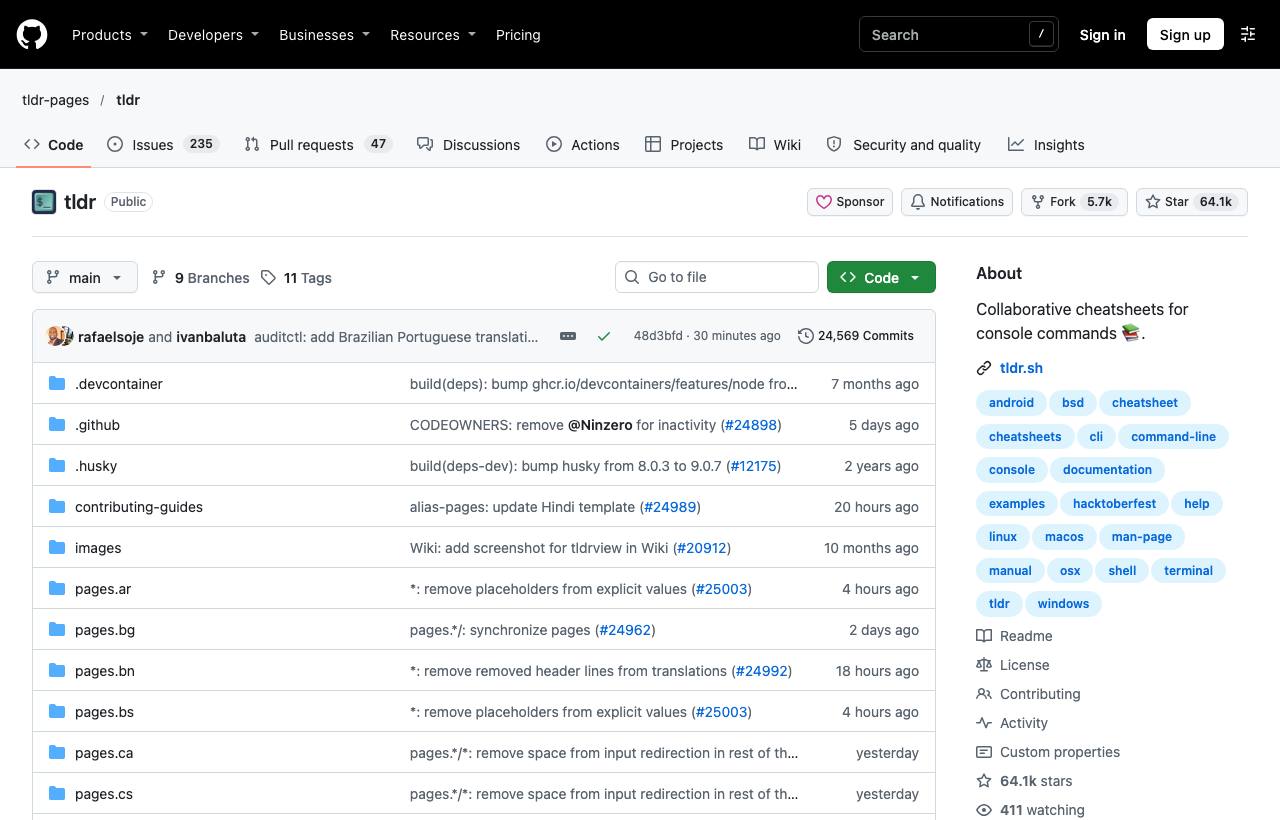
tldr-pages is a community set of cheat sheets: a few examples for each command's most common tasks. Install the tlrc client (command tldr), run tldr command, update regularly, and replace placeholders before running.
You need to extract a .tar.gz file, type man tar, and get hundreds of lines of complete documentation without a single example for what you actually want. You end up searching the web anyway. tldr-pages is a community-written set of cheat sheets for thousands of commands: each page has a short description and 5–8 examples for the most common tasks. Read it in seconds, copy and run.
Installing a client
The repo holds the content (Markdown pages); to read it in the terminal you install a client. The README lists several options:
brew install tlrc              # official Rust client, command is "tldr"
cargo install tlrc --locked
npm install -g tldr            # Node.js client
pipx install tldr              # Python client
Don't want to install anything? Use the web app at tldr.inbrowser.app, which works offline.
Usage
tldr tar           # common tar examples
tldr git rebase    # subcommands
tldr --update      # download the latest pages into the cache
tldr --platform linux ip    # pick a platform when commands differ between OSes
tldr --list        # list available pages
A tldr page is a short Markdown file. Here is the start of the tar page (source: tldr-pages, CC BY 4.0); clients render it with colours:
# tar

> Archiving utility.

- [c]reate an archive and write it to a [f]ile:
`tar cf {{path/to/target.tar}} {{path/to/file1 path/to/file2 ...}}`

- [c]reate a g[z]ipped archive and write it to a [f]ile:
`tar czf {{path/to/target.tar.gz}} {{path/to/file1 path/to/file2 ...}}`
Letters in square brackets hint at each flag's meaning (c = create, z = gzip, f = file); the parts in {{...}} are placeholders for real values.
tldr versus man and web searches
| Source | Strength | Weakness |
|---|---|---|
man | Complete, precise for every option | Long, few practical examples |
--help | Built in, matches the installed version | Lists flags, doesn't say when to use them |
| tldr | Examples for common tasks, read in seconds, works offline | Not enough for unusual cases |
| Web search / asking AI | Answers specific questions | Takes time, may target the wrong version |
Contributing
- Each page is a Markdown file in a standard format under
pages/(split by platform: common, linux, osx, windows…). - If a command you use often is missing (including popular internal tools), you can submit a PR following
CONTRIBUTING.md. - The project has translations into many languages; the README links to a page tracking translation progress.
Caveats
- tldr examples use placeholders like
{{path/to/file}}; replace them with real paths before running, especially for commands that delete or overwrite. - When flags behave differently between GNU (Linux) and BSD (macOS), double-check with
manon your own machine. - Run
tldr --updateperiodically; clients use a local cache.
How to apply it
- Dev: Make a habit of typing
tldr commandbefore opening a browser; for rarely used commands likeffmpeg,rsyncandopensslit saves a lot of time. - Tech Lead: Include tldr in onboarding tools, especially for people new to Linux, and encourage the team to contribute pages for tools they use.
- PM: Less time spent on repetitive lookups, more on the real work; free and offline.
Sources & references
- tldr-pages/tldr — tldr-pages (GitHub)