Semgrep: static analysis with rules that look like the code you're searching for
TL;DR
Semgrep supports 30+ languages and its rules are patterns that look like code ($X, ...). Start with --config auto or p/ci, then write rules for bugs your team has hit. Community Edition only analyses within one function or file.
Code review catches a lot, but humans get tired and miss repetitive patterns: eval on user input, string-built SQL, disabled certificate checks, missing permission checks. Ordinary linters mostly catch style and syntax. Semgrep is a lightweight static analysis tool supporting 30+ languages, and its distinguishing feature is that rules are written as patterns that look like the code you're searching for, so developers can write rules for their own codebase in minutes.
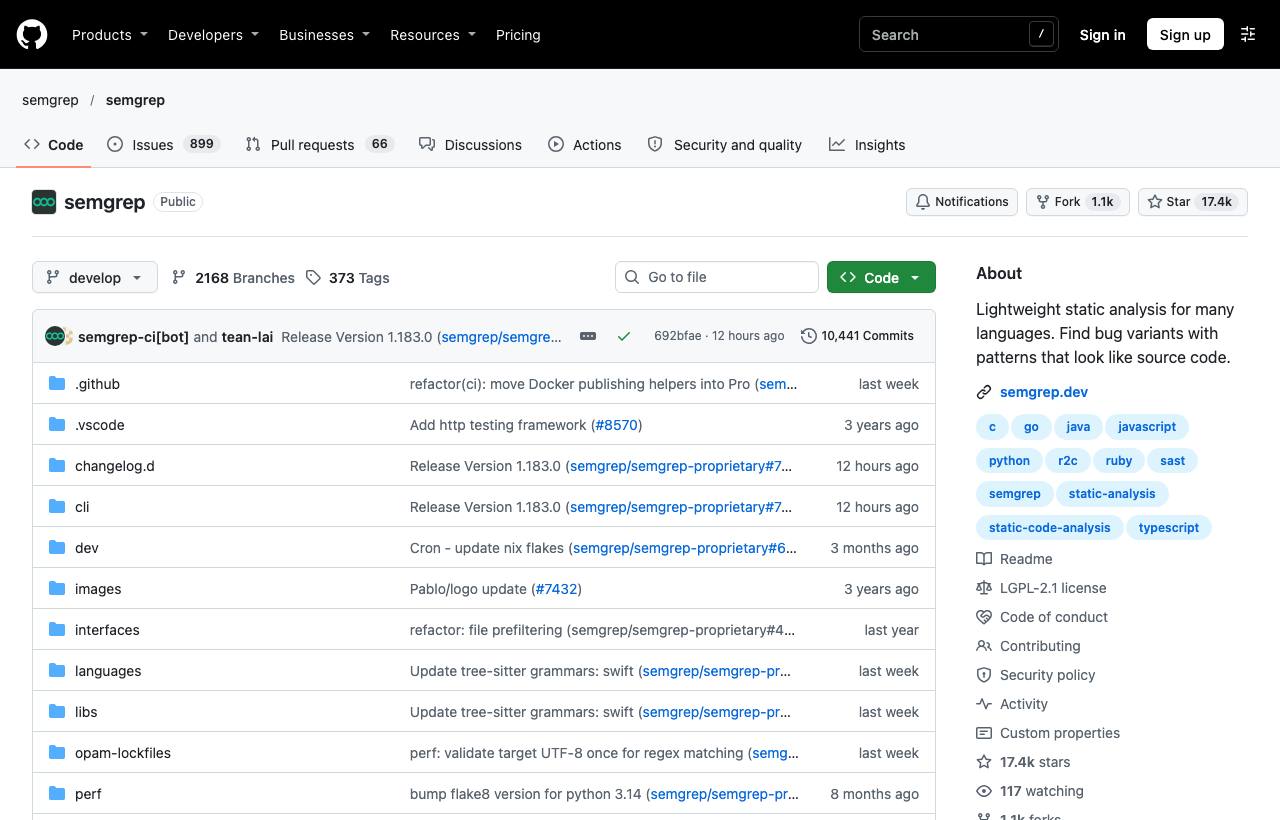
Installation
brew install semgrep      # macOS
pip install semgrep       # or: pipx install semgrep / uv tool install semgrep
docker run -it -v "${PWD}:/src" semgrep/semgrep semgrep scan --config auto
Scanning with ready-made rules
semgrep scan --config auto                 # pick rules based on the project's languages
semgrep scan --config p/owasp-top-ten      # OWASP Top 10 ruleset
semgrep scan --config p/ci                 # a lean ruleset for CI
semgrep scan --config p/python --error     # exit non-zero on findings
The p/... rulesets come from the Semgrep Registry. Per the README, using Registry configs sends pseudonymous usage metrics to semgrep.dev; local rule files don't, unless you're logged in.
Writing your own rules
This is the strongest part. For example, blocking string concatenation into SQL in Python:
# rules/sql-injection.yml
rules:
  - id: no-string-concat-in-sql
    languages: [python]
    severity: ERROR
    message: Don't build SQL with string concatenation; use parameters (?, %s)
    patterns:
      - pattern-either:
          - pattern: $CURSOR.execute("..." + $X)
          - pattern: $CURSOR.execute(f"...")
      - pattern-not: $CURSOR.execute("...", ...)
semgrep scan --config rules/| Syntax | Meaning |
|---|---|
$X | Metavariable: matches any expression and remembers it for comparison |
... | Matches anything: arguments, statements, strings |
pattern-either | Match any of several patterns (OR) |
pattern-not | Exclude safe cases |
pattern-inside | Only match inside a structure (e.g. inside a request handler) |
Try rules in the browser with the Semgrep Playground before adding them to the repo.
Adding it to CI
# In GitHub Actions, no account required
- run: pipx run semgrep scan --config p/ci --config rules/ --error --sarif -o semgrep.sarif
The SARIF file can be uploaded to GitHub's Security tab so findings appear on the PR. Use a nosemgrep comment on a line to suppress false positives, with a reason.
Limits to know
- Per the README, the Community Edition only analyses within a single function or file, so in security contexts it will miss many real issues that require cross-file data-flow analysis. Deeper analysis is part of the paid platform.
- Overly broad rules produce noise and teams start ignoring them; start with a few high-precision rules.
- Semgrep complements, not replaces, code review and security testing.
How to apply it
- Dev: Run
semgrep scan --config autoon your project to see existing risky patterns; after fixing each security bug, write a rule so it never returns. - Tech Lead: Turn internal conventions ("never call API X directly", "always use sanitiser Y") into Semgrep rules in CI instead of reminders in review.
- PM: Every bug you've hit becomes an automatic check, so detection costs fall over time instead of repeating.
Sources & references
- semgrep/semgrep — semgrep (GitHub)
- Semgrep documentation — semgrep