direnv: load per-project environment variables automatically when you cd
TL;DR
direnv loads variables from .envrc when you enter a directory and unloads them when you leave, giving each project its own environment. Hook it into your shell, re-run direnv allow after changes, and keep secrets in ignored files.
Each project needs its own environment variables: DATABASE_URL, AWS_PROFILE, a port, a path to tools in ./bin. Either you cram them all into ~/.zshrc (mixed between projects, easy to hit the wrong environment), or you have to remember source .env every time you open a terminal. direnv handles it cleanly: when you cd into a directory with an .envrc file, variables load automatically; when you leave, they're unloaded. Each project gets its own environment without interference.
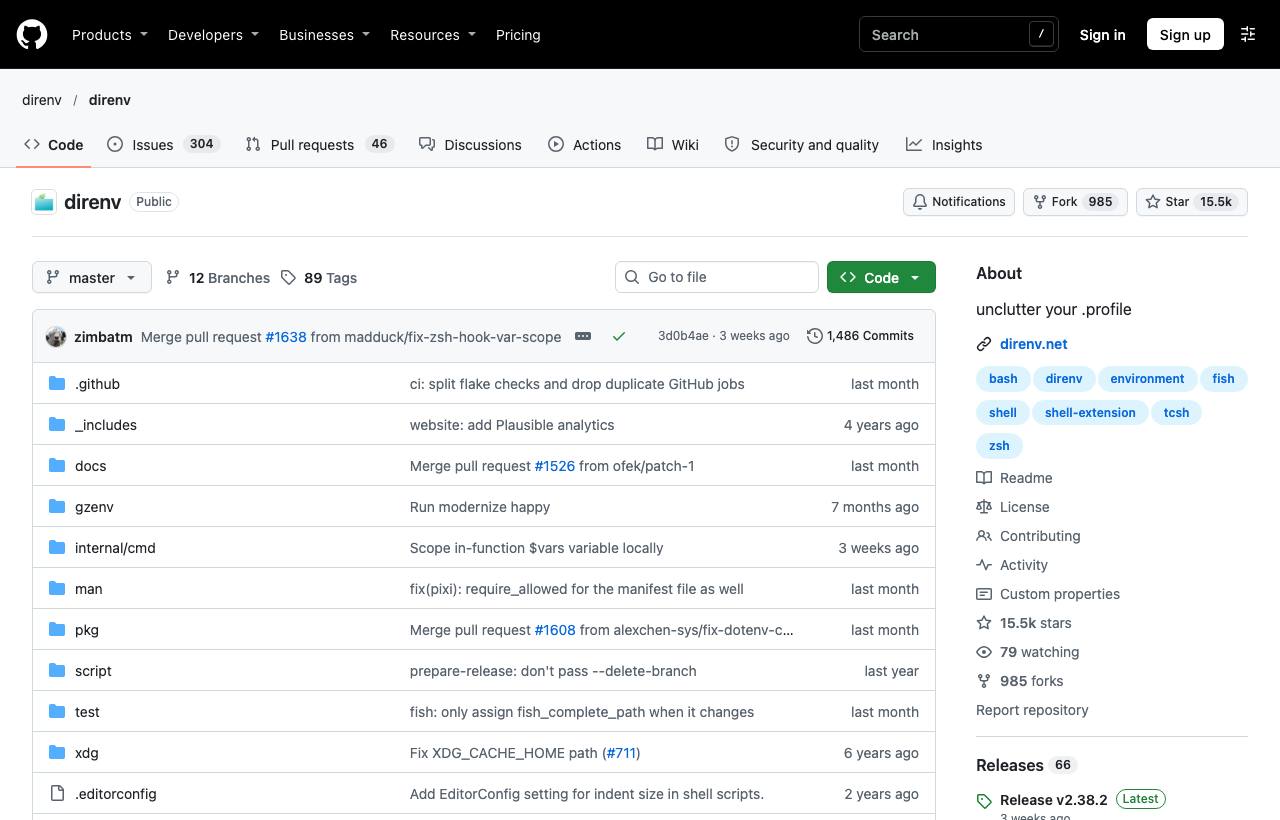
Install and hook into your shell
brew install direnv          # macOS
sudo apt install direnv      # Ubuntu/Debian

# Add to the END of ~/.zshrc
eval "$(direnv hook zsh)"
# bash: eval "$(direnv hook bash)"   fish: direnv hook fish | source
The hook is mandatory; without it direnv does nothing.
Try it
cd ~/work/my-api
echo 'export DATABASE_URL=postgres://localhost/my_api_dev' > .envrc
# direnv: error .envrc is blocked. Run `direnv allow` to approve its content
direnv allow
# direnv: loading .envrc
# direnv: export +DATABASE_URL

echo $DATABASE_URL     # set
cd ..
# direnv: unloading
echo $DATABASE_URL     # empty
direnv allow is a safety layer: .envrc is shell code, so direnv only runs files you've approved. Whenever the file changes (say, after git pull), you must allow it again.
Helper functions in .envrc
| Function | Effect |
|---|---|
dotenv | Load variables from the directory's .env file |
PATH_add bin | Prepend ./bin to PATH (as an absolute path) |
layout python3 | Create and activate a Python virtualenv for the project |
source_up | Also load the parent directory's .envrc (for monorepos) |
use nix | Load an environment from Nix, for Nix users |
A realistic .envrc
# .envrc (commit this file)
export AWS_PROFILE=myapp-dev
export PORT=3000
PATH_add node_modules/.bin
PATH_add scripts
dotenv_if_exists .env.local    # secrets live in .env.local, NOT committed
# .gitignore
.env.local
.direnv/Common commands
direnv allow/direnv deny: approve / block the current.envrc.direnv reload: reload after editing without leaving and re-entering.direnv status: show status and which file is loaded.direnv edit .: open.envrcin your editor and allow it on save.
Caveats
- Don't commit secrets: move sensitive values to an ignored file and load it with
dotenv_if_exists. - Read an unfamiliar repo's
.envrcbefore runningallow, because it's code that runs on your machine. - Variables only exist in the shell; apps launched from the Dock or an IDE that doesn't go through the shell won't see them unless the IDE has a direnv plugin.
- If you already use mise, its
[env]section does something similar; pick one tool to avoid overlap.
How to apply it
- Dev: Move each project's variables out of
.zshrcinto its own.envrc; no more hitting another project's database or AWS profile. - Tech Lead: Commit an
.envrcwithout secrets plus a.env.example; new developers copy the example and rundirenv allow. - PM: Fewer "command run against the wrong environment" incidents, a class of error that can cause data loss.
Sources & references
- direnv/direnv — direnv (GitHub)
- direnv documentation — direnv