Advanced RE Toolkit (5/5): AI that reads machine code — LLM4Decompile, Gepetto, ReVa and Decompiler Explorer
TL;DR
LLMs help name variables, explain functions and write scripts while reversing, but stay confident even when wrong: LLM4Decompile's best model still fails about a third of functions. Use Gepetto (IDA) and ReVa (Ghidra) to speed up, Decompiler Explorer and real runs to verify, and local models for sensitive binaries.
On this page
Open a stripped function in Ghidra and you usually hit a wall of FUN_00401a30, local_28 and uVar3. Making sense of it takes hours. This is exactly where large language models (LLMs) help most: naming variables, explaining functions, writing scripts. But LLMs are also the most dangerous source of error in reverse engineering, because they answer with full confidence even when they are wrong.
The final post of the Advanced RE Toolkit series covers four projects that use AI in four different ways. LLM4Decompile is an open model built for decompilation. Gepetto is an IDA plugin that queries LLMs from the pseudocode window. ReVa lets an agent work directly with Ghidra. Decompiler Explorer lets you cross-check the results. The focus throughout is a trust-but-verify workflow.
What AI is good at, and where it makes things up
| Task | AI usually does well | AI tends to invent |
|---|---|---|
| Naming | Loop variables, buffers, parameters with an obvious role | Plausible function names like decrypt_config for a function that only computes a checksum |
| Explaining a function | Summarising control flow, spotting familiar patterns (string parsing, allocation, error handling) | Guessing an algorithm from a single constant, skipping a rare but important branch |
| Data types | Suggesting structs from repeated offsets | Wrong offsets and field sizes once code is optimised at O2/O3 |
| Writing scripts | Ghidra/IDAPython scripts, Frida hooks, GDB breakpoints to test a hypothesis | Calls to APIs that don't exist in your tool version |
The rule of thumb: AI speeds up reading, but any conclusion that drives a decision needs evidence from the binary or from a real run.
LLM4Decompile: an open model built for decompilation
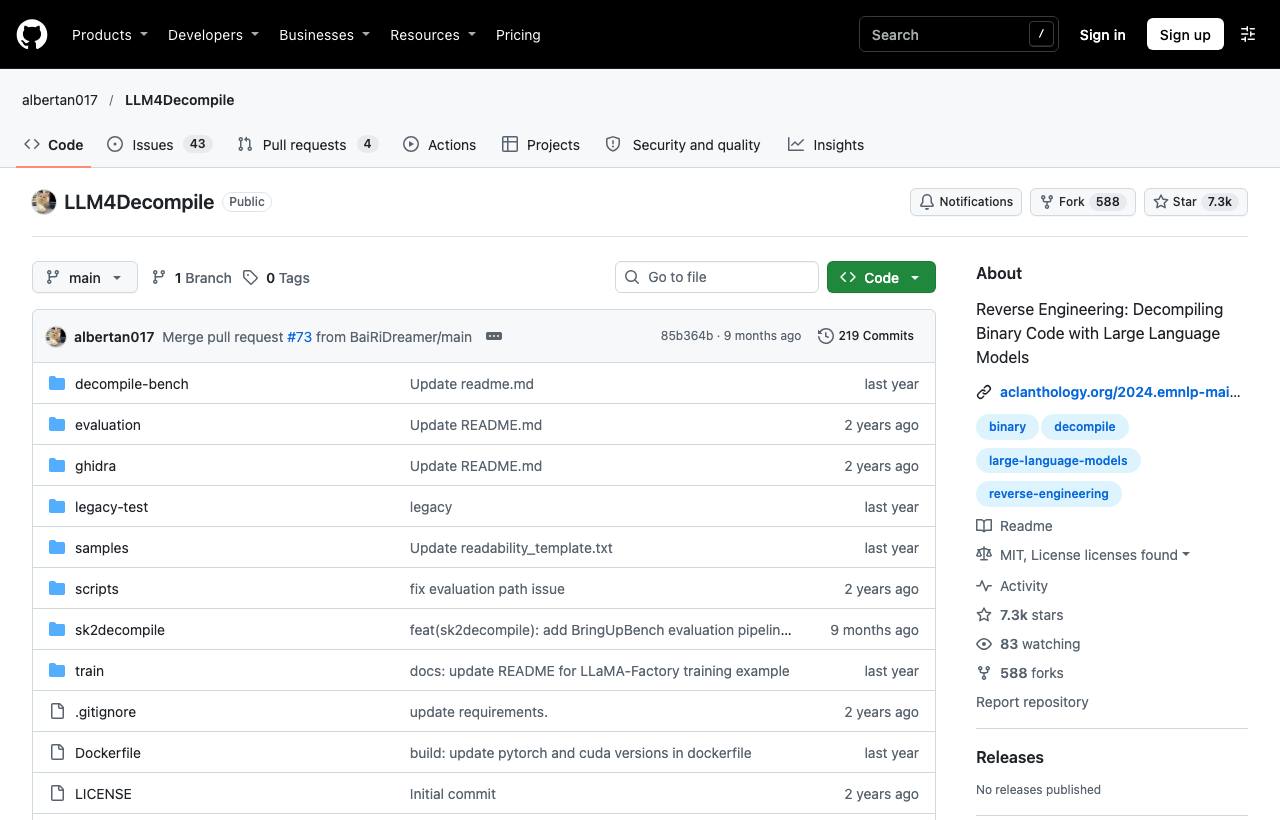
LLM4Decompile is a family of open-source models trained specifically for decompilation. According to its README, the current version handles Linux x86_64 binaries compiled by GCC at O0 to O3 and outputs C. The project has two lines:
- LLM4Decompile-End: takes assembly (obtained with
objdump) and generates C directly. - LLM4Decompile-Ref (V2): takes Ghidra's pseudocode and cleans it up into more readable C.
The authors measure re-executability: does the generated C compile and pass the original function's tests? The README table reports about 45% for the 6.7B V1.5 model and about 65% for the 9B V2 model. Put differently, even the best model still produces code that looks right but behaves wrong for roughly a third of functions. The work was presented at EMNLP 2024. In 2025 the team also released SK²Decompile, which splits the job into two phases: recover the structure first, then name things.
git clone https://github.com/albertan017/LLM4Decompile.git
cd LLM4Decompile
conda create -n 'llm4decompile' python=3.9 -y
conda activate llm4decompile
pip install -r requirements.txt
# Models download from Hugging Face (LLM4Binary/...) and run locally on a GPU
Gotcha: the models work one function at a time and are limited by architecture. ARM, MIPS, Windows PE or obfuscated code are outside what has been evaluated. The big advantage is that everything runs locally, which suits sensitive binaries.
Gepetto: ask an LLM from inside IDA Pro
Gepetto is a plugin for IDA Pro 7.6 and later. It requires the Hex-Rays decompiler, because it sends the current function's pseudocode to the LLM. Its three main actions have hotkeys: explain the function (Ctrl+Alt+G), add comments (Ctrl+Alt+K) and rename variables (Ctrl+Alt+R). The author notes that asking for an explanation before renaming tends to give better names.
pip install ida-hcli
hcli plugin install gepetto
# API keys go in ~/.idapro/cfg/gepetto/config.ini (macOS/Linux)
Its strength is the range of providers: Anthropic, OpenAI, Google Gemini, Azure OpenAI, Groq, Together, Novita, Kluster.ai and, importantly, Ollama and LM Studio for local models. You can also add your own provider with a single Python file, for example an OpenAI-compatible endpoint on your company network. The README warns that these provider files run arbitrary Python when IDA starts, so install only ones you trust. It also reminds users that every model can be wrong and that results must always be treated critically.
ReVa: an agent working across a whole Ghidra project
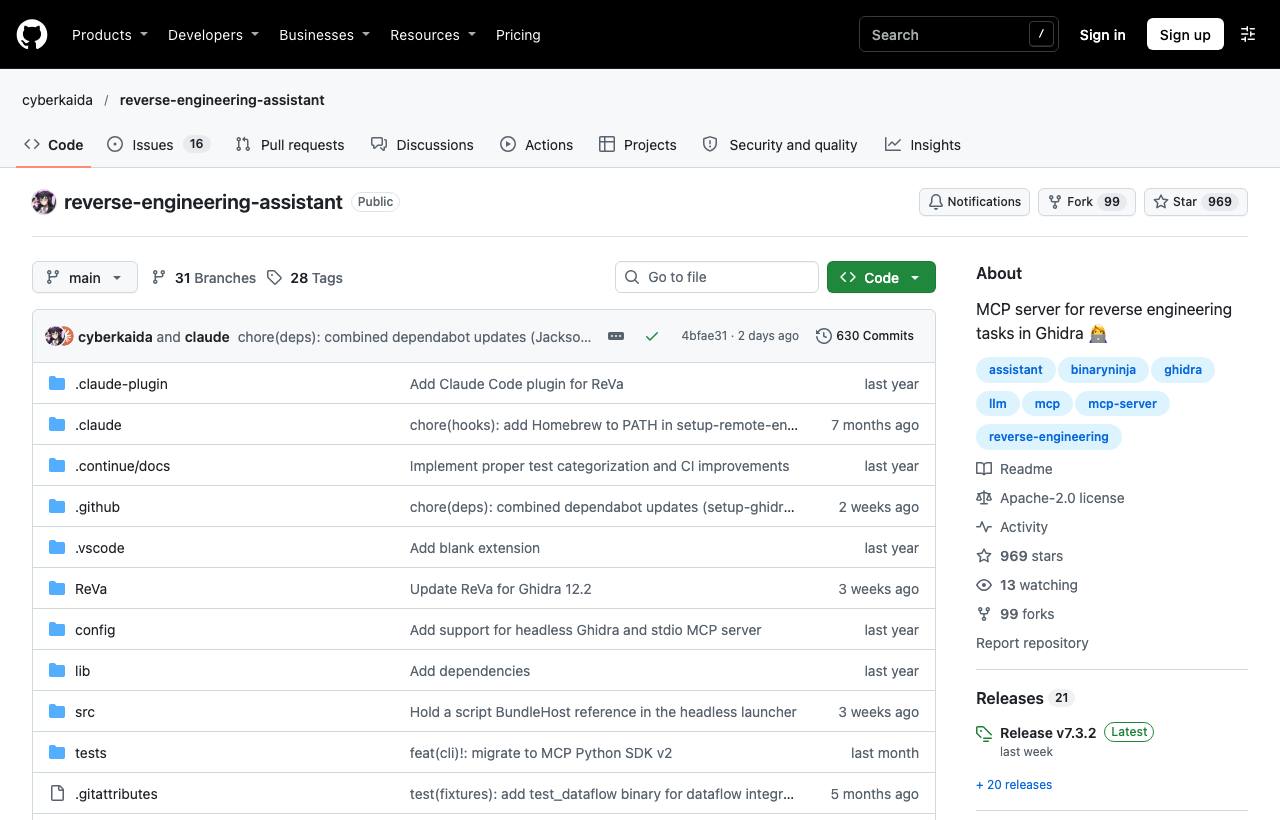
RE Toolkit (1/5) covered GhidraMCP and IDA MCP. ReVa is also a Ghidra MCP server, but it differs in how its tools are designed. Instead of pouring whole decompiled functions into the context, ReVa gives the model many small tools. Each result is a short fragment with its namespace, cross-references and hints for the next step, which aims to reduce “context rot” and hallucination. According to the author, this lets ReVa handle large binaries and even whole firmware images.
- Assistant mode: runs inside an open Ghidra, MCP over HTTP on port 8080.
- Headless mode: no UI, suited to automated pipelines. Temporary projects live in
.reva/projects/. - Claude Code plugin: ships ready-made skills for binary triage, deep analysis, cryptography analysis and CTFs.
# Assistant mode (Ghidra 12.0+ with the ReVa extension installed and a project open)
claude mcp add --scope user --transport http ReVa -- http://localhost:8080/mcp/message

# Headless mode
export GHIDRA_INSTALL_DIR=/path/to/ghidra
uv tool install reverse-engineering-assistant
claude mcp add --scope user ReVa -- mcp-reva
Gotchas: ReVa requires Ghidra 12.0 or later. Ghidra 12.2+ needs Java 25, earlier versions need Java 21, and you must download the release built for your exact Ghidra version. ReVa exposes the PyGhidra scripting environment. By default it listens only on localhost, but if you expose it on a network you must enable API-key authentication or disable the scripting tools. The README suggests allowing all ReVa tools to run without prompts. When analysing unknown samples, don't do that outside an isolated VM.
Decompiler Explorer: a free referee
Decompiler Explorer (dogbolt.org) is like Compiler Explorer in reverse. You upload a small executable and see the output of many decompilers side by side. The decompilers the service lists include Hex-Rays, Ghidra, Binary Ninja, angr, RetDec, Reko, dewolf, rev.ng and some older tools. When AI claims a function does X, check whether the decompilers agree on its control flow and constants. Where they disagree is usually where AI guesses wrong.
dogbolt.org is a public service, so anything you upload goes to a third-party server. For client binaries, run your own instance with Docker from the official repo (about 2.7k stars, MIT):
pipenv install
python scripts/dce.py init
python scripts/dce.py build    # builds the decompilers you are licensed to use
python scripts/dce.py start
The trust-but-verify workflow
- Decompile first, ask AI second: let Ghidra/IDA finish analysis and name what you already know for sure (library functions, obvious strings).
- Ask per function, with context: send the function together with its callers. Ask the AI to give evidence for every name it proposes (which string, which constant, which call).
- Mark AI-given names: a useful convention is a prefix such as
ai_until verified, so the whole team knows which names are uncertain. - Verify: cross-check small functions on Decompiler Explorer. Have the AI itself write a Frida hook or GDB breakpoint to observe real inputs and outputs (see the dynamic analysis post).
- Record: drop the prefix once you have evidence, and note the source of that evidence in a comment.
Risks, security and legal
- Data leakage: sending pseudocode to a cloud LLM also sends logic, strings and sometimes secrets embedded in the binary. Under an NDA, use local models (Ollama or LM Studio via Gepetto, LLM4Decompile) or an internal endpoint.
- Prompt injection from malicious samples: strings in a binary can be written to “instruct” the AI analysing it. Don't give an agent shell or network access when working on unknown samples.
- Realistic expectations: AI cannot “clone any software”. See the analysis in the REA post.
- Legal: only analyse software you own, software you are authorised to analyse, or within what the law permits (interoperability, security research). Read the software licence and the LLM provider's terms carefully.
How to apply it
- Dev: start with a binary you compiled yourself so you can compare against the source. Let AI name things, then grade how many names are right. You will quickly learn where to trust it.
- Tech Lead: standardise an analysis VM (Ghidra + ReVa or IDA + Gepetto), decide which models may see which kinds of data, and enforce the
ai_prefix convention and a mandatory verification step in reviews. - PM: AI shortens the comprehension phase considerably, but budget time for verification. Get legal and security approval before sending client binaries to any external service.
The Advanced RE Toolkit series
- Decompiling Java and Python: Recaf, Vineflower, pyinstxtractor
- Emulation and instrumentation: Unicorn, Qiling, Speakeasy, DynamoRIO
- Building a malware analysis lab: FLARE-VM, REMnux, CAPEv2, PE-sieve
- radare2, Rizin and automation with r2pipe
- AI that reads machine code: LLM4Decompile, Gepetto, ReVa, Decompiler Explorer (this post)
New to this? Read the Reverse Engineering fundamentals series and the RE Toolkit series first.
Sources & references
- LLM4Decompile: Reverse Engineering — Decompiling Binary Code with Large Language Models — albertan017 (GitHub)
- Gepetto — JusticeRage (GitHub)
- ReVa — Reverse Engineering Assistant — cyberkaida (GitHub)
- Decompiler Explorer — decompiler-explorer (GitHub)
- Decompiler Explorer (dogbolt.org) — decompilers API — dogbolt.org