Advanced RE Toolkit (1/5): decompiling Java and Python with Recaf, Vineflower, pyinstxtractor and pycdc
TL;DR
Java and Python bytecode keep class, function and variable names plus strings, so decompiling gets close to the original source. Vineflower and CFR decompile JARs, Recaf lets you browse, edit and deobfuscate; pyinstxtractor unpacks PyInstaller EXEs and pycdc/pycdas turn .pyc back into .py. The main traps are Python versions and obfuscation.
On this page
A colleague sends you report-tool.jar from 2019. The author has left, the source code is gone, and the tool calls an API that is about to be shut down. Or your security team catches an invoice.exe that turns out to be a Python script packed with PyInstaller. Both cases share some good news: Java and Python are far easier to reverse than native code. With the right tools, a few minutes usually gets you code close to the original, including class names, function names and strings.
This is part 1/5 of the Advanced RE Toolkit series, following the Reverse Engineering fundamentals series and the RE Toolkit. It covers four main repos: Vineflower, Recaf, pyinstxtractor and pycdc, plus two fallbacks, CFR and Bytecode Viewer.
Why do Java and Python give away so much?
C/C++ compiles straight to machine code. The compiler optimises, inlines functions and drops variable names, and if the binary is stripped the function names go too. Java and Python compile to bytecode for a virtual machine. The VM needs class names, method names and types to link things at run time, so that information has to stay in the file. A .class file also carries a constant pool with every string. A .pyc file keeps function names, local variable names and constants.
| Tool | Role | Input | Notes |
|---|---|---|---|
| Vineflower | Command-line Java decompiler | .class, .jar, .zip, folders | Modern Fernflower fork, Java 21+ support |
| CFR | Second Java decompiler for cross-checking | .class, .jar | Latest release 0.152 (2021) |
| Recaf | IDE for decompiling and editing bytecode | .jar, .class, APK | Switch decompilers, deobfuscate, edit and re-export |
| Bytecode Viewer | Several decompilers side by side | .jar, APK, DEX | Bundles 6 Java decompilers |
| pyinstxtractor | Unpacks PyInstaller EXE/ELF files | .exe, ELF | Fixes .pyc headers for decompilers |
| pycdc / pycdas | Python decompiler and disassembler | .pyc | Written in C++, aims to support every Python version |
Vineflower: a one-command Java decompiler
Vineflower is a fork of Fernflower, the decompiler built into IntelliJ IDEA, and the direct successor of Quiltflower. It focuses on output quality: records, sealed classes, switch expressions and pattern matching from Java 21+, automatic formatting and multithreaded decompilation. Version 1.11 and later need Java 17 to run.
# Download vineflower.jar from the Releases tab, then:
java -jar vineflower.jar report-tool.jar out/

# A single .class file, printed to the console (omit the destination)
java -jar vineflower.jar com/acme/Report.class
Using IntelliJ? The Vineflower plugin replaces the default Fernflower, so opening a .class file in the IDE gives cleaner code. When a method fails to decompile, run CFR as well and compare. Two decompilers rarely fail in the same place:
java -jar cfr-0.152.jar report-tool.jar --outputdir out-cfr/Recaf: an IDE for JARs without source
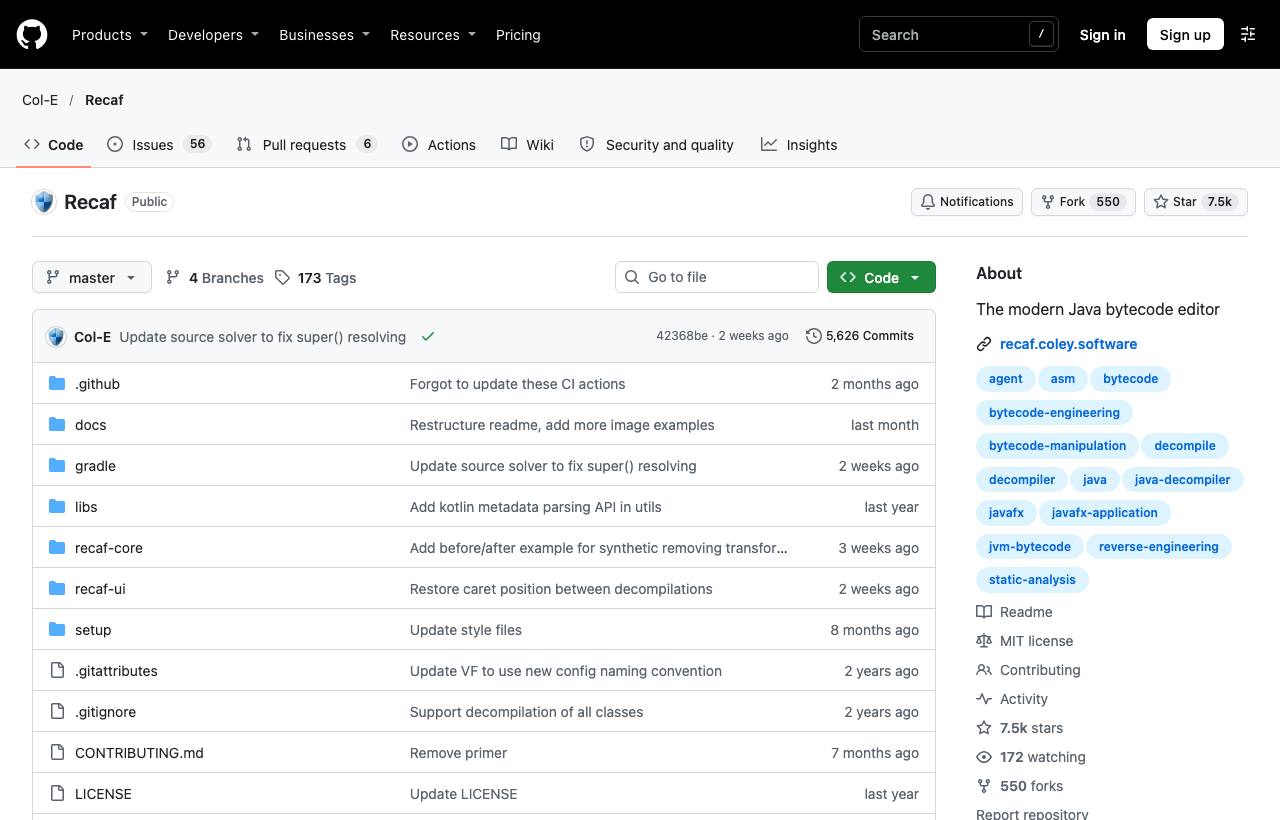
Recaf is not just a viewer. It lets you browse a compiled application the way you browse a project in an IDE: Ctrl + click to jump to classes and methods, Ctrl + G for quick search, and search by string, constant, class reference or bytecode instruction pattern. Underneath, you can switch between CFR, Procyon and Fernflower.
- Edit without source: edit the decompiled code directly, save, and export a new JAR. When decompilation isn't clean enough to recompile, use the bytecode assembler, which shows variable names instead of slot numbers and analyses the stack right in the editor.
- Deobfuscation: transformers for opaque constants and predicates, string encryption and control-flow obfuscation, plus mass renaming and mapping export.
- Trap-proofing: class or JAR files crafted to crash RE tools are patched automatically on open, and Recaf reads ZIP files the same way the JVM does.
Installation: the project recommends Recaf Launcher, which pulls the latest snapshot builds from CI. The Releases page only has 4.0.0-alpha (Aug 2025), so don't be surprised by the “old” release. If you prefer several decompilers side by side in one window, Bytecode Viewer (about 15.7k stars, GPL-3.0) bundles Krakatau, CFR, Procyon, FernFlower, JADX and JD-GUI. For Android APKs, see the post on jadx, Apktool and MobSF; for .NET, see ILSpy and dnSpyEx.
pyinstxtractor: unpacking PyInstaller executables
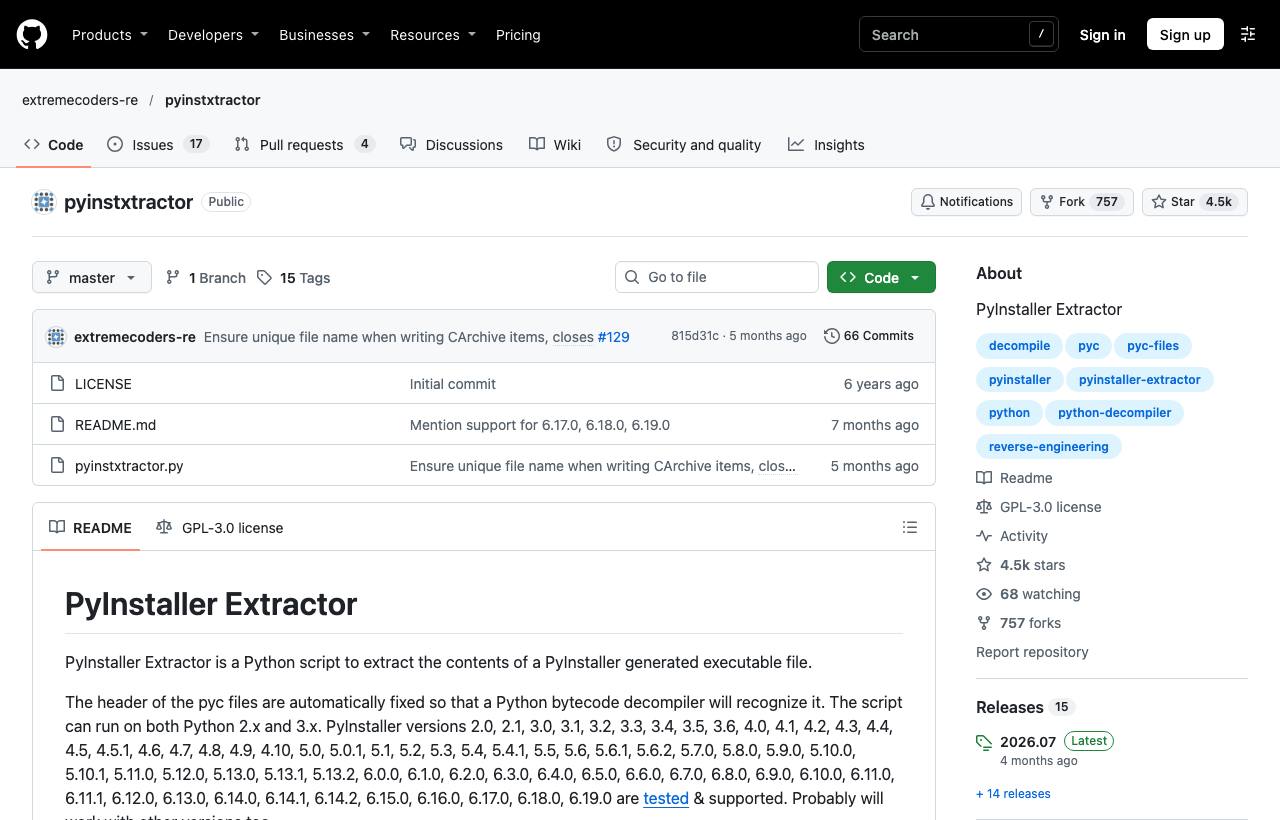
PyInstaller bundles the Python interpreter, libraries and your .pyc files into one executable. pyinstxtractor is a single Python script that unpacks that bundle and fixes the .pyc headers so decompilers recognise them. The README lists tested PyInstaller versions from 2.0 to 6.19.0, and the script handles Linux ELF files too.
python pyinstxtractor.py invoice.exe
# [+] Python version: 3xx
# [+] Possible entry point: invoice.pyc
# → output goes to the invoice.exe_extracted/ folder
Two tips from the README: run the script with the same Python version that built the executable, to avoid errors when unpacking the PYZ archive; and for encrypted PyInstaller files, use pyinstxtractor-ng, a standalone build that doesn't need Python.
pycdc and pycdas: from .pyc back to .py
Decompyle++ ships two tools: pycdc turns bytecode back into Python source, and pycdas prints readable bytecode. It is written in C++, aims to support bytecode from every Python version, and builds with CMake:
git clone https://github.com/zrax/pycdc && cd pycdc
cmake . && make
./pycdc invoice.exe_extracted/invoice.pyc > invoice.py
./pycdas invoice.exe_extracted/invoice.pyc   # when pycdc gives up
The biggest trap is the Python version. The bytecode format changes with almost every Python release, so decompilers are always catching up. On newer bytecode, pycdc may skip blocks or report unsupported instructions. When that happens, read the bytecode directly with pycdas. For older code, uncompyle6 is a useful cross-check, but it only supports up to Python 3.8.
Walkthrough: checking an unknown JAR in 15 minutes
- Isolate: work in a VM and don't run the file. Decompiling is static analysis; nothing executes.
- Look at the structure:
unzip -l suspicious.jarand readMETA-INF/MANIFEST.MFto find theMain-Class. - Decompile everything:
java -jar vineflower.jar suspicious.jar src/. - Hunt for dangerous APIs:
grep -rnE "Runtime\.getRuntime|ProcessBuilder|URLClassLoader|defineClass|Base64|ObjectInputStream" src/. These are the same patterns as in the Log4Shell and deserialization post. - Follow the flow: open the JAR in Recaf, Ctrl + click from
mainto anything suspicious, search for URL or IP strings. - Encrypted strings? Use Recaf's deobfuscation tools, or read the bytecode with
javap -c -p, which ships with the JDK.
For a PyInstaller file the flow is similar: pyinstxtractor → find the “Possible entry point” line → run pycdc on that file → grep for subprocess, socket, requests, base64.
When the code is obfuscated
- ProGuard/R8: mostly renames things to
a,b,cand removes dead code. The logic is still readable, just nameless. Gradual renaming in Recaf is enough. - Commercial obfuscators (e.g. Allatori): add string encryption and control-flow obfuscation. You'll need Recaf's deobfuscation tools and some patience.
- PyArmor: encrypts bytecode and only decrypts it at run time, so pyinstxtractor + pycdc usually yield nothing useful. That's the point to switch to dynamic analysis; see dynamic analysis with Frida.
Legal and ethical notes
Only decompile software your organisation owns, software you are authorised to analyse, or malware samples in an isolated environment. Many commercial licences forbid reverse engineering. Decompiled code still belongs to its authors: use it to understand and audit, never copy it into your product.
What should you do?
- Dev: keep
vineflower.jar,cfr.jarand pyinstxtractor in your tools folder. When a packaged library behaves oddly, decompile and read instead of guessing. Remember that secrets embedded in a JAR or a Python EXE can be read by anyone. - Tech Lead: add a “decompile and grep for dangerous APIs” step to the review of JARs or internal tools of unknown origin. Ban embedding keys or API tokens in Java/Python apps shipped to users.
- PM: for legacy systems with lost source, decompiling is often the fastest way to recover business logic, days rather than months of rewriting. Check licences with legal before you start.
The Advanced RE Toolkit series
- Decompiling Java and Python: Recaf, Vineflower, pyinstxtractor, pycdc (this post)
- Emulation and instrumentation: Unicorn, Qiling, Speakeasy, DynamoRIO
- Building a malware analysis lab: FLARE-VM, REMnux, CAPEv2, PE-sieve
- radare2 and Rizin: command-line RE and automation with r2pipe
- AI-assisted decompiling: LLM4Decompile, Gepetto, ReVa, Decompiler Explorer
Sources & references
- Vineflower — Vineflower (GitHub)
- Recaf — Col-E (GitHub)
- CFR - Another Java Decompiler — leibnitz27 (GitHub)
- Bytecode Viewer — Konloch (GitHub)
- PyInstaller Extractor — extremecoders-re (GitHub)
- Decompyle++ (pycdc) — zrax (GitHub)
- uncompyle6 — rocky (GitHub)