Advanced RE Toolkit (3/5): building a safe malware analysis lab with FLARE-VM, REMnux, CAPEv2 and PE-sieve
TL;DR
To understand malware you have to run it, but only in an isolated lab: two VMs on a host-only network, a fake internet via INetSim or FakeNet-NG, and a clean snapshot reverted after every sample. FLARE-VM builds the Windows analysis box, REMnux handles Linux and network work, CAPEv2 automates and unpacks, and PE-sieve/HollowsHunter catch injected code in memory.
On this page
You've received a suspicious attachment from a phishing email aimed at your company, or found a strange process on a server after an incident. To learn what it does, sooner or later you have to let it run. But running malware on your work laptop, on the corporate network, is the fastest way to turn an analysis sample into a real incident. This post shows how to build an isolated lab with four open-source projects widely used by analysts: FLARE-VM, REMnux, CAPEv2 and PE-sieve.
This is part 3/5 of the Advanced RE Toolkit series, following the Reverse Engineering fundamentals series and the RE Toolkit series. Quick triage with capa, FLOSS and YARA-X is covered in the triage post; this one focuses on the environment and dynamic analysis. The goal is defence: understand samples so you can write detection rules, IOCs and incident reports.
Four pieces and their roles
| Tool | What it is | Use it when |
|---|---|---|
| FLARE-VM (Mandiant) | Scripts that turn a Windows VM into an analysis box, installing hundreds of tools via Chocolatey and Boxstarter | Hands-on analysis of Windows samples: debuggers, disassemblers, Procmon… |
| REMnux | A Linux distribution (Ubuntu 24.04) built for malware analysis | Fake gateway, analysing documents, scripts and traffic |
| CAPEv2 | An automated sandbox descended from Cuckoo, with unpacking and malware config extraction | You need to run many samples and get behaviour reports and payloads automatically |
| PE-sieve / HollowsHunter | hasherezade's process memory scanners | Finding and dumping injected code (injection, hollowing) in running processes |
Lab architecture: isolation first, tools second
- Two VMs, one closed network: the Windows VM runs the sample; the REMnux VM acts as gateway, DNS and fake web server. Both sit on the hypervisor's host-only or internal network, with no NAT to the outside.
- Fake internet: INetSim simulates many services (DNS, HTTP/HTTPS, SMTP…) and ships with REMnux. REMnux's
accept-all-ips startaccepts connections to any IP, so samples that call hard-coded IPs are caught too. If you want everything inside one Windows VM, use Mandiant's FakeNet-NG. - Snapshots: take a clean snapshot after setup and revert after every sample run.
- Turn off every sharing channel between host and VM: shared folders, clipboard, drag and drop, USB passthrough.
FLARE-VM: a Windows analysis box built by script
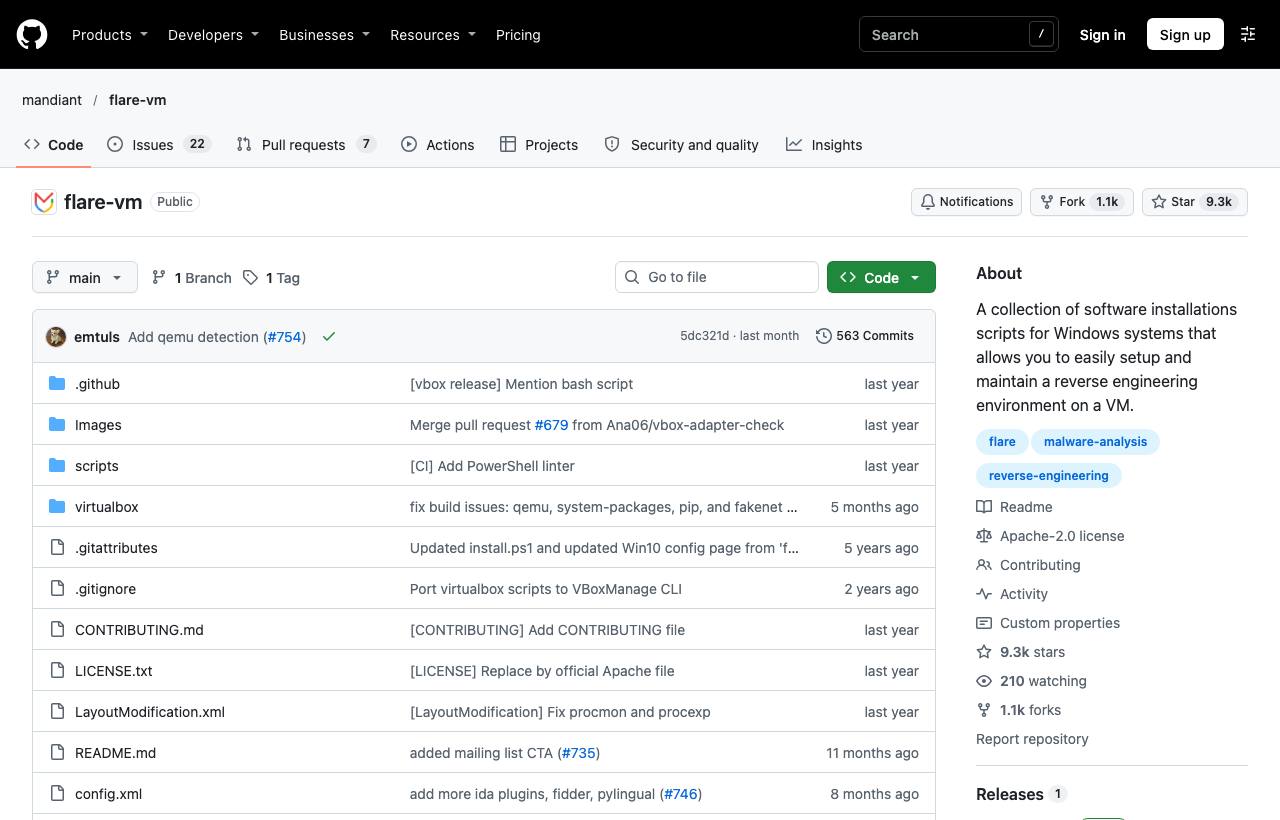
FLARE-VM is not a downloadable image but a set of install scripts you run on a Windows VM you build yourself. The README is explicit: install it only in a virtual machine, with Windows 10 or later, PowerShell 5 or later, at least 60 GB of disk and 2 GB of RAM, a username without spaces, Tamper Protection and Windows Defender disabled (preferably via Group Policy) and Windows Update disabled. Because you must switch off those protections, never install it on a real machine. Take a snapshot first, then open PowerShell as administrator:
(New-Object net.webclient).DownloadFile('https://raw.githubusercontent.com/mandiant/flare-vm/main/install.ps1',"$([Environment]::GetFolderPath("Desktop"))\install.ps1")
cd $([Environment]::GetFolderPath("Desktop"))
Unblock-File .\install.ps1
Set-ExecutionPolicy Unrestricted -Force
.\install.ps1                       # with a GUI to pick packages
# or unattended:
.\install.ps1 -password <password> -noWait -noGui
The installer uses the repo's default config.xml to decide which packages to install; pass your own with -customConfig so the whole team gets the same toolset. When it finishes, the README recommends switching the network adapter to host-only and taking a snapshot. If installation fails, check %VM_COMMON_DIR%\log.txt and the Chocolatey/Boxstarter logs.
REMnux: a Linux toolbox and a fake internet
REMnux comes three ways. Fastest is the virtual appliance (about 8 GB, based on Ubuntu 24.04) for VMware, VirtualBox and Proxmox, or arm64 builds for VMware Fusion and UTM on Apple M-series Macs; verify the SHA-256 and import it. Second, install it on an existing Ubuntu 24.04 Server. Third, run individual tools from REMnux's Docker images without the full distro.
# Install from scratch on Ubuntu 24.04 (per docs.remnux.org)
curl -O https://REMnux.org/remnux
sha256sum remnux                 # compare with the hash in the docs
chmod +x remnux
sudo mv remnux /usr/local/bin
sudo remnux install              # local lab; about an hour
# sudo remnux install --mode=cloud   # keeps SSH enabled for cloud use

# Turn REMnux into a fake internet for the Windows VM
accept-all-ips start
inetsim
In the Windows VM, point the default gateway and DNS at the REMnux IP. Every request from the sample lands in INetSim, while Wireshark on REMnux records a PCAP from which you extract domains, URLs and user agents as IOCs.
CAPEv2: an automated sandbox that unpacks
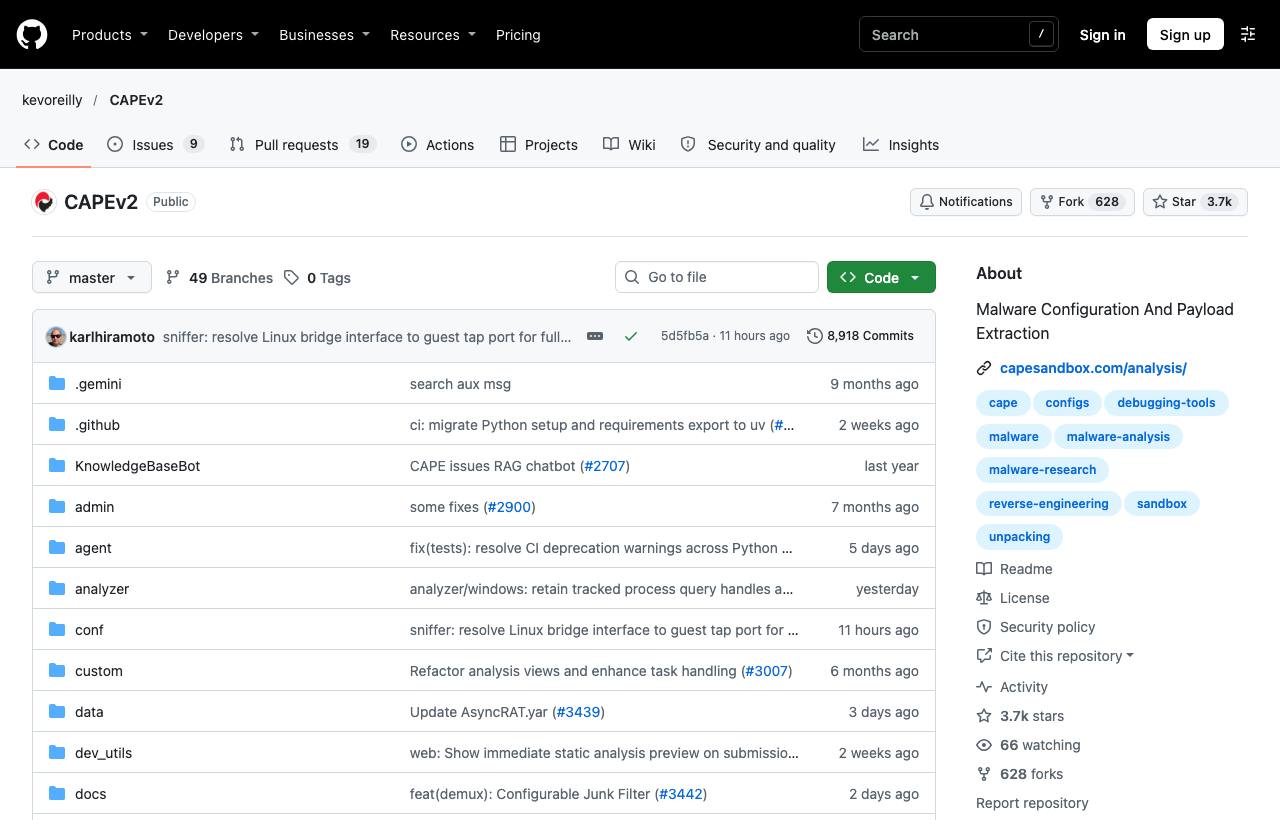
When you handle dozens of samples a day, manual runs don't scale. CAPE (Config And Payload Extraction) is a sandbox descended from Cuckoo: it hooks APIs to log behaviour, captures PCAPs and screenshots, and dumps memory. What sets it apart is automated unpacking (capturing payloads when a sample injects code, hollows a process or decompresses modules in memory), malware config extraction (C2 addresses, keys…), YARA classification of unpacked payloads, Suricata on traffic, and a YARA-programmable debugger to defeat anti-sandbox tricks.
The README recommends an Ubuntu 24.04 LTS host, Windows 10 or Windows 11 23H2 guests and KVM as the hypervisor. Read both install scripts and edit the configuration at the top before running them, ideally inside tmux:
sudo ./kvm-qemu.sh all <username> 2>&1 | tee kvm-qemu.log
sudo ./cape2.sh base 2>&1 | tee cape.log
# edit the files in conf/, then restart the services
systemctl restart cape.service cape-processor.service cape-web.service cape-rooter.service
Common pitfalls: only rooter runs as root, everything else as the cape user; inside the guest use an x86 Python for agent.py. There is a public demo at capesandbox.com, but never upload samples containing internal data to a public service.
PE-sieve and HollowsHunter: inspecting process memory
Many samples leave nothing on disk: they inject code into a legitimate process or hollow it out. PE-sieve scans one process, recognises replaced or injected PEs, shellcode, inline hooks, process hollowing, Process Doppelgänging and reflective DLL injection, and dumps them for further analysis. HollowsHunter uses PE-sieve as its engine but scans many processes or the whole system. Both have prebuilt binaries on GitHub Releases and on Chocolatey (pesieve, hollowshunter).
pe-sieve64.exe /pid 4312 /imp          # scan one process, rebuild imports when dumping
hollows_hunter64.exe /pname explorer.exe;svchost.exe /dir C:\dumps /uniqd
hollows_hunter64.exe /hooks            # enable hook/patch scanning (off by default to cut noise)
hollows_hunter64.exe /loop             # scan continuously; the 64-bit build also has /etw mode
The dumps are often the real, decrypted payload, ready for capa, Ghidra or YARA. Note that PE-sieve reports “suspicious”, not a verdict: legitimate software (games, security products, JIT engines) also patches memory.
One analysis run, step by step
- Revert the Windows VM to a clean snapshot and start INetSim on REMnux.
- Move the sample in as a zip with the password
infected(the analysts' convention that keeps antivirus and colleagues from opening it by accident). Extract it only inside the VM. - Static triage with Detect It Easy, capa and FLOSS to guess the type and capabilities.
- Run it with Procmon and Wireshark recording; watch files, registry, child processes and traffic.
- Scan memory with HollowsHunter to catch injected payloads.
- Record IOCs (hashes, domains, paths, mutexes), write YARA or Sigma rules, then revert.
Risks, law and ethics
- A VM is not an absolute wall: hypervisor escape bugs exist. Use a dedicated host, keep the hypervisor updated, and never sign in to personal or company accounts inside the VM.
- Malware knows it's being watched: many samples look for VM or analysis-tool artefacts and go dormant. A clean sandbox report does not mean a file is harmless.
- Don't let a sample reach a real network: some samples are ransomware or worms; one network misconfiguration can spread them to the company network.
- Legal: only analyse samples you are authorised to handle (from your organisation's incidents or legitimate research sharing) and follow company policy. Never use this knowledge to spread or modify malware.
What should you do?
- Dev: start with the REMnux appliance (fast, low risk) to practise on Office documents, PDFs and scripts; only then build FLARE-VM on a separate machine.
- Tech Lead / SOC: standardise the lab with FLARE-VM's
config.xmland shared snapshots; consider an internal CAPEv2 once sample volume justifies it, instead of uploading to public sandboxes. Write a procedure for receiving and storing samples (password zips, a dedicated store, logging). - PM: the lab needs a dedicated host, Windows licences for the VMs and regular maintenance time; that is small next to the risk of running samples on real machines. Decide who may analyse and where samples are stored.
The Advanced RE Toolkit series
- 1/5: Decompiling Java and Python: Recaf, Vineflower, pyinstxtractor
- 2/5: Emulation and instrumentation: Unicorn, Qiling, Speakeasy, DynamoRIO
- 3/5: Malware analysis lab: FLARE-VM, REMnux, CAPEv2, PE-sieve (this post)
- 4/5: radare2 and Rizin on the command line, automation with r2pipe
- 5/5: AI-assisted decompiling: LLM4Decompile, Gepetto, ReVa, Decompiler Explorer
Sources & references
- FLARE-VM README — Mandiant (GitHub)
- Install from Scratch — REMnux documentation
- Get the Virtual Appliance — REMnux documentation
- Services (INetSim, FakeNet-NG, accept-all-ips) — REMnux documentation
- CAPEv2 README — Kevin O'Reilly và cộng đồng CAPE (GitHub)
- PE-sieve — hasherezade (GitHub)
- Hollows Hunter Wiki — hasherezade (GitHub)
- FakeNet-NG — Mandiant (GitHub)