Advanced RE Toolkit (4/5): radare2 and Rizin — command-line reverse engineering and automation with r2pipe
TL;DR
radare2 and its 2020 fork Rizin are open-source reversing frameworks that run in the terminal, with GUIs (iaito, Cutter) and Ghidra's decompiler via the pdg command. Commands are learned by first letter (a = analyze, p = print, i = info) plus the ~, j and @ operators. The real power is r2pipe/rz-pipe: drive them from Python, get JSON back and triage hundreds of files in CI.
On this page
Ghidra and IDA are powerful, but both are heavy GUI applications. When all you have is an SSH session on a server, you are inside a container, or you need to analyse 500 sample files in a CI pipeline, a scriptable command-line tool fits better. That is where radare2 (r2 for short) and its fork Rizin come in: two open-source reverse engineering frameworks that run from the terminal, each with its own GUI, a decompiler, and a library for driving it from Python.
This post covers both ecosystems, the story of the fork, a cheat sheet of commands you can remember by their first letters, a walkthrough that finds the key in the familiar keycheck binary from the fundamentals post (1/5), and an r2pipe script for triaging files in bulk.
Tool map
| Tool | Role | Use it when |
|---|---|---|
| radare2 | CLI framework: analysis, disassembly, debugging, hex editing, binary patching | You need very broad architecture/format support and many plugins (r2frida, r2ai…) |
| Rizin | A radare2 fork focused on stability and usability | You want Cutter, or a more stable API between releases |
| iaito / Cutter | Qt graphical interfaces for r2 / Rizin | You want control-flow graphs and a visual workflow |
| r2ghidra / rz-ghidra | Embeds Ghidra's decompiler, the pdg command | You'd rather read C-like pseudocode than assembly |
| r2pipe / rz-pipe | Send commands and get JSON back from Python, Node, Go, Rust… | Automating, processing many files |
radare2: a reversing framework for terminal lovers
According to its README, radare started as a command-line hex editor for forensics. Today's r2 is a set of libraries, tools and plugins: analysis, emulation, local or remote debugging via gdb/windbg, and patching and disassembling binaries for a huge range of architectures (x86, ARM, MIPS, RISC-V, AVR, WebAssembly, Dalvik…). Besides the main r2 command there are standalone tools such as rabin2 (file info), rasm2 (assembler) and radiff2 (binary diffing).
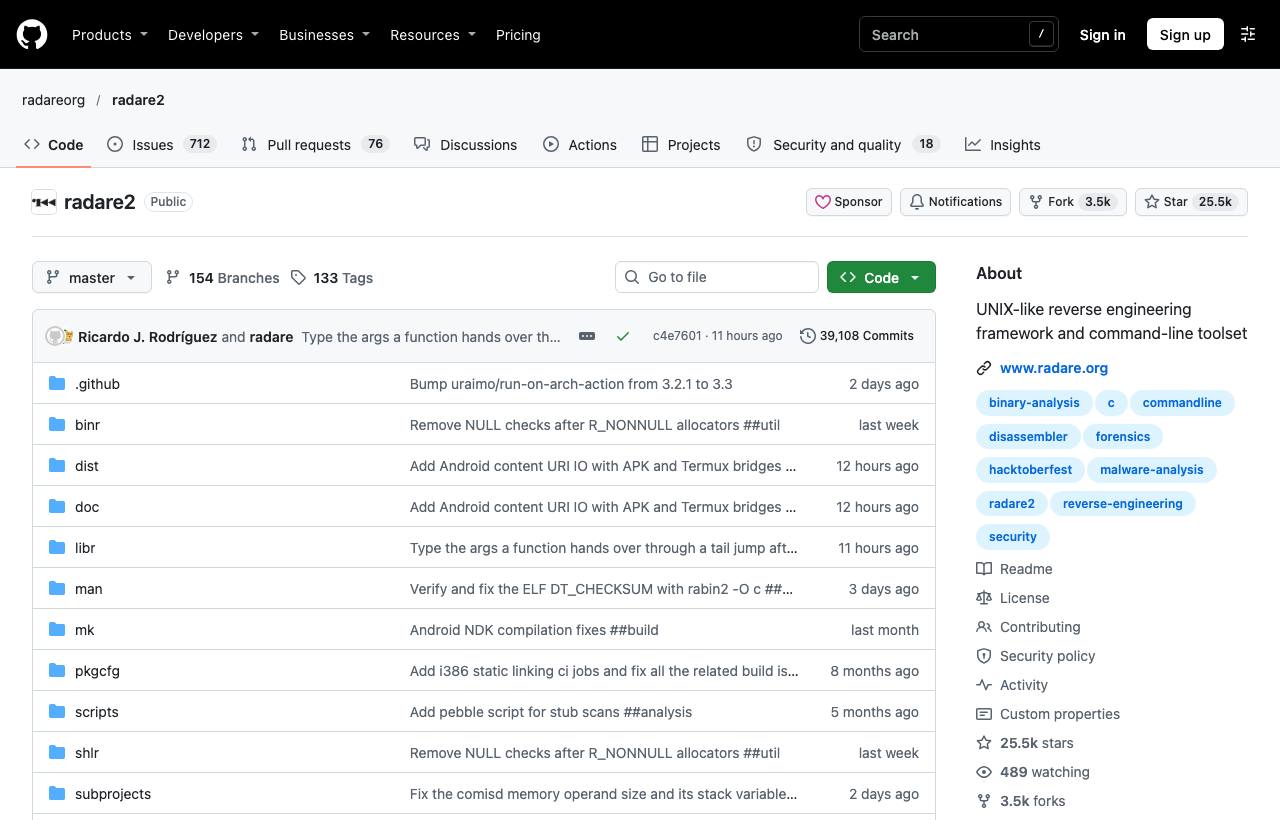
To install, grab a prebuilt package from Releases (the latest at the time of writing is 6.2.6, from 5 November 2026), or build from git, which is the method the README recommends:
git clone https://github.com/radareorg/radare2
radare2/sys/install.sh

# Plugins come through r2pm
r2pm -U              # update the package list
r2pm -ci r2ghidra    # install the Ghidra decompiler
r2pm -s frida        # search packages by keyword
Note: r2 releases very often and the master branch moves constantly. Pin a specific version in CI. If you redistribute r2 inside a product, run r2 -Lj to see each plugin's license.
Rizin: the fork from radare2
On 8 December 2020, a group of radare2 core developers and the entire Cutter team announced Rizin. In the announcement they said the radare2 environment had left many of them feeling stressed and unwelcome, so they decided to go their own way: prioritising usability and stability, adding tests, cleaning up the API and removing redundant features. That is the Rizin side's account. radare2 continues to be actively developed in parallel.
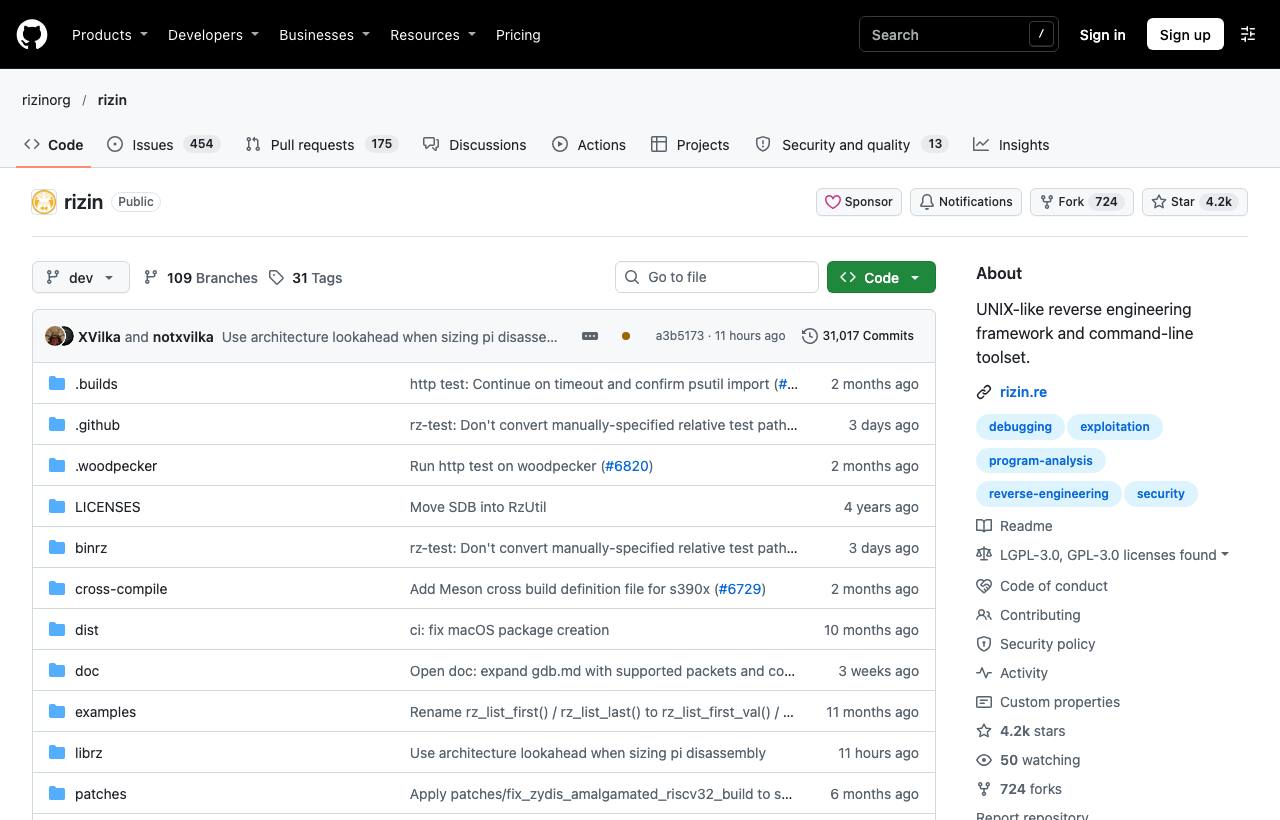
Rizin builds with Meson (the latest release at the time of writing is v0.9.1, from June 2026), or you can follow the instructions on rizin.re. The standalone tools are renamed with an rz- prefix: rz-bin, rz-asm, rz-diff, rz-hash, rz-find.
git clone https://github.com/rizinorg/rizin
cd rizin
meson setup build
meson compile -C build
sudo meson install -C build
Which one? Every basic command in this post exists in both (checked against the command descriptions in both projects' source code). radare2 has more community plugins and extremely broad architecture support. Rizin suits you if you want Cutter or an API that changes less. For beginners, picking the GUI you like is reason enough.
GUIs: iaito and Cutter
- iaito is radare2's official Qt GUI. Its README notes that “iaito” was the project's original name before it was forked as Cutter. Install it with Flatpak (
flatpak install flathub org.radare.iaito) or from Releases. - Cutter (about 20k stars, GPL-3.0) runs on Rizin and supports Python and C++ plugins, including the rz-ghidra decompiler plugin. Install it on macOS with
brew install --cask cutter, on Windows withchoco install cutter, or on Linux as an AppImage. Cutter was mentioned in RE Toolkit (2/5).
Cheat sheet: learn by first letter
r2 commands look cryptic until you notice that each letter is a verb: a = analyze, p = print, i = info, s = seek. Append ? to any command for help, for example afl?.
| Command | Read as | What it does |
|---|---|---|
aaa | analyze all (deep) | Analyses functions, references and calls. Same as opening with r2 -A |
afl | analyze function list | Lists the functions found |
s sym.main | seek | Jumps to an address or name |
pdf | print disassembly function | Prints the whole current function's assembly |
iz / izz | info strings | Strings in data sections / in the whole file |
ii | info imports | Functions imported from external libraries |
axt | xrefs to | Who references this address |
px 32 | print hex | Hexdump of 32 bytes |
VV | visual graph | The function's block graph, right in the terminal |
pdg | decompile (Ghidra) | C pseudocode; needs r2ghidra or rz-ghidra |
Three “operators” work with every command: ~ is an internal grep (afl~main), a j suffix returns JSON (aflj), and @ runs a command at another address without moving the cursor (pdf @ sym.main). Per the documentation, the order is command, then ~filter, then @address.
Walkthrough: finding the key in keycheck.O0
We reuse version 2 of keycheck.c from the fundamentals post: the program XORs each key byte with 0x5A + i and compares the result with a constant array EXPECTED. Build your own binary (the zig cc command is in that post), then open it in r2:
izshows the “License OK” message but no key, because v2 doesn't store the key as text. To find which function prints that message, take the string's address and runaxt @ address.afl~checkfilters outsym.check_key.pdf~xor @ sym.check_keyconfirms there is an XOR inside the loop. TypeVV @ sym.check_keyto see the loop as a graph.px 8 @ obj.EXPECTEDdumps the 8 constant bytes. Undo the XOR with a few lines of Python:
# solve.py
expected = bytes.fromhex("181212151f165257")
print("".join(chr(b ^ (0x5A + i)) for i, b in enumerate(expected)))
With r2ghidra installed, pdg @ sym.check_key shows the loop as C, which is much faster than reading assembly.
Automation with r2pipe and rz-pipe
r2pipe sends command strings to r2 and returns the output. Add j to a command to get JSON, and use cmdj() to get a ready-made Python object. The script below triages every file in a directory: format, function count, imports, the first few strings and the five largest functions.
# pip install r2pipe
import json, sys, pathlib
import r2pipe

def triage(path):
    r2 = r2pipe.open(str(path), flags=["-N"])   # -N: skip personal config
    r2.cmd("aaa")
    info = r2.cmdj("ij") or {}
    funcs = r2.cmdj("aflj") or []
    imports = r2.cmdj("iij") or []
    strings = r2.cmdj("izj") or []
    r2.quit()
    return {
        "file": path.name,
        "format": info.get("core", {}).get("format"),
        "functions": len(funcs),
        "imports": sorted({i["name"] for i in imports}),
        "strings": [s["string"] for s in strings[:20]],
        "largest": sorted(((f["size"], f["name"]) for f in funcs), reverse=True)[:5],
    }

for p in sorted(pathlib.Path(sys.argv[1]).iterdir()):
    if p.is_file():
        print(json.dumps(triage(p), ensure_ascii=False))
Run python3 triage.py samples/ > report.jsonl, then filter with jq, for example to find files that import VirtualAlloc. For Rizin, swap in rz-pipe (pip install rzpipe, rzpipe.open(...)); the API is nearly identical. If you don't need Python, a shell one-liner works: r2 -q -c 'aaa; aflj' ./file > funcs.json (-q quits once the commands have run).
Tips for bulk runs: aaa can be very slow on large binaries, and the r2 docs also warn that deep analysis sometimes produces false positives. Try aa first (it only analyses symbols and entry points), set a timeout per file, and pin your r2 version. To let an AI agent drive r2, see radare2-mcp in RE Toolkit (1/5).
Risks, legality and ethics
- Static analysis doesn't run the sample; debugging does:
r2 -dexecutes the program. Open unknown samples only in an isolated VM; see the lab setup post (3/5). - The tool itself parses untrusted data: keep r2/Rizin up to date, and don't run bulk analysis under a privileged account.
- Write mode:
r2 -wmodifies the file in place. Always work on a copy. - Legality: only reverse engineer software you own or are authorised to analyse. License terms and laws differ by country. See also the post on REA.
What should you do?
- Dev: practise the 10 commands in the table on a binary you built yourself and compare against the source. Use
rabin2 -Iorrz-bin -Ito check a release binary quickly (protection flags, architecture) before shipping. - Tech Lead: package r2 or Rizin at a pinned version in a Docker image. Write r2pipe checks for CI, for example to flag release binaries that still carry debug symbols or leak sensitive strings.
- PM: this toolkit is free, open source and runs on headless servers, which makes it a good fit for an automated triage pipeline before experts step in with Ghidra or IDA.
The Advanced RE Toolkit series
- Decompiling Java and Python: Recaf, Vineflower, pyinstxtractor
- Emulation and instrumentation: Unicorn, Qiling, Speakeasy, DynamoRIO
- Building a malware analysis lab: FLARE-VM, REMnux, CAPEv2, PE-sieve
- radare2 and Rizin: the command line and r2pipe (this post)
- AI-assisted reversing: LLM4Decompile, Gepetto, ReVa, Decompiler Explorer
New to this? Start with the fundamentals series at Reverse Engineering (1/5) and the tools series at RE Toolkit (1/5).
Sources & references
- radare2 README — radareorg (GitHub)
- The Official Radare2 Book — radareorg
- R2pipe (Radare2 Book) — radareorg
- Announcing Rizin! — Rizin
- rizin README — rizinorg (GitHub)
- Cutter README — rizinorg (GitHub)
- iaito README — radareorg (GitHub)
- r2ghidra README — radareorg (GitHub)
- rz-ghidra README — rizinorg (GitHub)
- r2pipe for Python — radareorg (GitHub)
- rz-pipe — rizinorg (GitHub)